Chatbot Hand-Off to a Human: When the Bot Should Step Aside (and Send People to WhatsApp)
A chatbot human handoff should happen when someone wants to buy, asks for a person, or asks what the bot doesn’t know. How to write it and set it up.
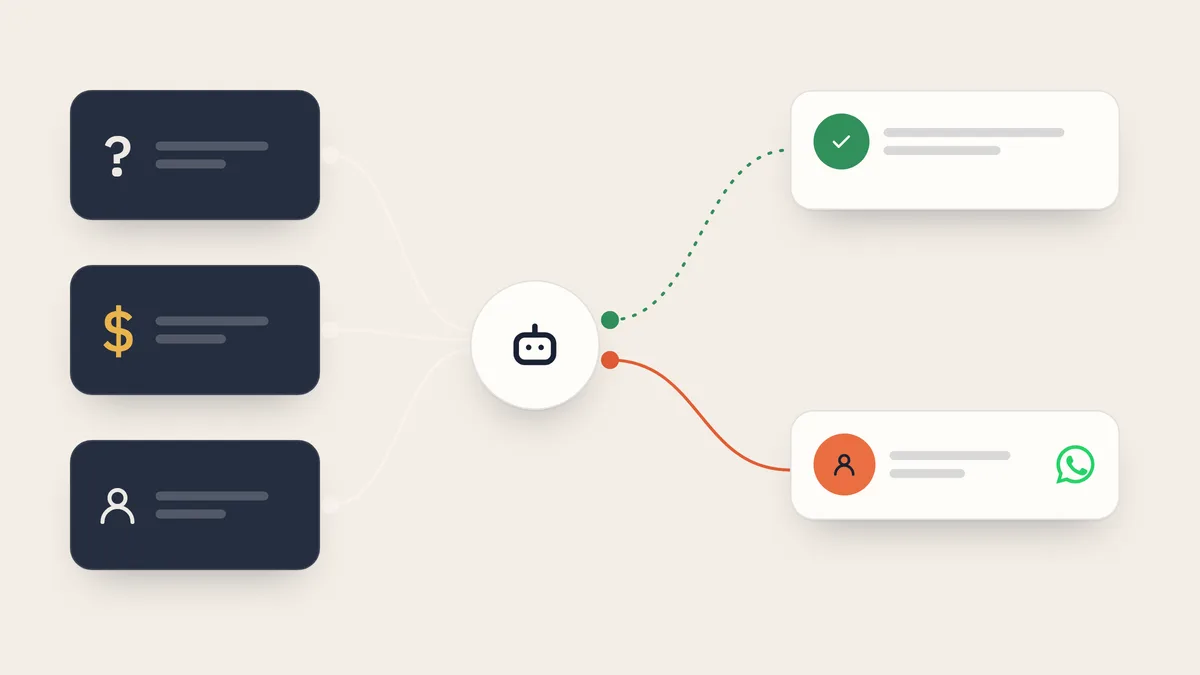
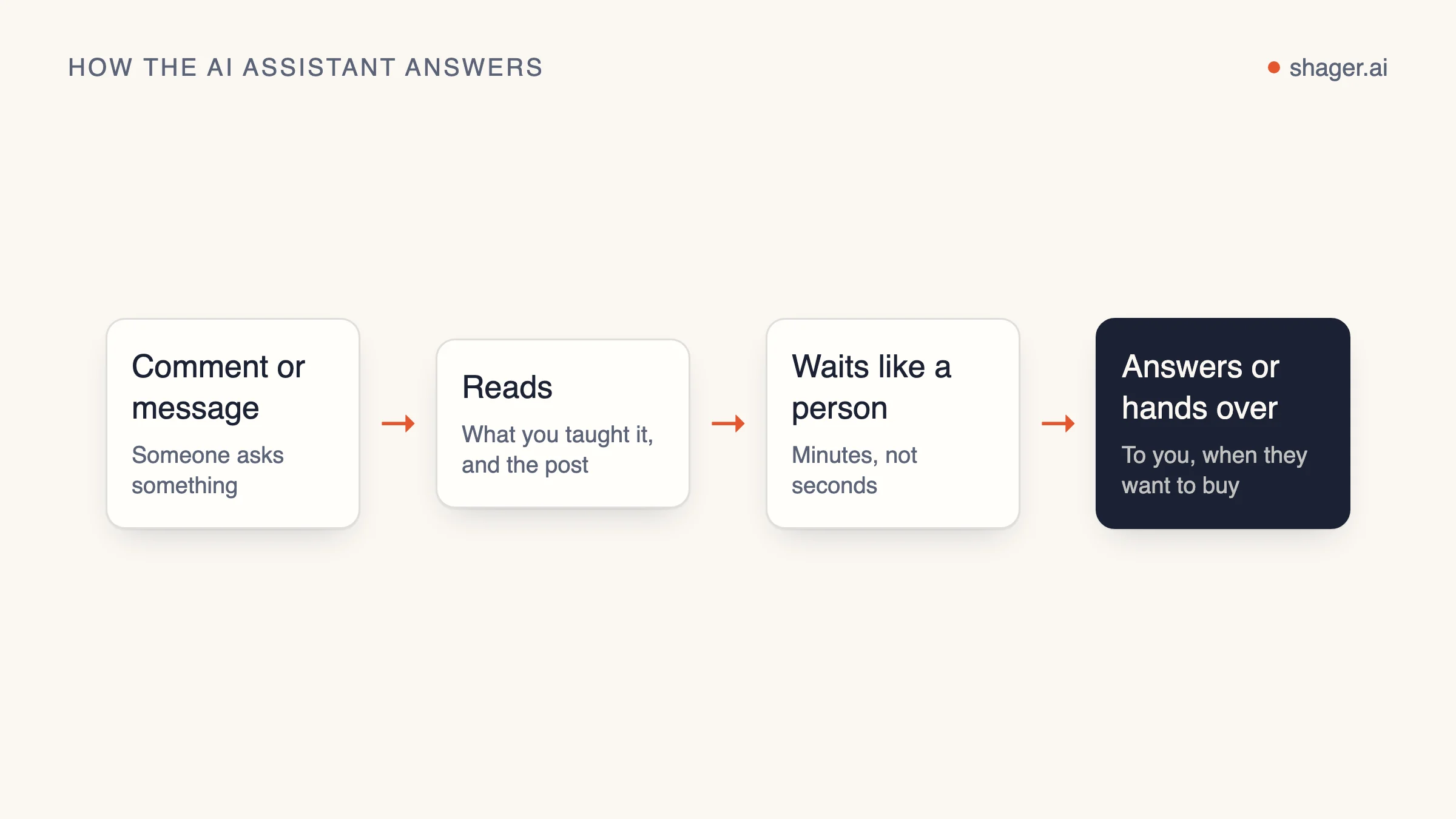
A chatbot should hand off to a human in three moments: when someone wants to buy, when they ask to talk to a person, and when they ask something the bot was never taught. At that point the bot’s only job is to send one clear message that says where a real person is waiting (your WhatsApp, your phone, a booking link) and then get out of the way. Everything else in a good chatbot human handoff is detail around those two rules.
The trouble is that most bots are built to keep the conversation going. That’s fine for "what are your hours?" and terrible for "I want to book the whole studio for a wedding in June, can you do a deal?" The second message is worth more than the previous fifty, and it’s the one a bot is most likely to fumble.
The three moments a bot should hand over
Think of a dog groomer who gets most of her bookings from Instagram. Her DMs look like this on a normal Tuesday:
- "How much for a small dog wash?" The price list answers that. No hand-over needed.
- "My poodle bites when you touch his paws, can you still take him?" Nobody wrote that down for the bot. Hand over.
- "Can I book Saturday at 10?" That’s someone ready to pay. Hand over.
- "Is this a real person?" Answer honestly, and offer the person if they want one.
The pattern is simple. Facts the business wrote down, the bot can answer. Judgment calls, special cases and money changing hands belong to a person. A bot that guesses on message 2 is how you end up with an angry customer and a bitten groomer. A bot that tries to take the booking on message 3 itself, without a calendar, is how you get a double-booked Saturday.
What a good hand-over message says
The hand-over message is the most important line your bot will ever send, and most people write it in ten seconds. A good one does three things:
- Says a person will take it from here. Not "your request has been forwarded", which reads like a ticket queue.
- Gives one place to go. A WhatsApp number or link, a phone number, or a booking page. One, not three.
- Tells them what to bring. "Send a photo of the dog and the day that suits you" saves a whole round of questions.
Compare these two:
Thank you for your message. A member of our team will contact you shortly.
Happy to sort that out. Message me on WhatsApp at +1 555 0142 with your dog’s breed and the day you’d like, and I’ll reply myself.
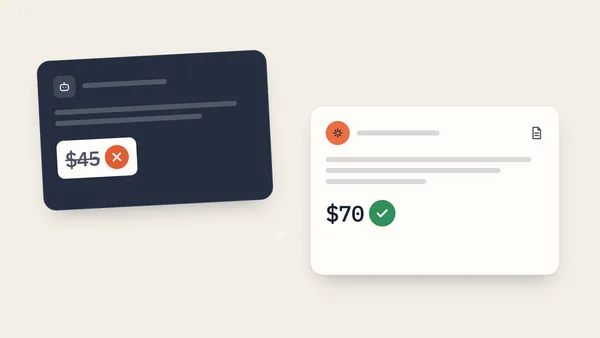
The first promises something the bot can’t keep ("shortly"). The second gives the customer something to do right now, and the groomer gets the details she needs in the first message.
Sending people to WhatsApp
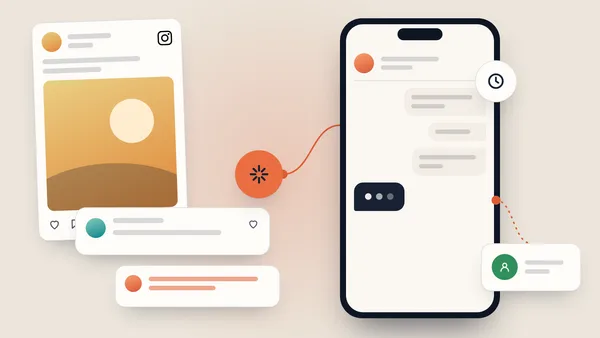
For a lot of small businesses, WhatsApp is where the actual selling happens: quotes, photos, deposits, "see you Saturday". Instagram and Facebook are where people find you. So the hand-over is often literally "continue this on WhatsApp".
The easy way is a click-to-chat link: wa.me/ followed by your number in international format with no spaces or plus sign. Put that link (or the number itself) in your hand-over message, and anyone who taps it lands in a chat with you.
One thing to be clear about: Shager doesn’t connect to WhatsApp. It doesn’t read or send WhatsApp messages. What it does is put your WhatsApp number or link in front of the right person at the right moment, on Instagram, Facebook, YouTube or X, and the conversation continues in your own WhatsApp, with you.
What the bot should do after it hands over
This is where most setups break. The bot sends "message me on WhatsApp", the customer replies "ok, one more thing...", and the bot jumps back in with a cheerful answer about opening hours. Now the customer is talking to two of you.
Shager’s AI assistant handles this with two quiet periods:
| What happened | What the AI assistant does |
|---|---|
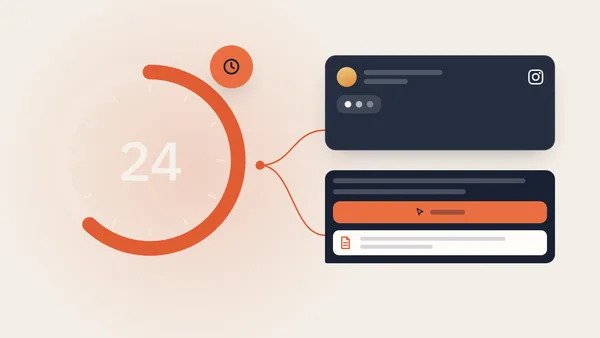
| It handed someone over | Stays quiet with that person for 24 hours |
| Someone on your team answered the person themselves | Stays out of that conversation for 12 hours |
So when you pick up the thread from the Instagram app, the assistant notices you’re there and doesn’t talk over you. You don’t have to switch anything off first. It also answers any one person only a limited number of times a day, so a long back-and-forth ends with your hand-over message rather than going in circles.
There’s also a platform clock to keep in mind. On Instagram and Messenger a business can generally reply within 24 hours of the person’s last message, and Meta’s policy has a separate, narrower rule for human agents replying later (Meta’s messaging policy). That’s another reason to move a serious buyer to WhatsApp or the phone quickly: the conversation stops depending on a window you don’t control. Our guide to the Instagram 24-hour rule goes through it in detail.
How the hand-over works in Shager
The AI assistant lives under Auto-replies. It answers comments and private messages from what you taught it, and when one of the three moments comes up, it sends your hand-over message.
- Open Auto-replies, then AI assistant.
- Write a few lines about the business: what you sell, for whom, prices, hours, location.
- Fill in When someone wants a person with your hand-over message, WhatsApp link included. Don’t leave it empty. Without it the assistant can only say you’ll get back to them.
- Add your website or paste your price list and FAQ, so it can answer the easy questions without handing everything over.
- In Try it before you turn it on, type the awkward questions ("can you do it cheaper?", "can I talk to someone?") and check that it hands over. Nothing is sent.
- Turn on the "AI assistant for messages" template. Approval before sending is on by default, so for the first weeks every answer waits for your OK.
Two details matter for a hand-over. The assistant writes your message in the customer’s language, so a question in Spanish gets a Spanish hand-over. And it keeps every phone number, link, handle and email exactly as you wrote them. If an answer ever came out with your number changed or missing, Shager sends your original message instead. It also never adds a phone number or link that isn’t in what you taught it.
You can try this on your own accounts now: sign up for Shager, it’s free during the launch, with no card.
Where it works
The AI assistant works wherever Shager’s auto-replies work: comments on Instagram, Facebook Pages, YouTube and X, and private messages on Instagram, Facebook and X. Instagram and Facebook are awaiting Meta’s approval; until then, only people we gave early access can connect them. The assistant is priced apart from the plans, in tokens, and each answer takes tokens by its level and length. It’s free during the launch, up to a monthly number of tokens, and when those are used up it stops until the next month with nothing charged automatically. Plans and token packages are on the pricing page.
If your real worry is the bot saying something wrong before it ever gets to the hand-over, read how to get AI replies without made-up prices. For the full tour of the assistant, there’s the AI assistant guide.
FAQ
Should a chatbot tell people it’s a bot?
Yes. Meta’s messaging policy requires it where local law does (it names California and Germany), and it’s simply good manners everywhere else. Shager’s assistant always tells the truth when asked, and by default the first private message to each person ends with a short line saying it’s an automatic assistant.
What if the customer keeps writing to the bot after the hand-over?
After it hands someone over, the assistant stays quiet with that person for 24 hours. Their new messages wait in your inbox for you, instead of getting a second, competing answer.
Can the bot hand over in public comments too?
Yes. If someone asks under a post for a quote for their own case, the assistant answers with your hand-over message in the comment. Keep that message short and safe to show in public, since everyone reading the post sees it.
Does the bot hand over when it doesn’t know the answer?
Yes, that’s one of the three triggers. It answers only from what you taught it, so a question outside that gets your hand-over message rather than a guess.
Can I check answers before they go out?
Yes. With approval on, each answer, hand-overs included, waits as a draft on the Auto-replies page and in your notifications. Approve it, edit it, or don’t send it, while the network still allows a reply.
A bot that knows when to stop is worth more than one that knows everything. Write your hand-over message today, with your WhatsApp link and one line on what to send you, then sign up and test it against the five questions you’d least want a bot to answer.
Want your agent to work with Shager?
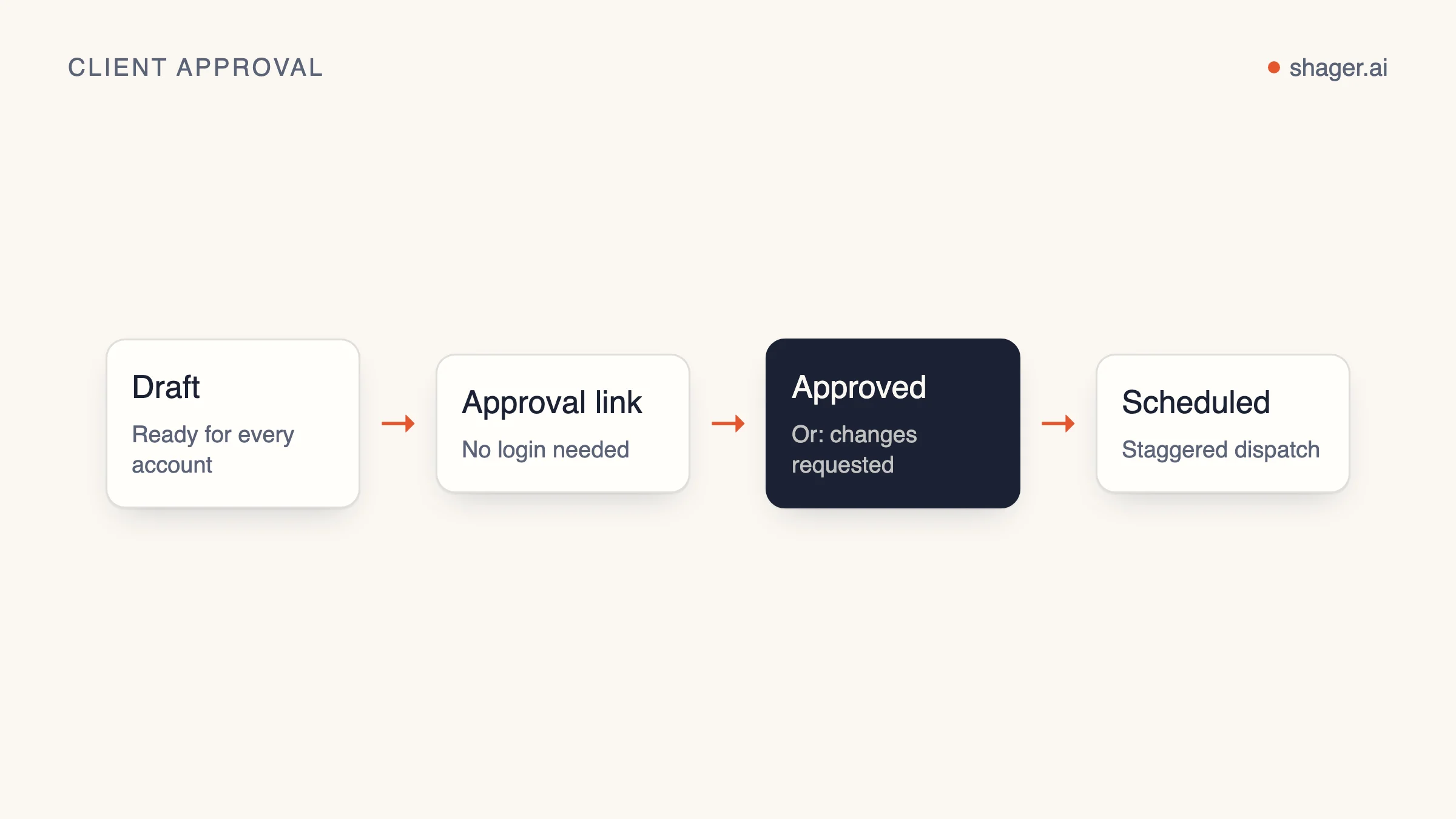
An agent can draft in a sandbox. Publishing requires a human to claim the organization and separately grant the API key publish permission. Per-post approval is required only in workspaces where client approval is enabled.