An AI Assistant That Answers Your Comments and DMs (Without Sounding Like a Bot)
Shager’s AI assistant answers comments and private messages for your business, only from what you taught it, at a human pace, and hands buyers to you.
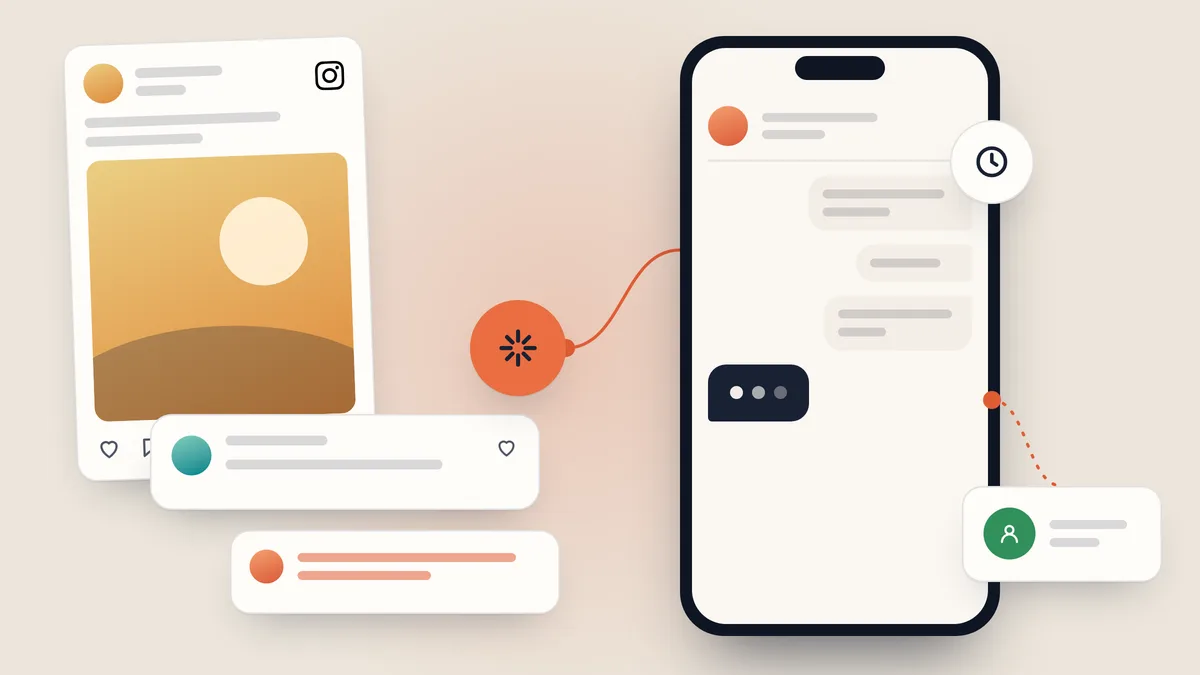
Picture a small bike shop that posts a Reel of a restored steel frame on a Thursday night. By Friday morning there are 70 comments and two dozen DMs. "What size is that?" "Do you do tune-ups on e-bikes?" "Are you open Sunday?" The owner is at the bench with a customer, and every hour those questions sit there, a few of the people asking quietly move on to the next shop.
Answering fast matters. Answering instantly backfires: a reply that lands one second after the question, worded the same for everyone, reads as a bot, and people check out.
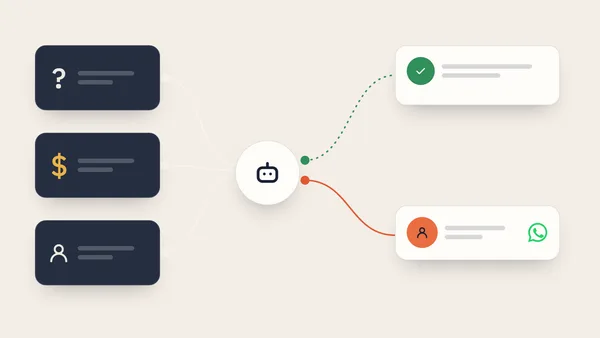
That’s the gap the AI assistant in Shager fills. It lives under Auto-replies, answers comments and private messages on behalf of your business, in whatever language people write, and only from what you taught it. When someone wants to buy, asks for a person, or asks something it doesn’t know, it sends your own hand-over message and steps aside.
Teaching it about your business
The assistant knows nothing about you until you tell it. Its page has three fields:
- About your business. A few lines: what you do, who for, what it costs, your hours, where you are, and the questions you get most. Write it the way you’d brief a new hire on day one.
- When someone wants a person. The message it sends when someone wants to buy, asks to talk to you, or asks something it can’t answer. For example: "Happy to help with that. Call the shop or book a slot on our website and we’ll take it from there." Without this, it has nowhere to send a buyer, so don’t skip it.
- How to talk. Optional, and worth a line or two: "Short and friendly, no emojis, never promise discounts."
Then you give it sources. A whole website, from which it reads up to 25 pages. A single page, like your pricing page. Or pasted text: a price list, an FAQ, your returns policy. Up to 30 sources in total.
Websites and pages are read again every week. Change a price on your site and, within the week, the assistant quotes the new one. Nobody has to remember to update it.
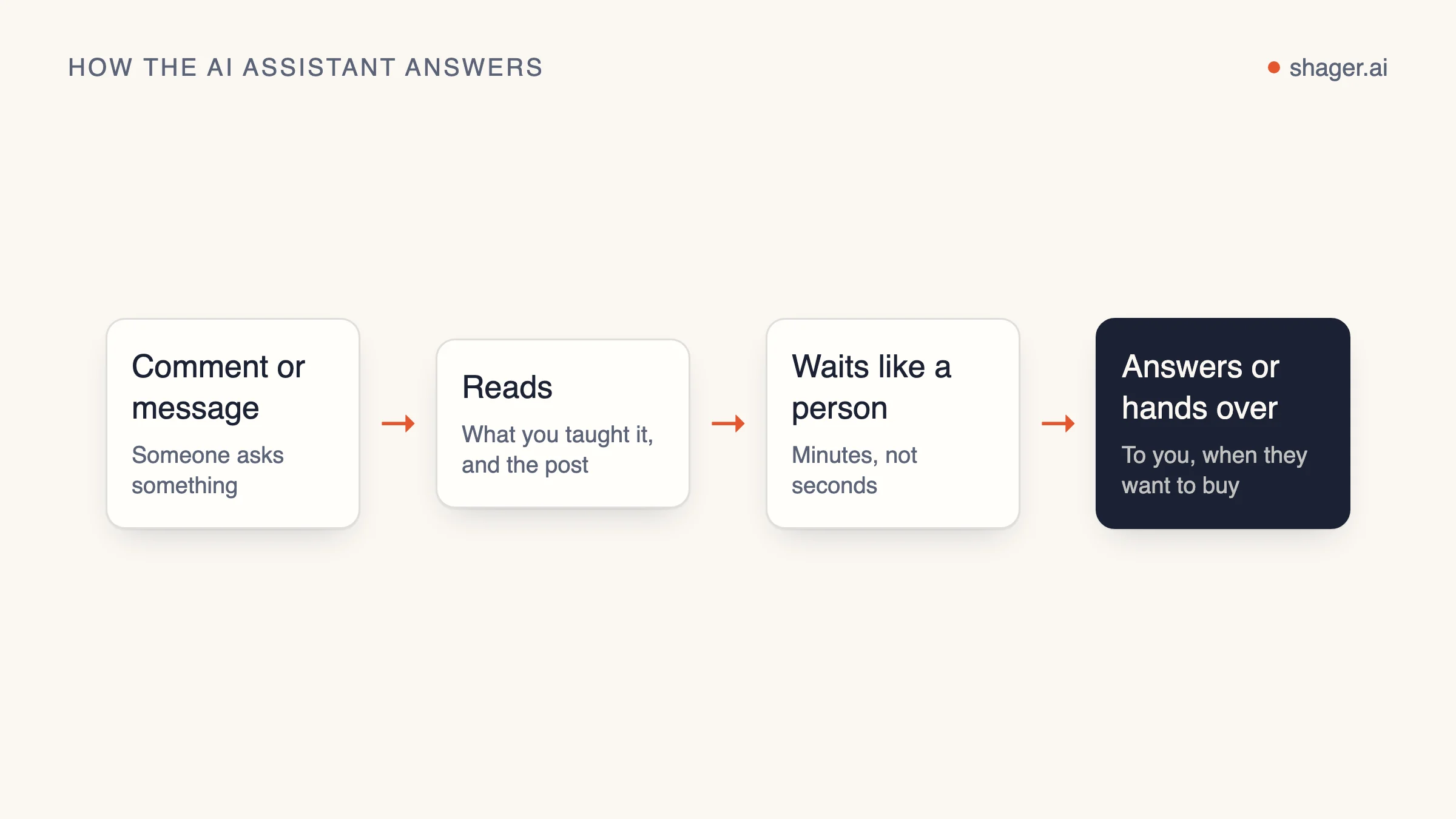
It reads the post before it answers a comment
"How much?" under a post about a road bike is a different question from "How much?" under a post about a repair service. When the assistant answers a comment, it reads the post first: its text and, on YouTube, the video’s captions. That’s how it knows what the person is actually asking about.
One honest limit: it doesn’t transcribe the audio of Instagram or TikTok videos. If the key detail is only spoken in the video, put it in the caption too.
Human timing, on purpose
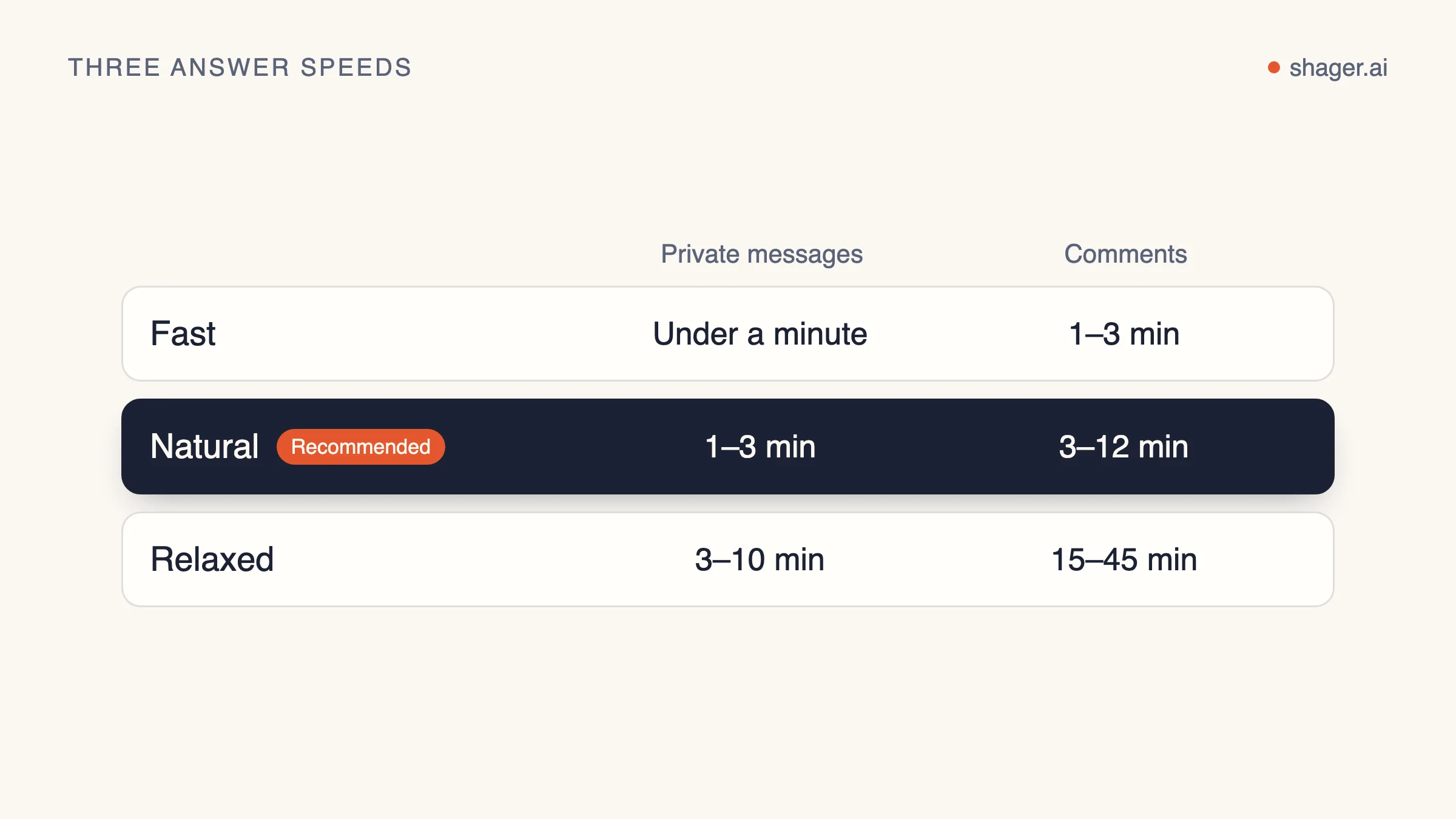
The AI assistant never answers in the same second. You choose one of three speeds:
| Speed | Private messages | Comments |
|---|---|---|
| Fast | under a minute | 1 to 3 minutes |
| Natural (recommended) | 1 to 3 minutes | 3 to 12 minutes |
| Relaxed | 3 to 10 minutes | 15 to 45 minutes |
In private messages on Instagram and Facebook, the person first sees "typing…", like in any chat. If someone fires off three messages in a row ("hey", "quick question", "do you ship?"), it waits until they stop and answers all of it in one reply. Answers on the same account are spaced out rather than sent in a burst.
There are two reasons for this. It feels natural to the person writing to you, and networks don’t mistake it for spam.
Handing over, and staying out of your way
The assistant isn’t trying to close deals on its own. When someone wants to buy, asks for a person, or asks about something you never taught it, it sends your hand-over message. After it hands someone over, it stays quiet with that person for 24 hours so it doesn’t talk over you.
If someone on your team answers a person directly, the assistant stays out of that conversation for 12 hours. You can jump into any thread whenever you like, without switching anything off.
It also answers each person only a limited number of times a day, so a long back-and-forth doesn’t run on forever.
Approving answers before they go out
At first you’ll want to see what it writes. That’s what Approve each answer before it goes out is for. It’s on by default in the ready-made templates, and we recommend leaving it on for the first few weeks.
Each answer it drafts waits for you on the Auto-replies page and in your notifications. You can approve it as written, edit it and send, or not send it at all. One thing to keep in mind: networks only allow a reply for a limited time. For a private message that’s 24 hours; for a comment, 7 days. A draft that isn’t approved in time won’t go out.
When you notice you’re approving almost everything without changing a word, that’s your cue to let it run.
Your keyword rules still answer first
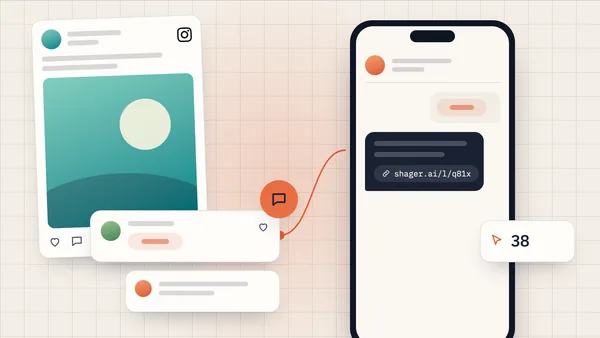
If you already run a rule like "comment GUIDE and get the link in a DM" (we wrote a full guide to comment-to-DM), nothing changes. Rules with keywords and fixed texts answer first, and the AI assistant takes everything else.
Every rule now has a Who writes the answer setting: texts you wrote ahead, or the AI assistant. The quickest start is one of the two templates, "AI assistant for comments" or "AI assistant for messages".
Try it before you turn it on
Before it talks to a real customer, see how it thinks. In Try it before you turn it on, type a question the way a customer would ("Can you fit a tune-up in tomorrow morning?") and see what it would answer. Nothing is sent.
This is also where you pick the answer level, with all three side by side:
- Quick handles simple questions like prices, hours and directions, and takes the fewest tokens, about 5 for a typical answer.
- Smart understands harder questions and writes like a person. It suits most businesses, and it’s what we recommend.
- Best is for sensitive conversations and big sales, and takes about twice the tokens of Smart.
Next to each answer you see how long it took and how many tokens it took, so you choose based on what you saw, not a hunch. All three are built on Anthropic’s Claude models, and Smart and Best can also search the web for general questions if you switch that on.
What it won’t do
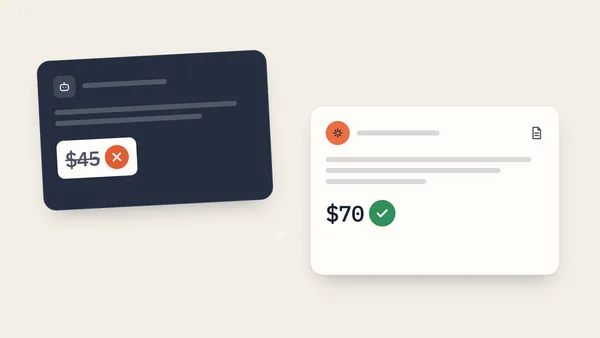
It won’t make things up. It answers only from what you taught it. If a price isn’t in any of your sources, it won’t guess one or promise a discount. It hands the person to you.
It won’t pretend to be human. Ask it whether it’s a bot and it tells the truth, every time. By default, the first private message to each person ends with a short line saying it’s an automatic assistant. You can switch that off, though we’d keep it.
It won’t surprise you with a bill. The assistant isn’t part of your plan. It runs on tokens: you buy a package for the month, and each answer takes tokens by the level you picked and by how long it is. During the launch it’s free, up to a monthly number of tokens. When the tokens run out, the assistant stops answering until they renew next month, and nothing is charged automatically. Comments and messages simply wait in your inbox, and your fixed keyword replies, which every plan includes, keep working.
Where it works
The AI assistant works wherever Shager’s auto-replies work: comments on Instagram, Facebook Pages, YouTube and X, and private messages on Instagram, Facebook and X. Instagram and Facebook are still awaiting Meta’s approval; until then, only people we gave early access can connect them. The networks page always has the current status.
Set it up in 10 minutes
- Open Auto-replies and go to AI assistant.
- Write a few lines about your business and your hand-over message. Add tone notes if you have them.
- Add your website. If your price list isn’t on the site, paste it in as text.
- Type five questions customers really ask you, and compare the answers across levels.
- Pick a speed and a level. Not sure? Natural and Smart.
- Turn on "AI assistant for comments" or "AI assistant for messages". Approval before sending is already on.
- For the first week, check the drafts once or twice a day, and add to your business notes whenever you spot a gap.
If an AI agent runs Shager for you
If you work with Claude, ChatGPT or another agent connected to Shager over MCP, the REST API or the CLI, it can work with the assistant too. The tools are get_ai_assistant and update_ai_assistant for settings, add_ai_knowledge and remove_ai_knowledge for sources, ask_ai_assistant to test an answer without sending anything, and list_ai_drafts, approve_ai_draft and reject_ai_draft for drafts. On create_auto_reply and update_auto_reply, set mode to "ai" and add require_approval if you want drafts.
There’s a firm line here. Once an AI rule is on, an agent that wants to change what the assistant knows or how it answers needs a person’s OK in Shager, and approving a draft needs the same OK as any other reply. The agent saves you the work; a person still decides what goes out under your name. The agents page explains how to connect one.
Where to start
Start with one account and private messages, with approval on. After a week you’ll know exactly what it handles well and what it still needs from you. Plans are on the pricing page, and the help center has short guides if you get stuck.
Want your agent to work with Shager?
An agent can draft in a sandbox. Publishing requires a human to claim the organization and separately grant the API key publish permission. Per-post approval is required only in workspaces where client approval is enabled.