Comment a Word, Get It in a DM: A Practical Guide to Auto-Replies
Turn comments into leads: set up comment-to-DM rules in Shager, pick the word, vary public replies, and send a tracked link or a file in private.
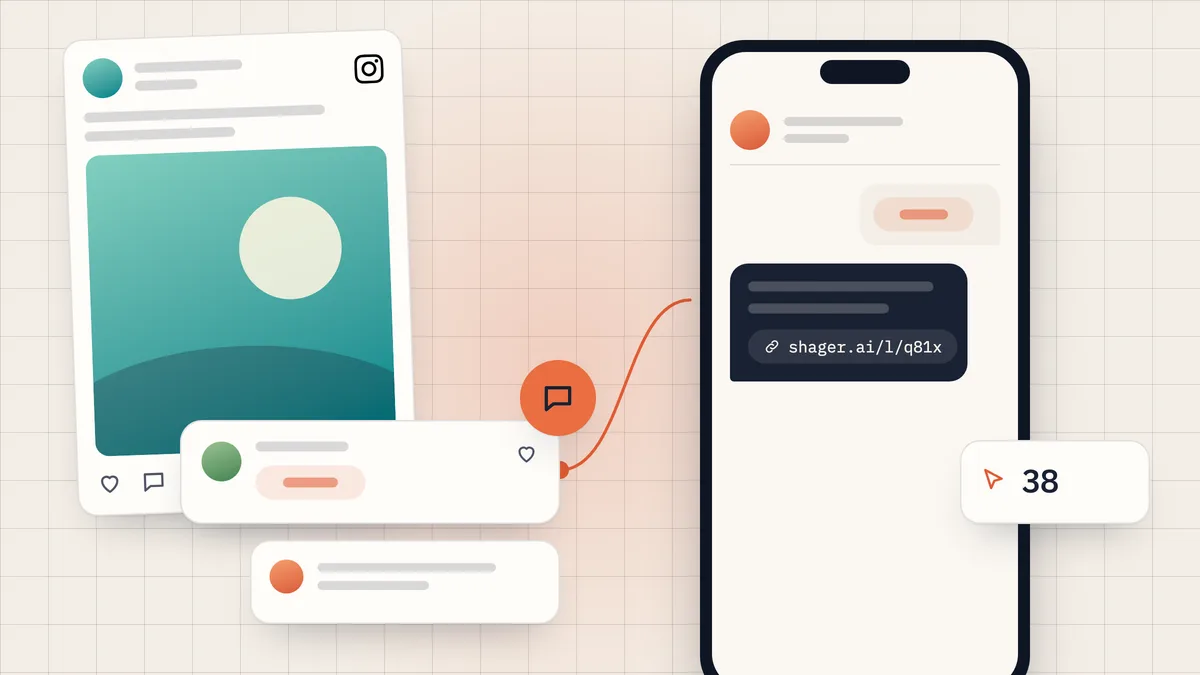
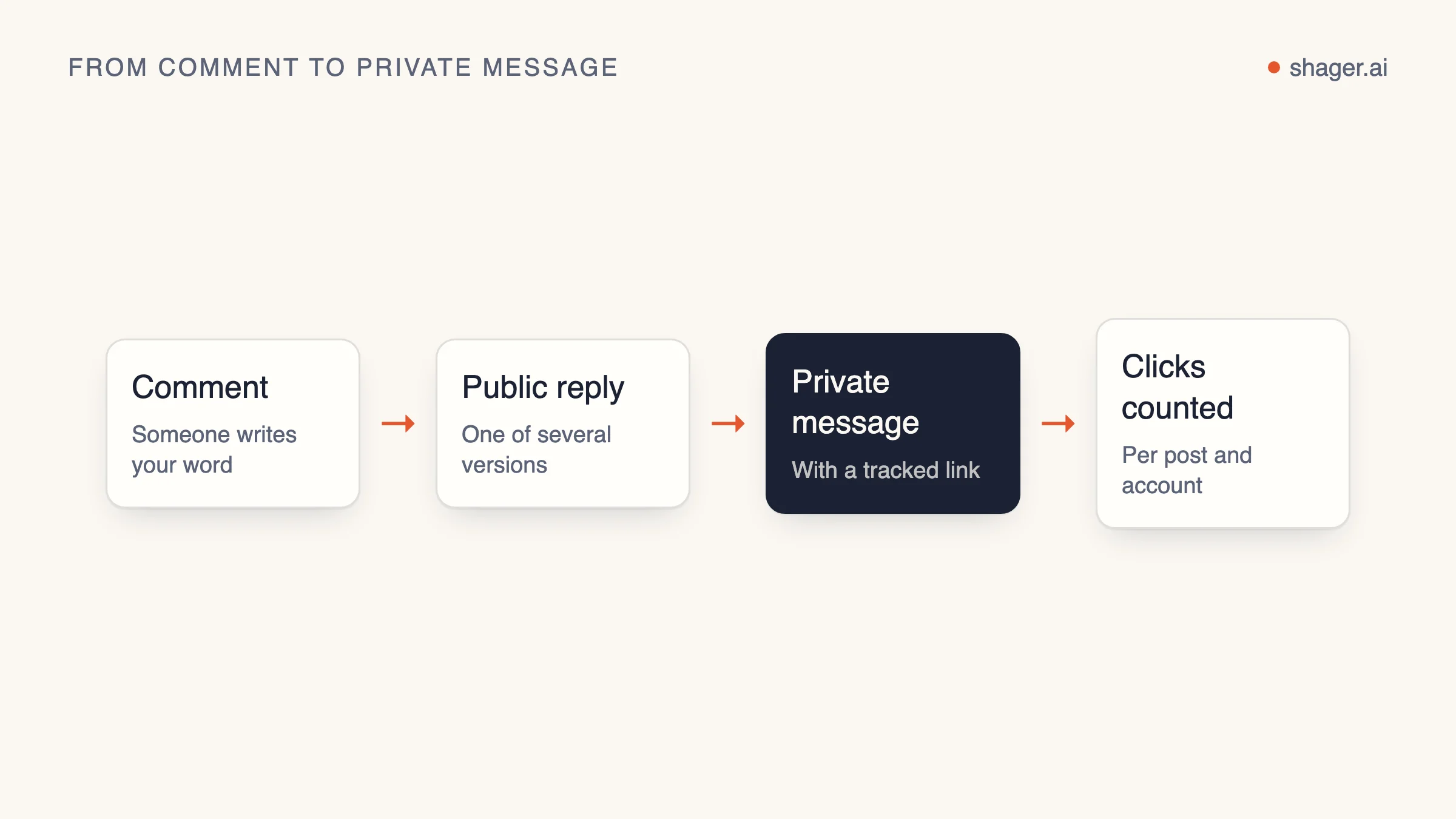
You have seen it under a thousand Reels: "Comment GUIDE and I’ll send it to you." A few seconds later the commenter has a private message with the link, and the post has one more comment. ManyChat is the tool most people know for this. In Shager it lives in the same place where you schedule your posts, under Auto-replies, so the post and the rule that answers its comments are set up side by side.
This guide covers why the format works, how to set up a rule step by step, and the mistakes that make it feel like a bot.
Why "comment a word" works
Three things happen at once.
The post gets more comments. Asking for a single word is the easiest call to action there is. Comments are one of the signals networks look at when deciding who else sees a post, so a post that asks for them tends to travel further than one that says "link in bio".
The link reaches the person, privately. Instagram doesn’t make links in captions or comments clickable. A private message does. The person who asked gets exactly what they asked for, in a place they’ll see it, and you now have a conversation with them.
You can count what happened. The link in the private message goes out as a Shager short link, so every click shows up on the Links & clicks page. You can tell which post and which account sent people to your page, not just that "Instagram did something". If you want to carry that all the way into your CRM, our guide to per-account lead attribution explains how.
Setting up a rule, step by step
Open Auto-replies in your business (or client) and create a new rule.
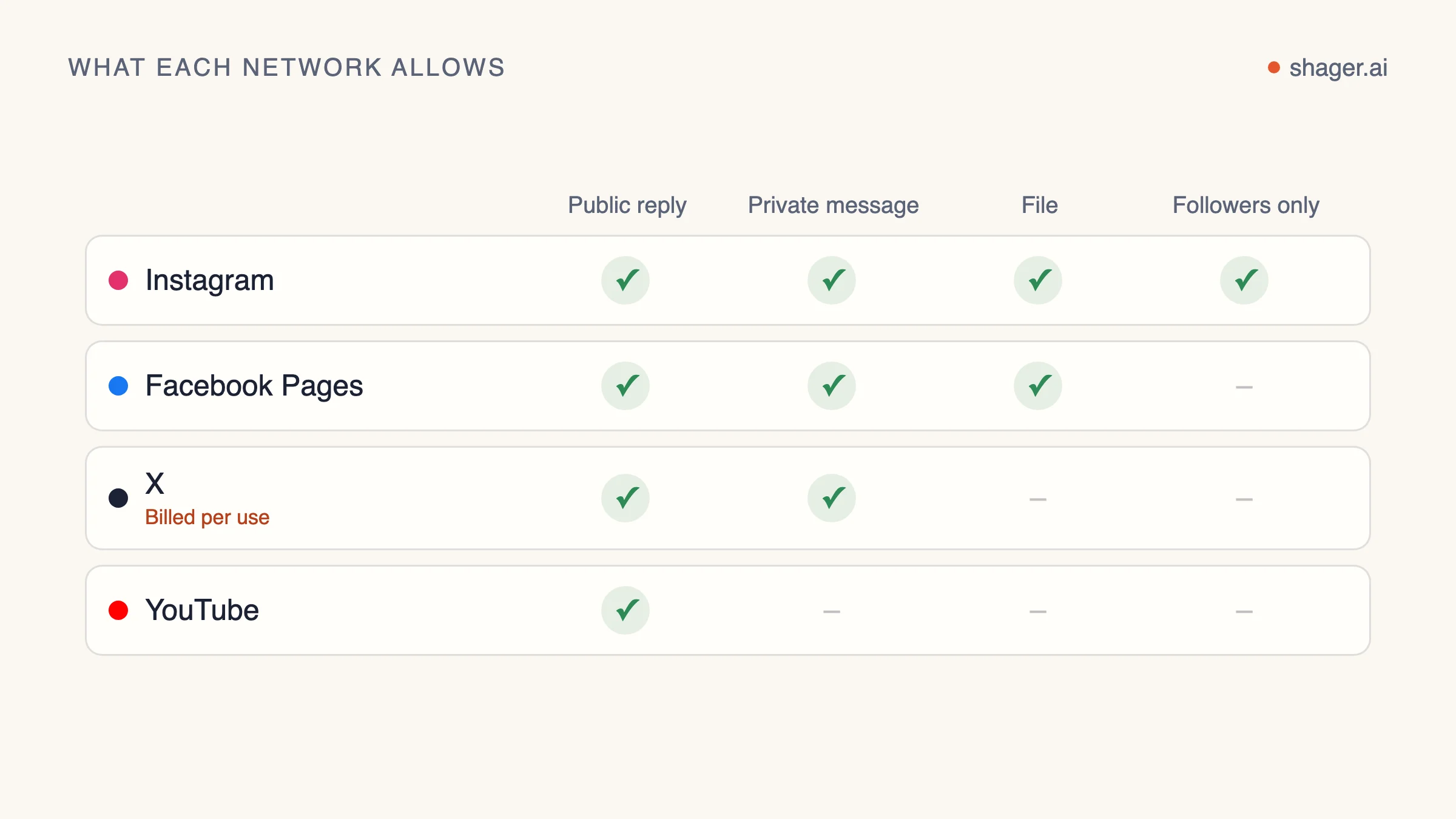
- Choose the trigger. A rule starts either when someone comments on a post, or when someone sends you a direct message. Comment rules work on Instagram, Facebook Pages, YouTube and X, and on LinkedIn company Pages once LinkedIn approves Shager. Message rules work on Instagram, Facebook and X.
- Choose the words. Whole words or phrases, in any letter case. Leave it empty and the rule answers every comment.
- Choose where. All your accounts that can do this, or only some. Every post including future ones, or only the posts you pick.
- Write the public replies. Several versions; more on this below.
- Write the private message, and add a link if you want one.
- Optionally add a file, or switch on "Only for followers".
- Save and turn it on.
That’s the whole setup. Here is how to get each part right.
Choosing the word
A good keyword is short, specific and unlikely to show up by accident. Think of a ceramics studio announcing a spring class schedule. "Info" will catch a lot of comments that weren’t asking for anything. "CLASSES" or "SCHEDULE" catches the people who want the schedule.
A few practical points:
- Matching is by whole word. A rule for "info" matches "INFO please?" but not "information".
- You can add more than one word. A florist might accept "PRICES", "price list" and "menu" for the same rule.
- Say the word in the post, in the video and in the caption. People don’t guess.
- Use different words for different offers, so each rule sends the right thing.
Public replies that don’t look automated
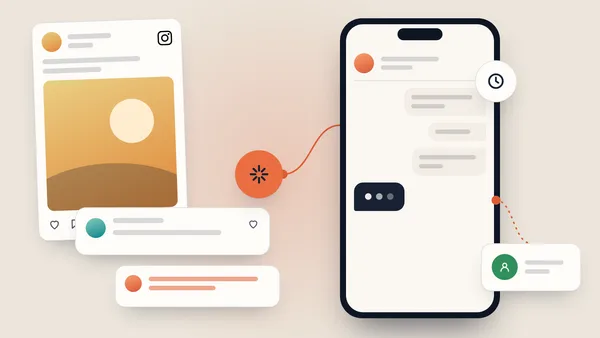
The public reply is what everyone else reading the comments sees. If every comment gets "Sent you a DM!", the thread looks like a bot talking to itself.
That’s why Shager asks for several versions and picks one at random each time. Write four or five that sound like you:
- "Check your messages 🙂"
- "Just sent it over, enjoy the class list"
- "It’s in your inbox"
- "Sent! Let me know which day suits you"
Keep them short. The real content is in the private message.
The private message and the tracked link
The private message goes to the person who commented, once per comment, up to 7 days after they wrote it. Write it the way you’d write to a customer who just walked in:
Hi! Here’s the spring schedule. The Tuesday evening class usually fills up first, so book early if that’s the one you want.
If you add a link, Shager puts it at the end as a tracked short link. You don’t need to shorten it or tag it yourself. A few days later, Links & clicks shows how many people opened it.
Sending a file in private
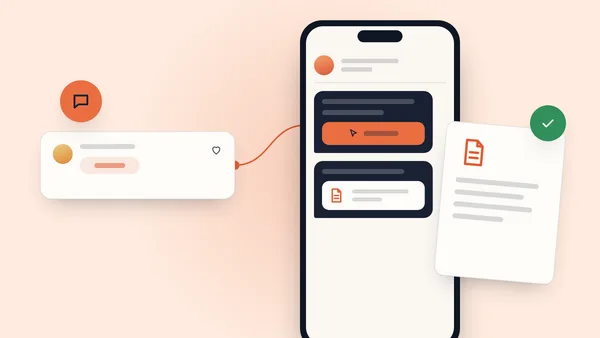
Sometimes the best thing to send isn’t a link. It’s the PDF guide, the price list, a coupon image or a short video. On Instagram and Facebook, a rule can now send a file: an image up to 8 MB, or a video or PDF up to 25 MB.
There’s one detail worth understanding. Instagram and Facebook only allow text in the first private reply to a comment. So Shager first sends a short private message with a button. You write that message and the button label (up to 20 characters, something like "Send it to me"). When the person taps the button, your message, link and file go out together.
For direct-message rules there’s no such step: the file goes right after the answer.
On X and YouTube files aren’t sent. On X the message and link still go out; on YouTube there are no private messages at all (more on that below).
"Only for followers"
On Instagram you can turn on Only for followers. The private reply asks the person to follow you and tap a button. When they tap, Shager asks Instagram whether they follow you. Followers get the promised message. Everyone else gets a reminder with the button again, up to 5 times, and then Shager stops asking.
Use it when the thing you’re giving away is valuable enough to ask for a follow. For a simple price list, it may just add friction.
Network rules and limits
Each network sets its own rules, and Shager follows them:
- Shager never messages someone who didn’t reach out first. Only the person who commented or messaged you gets a private message. This is Meta’s rule, and it’s the right one.
- Once per person is on by default: each person is answered once per rule in 30 days, even if they comment on five posts.
- At most 120 replies per account per hour, so a viral post doesn’t turn into a flood.
- YouTube has no private messages, so rules there reply in public only.
- X charges for replies and direct messages. Shager bills those costs to you, with a monthly limit you set yourself.
Which networks are open to everyone right now changes as approvals come in. The networks page always has the current list.
Mistakes to avoid
A vague keyword. "Yes", "info" or "link" will fire on comments that weren’t requests. Pick a word that only means one thing in your post.
The same public reply every time. It looks like a bot, because it is one. Write several versions.
Promising something the DM doesn’t deliver. If the post says "comment GUIDE for the free guide", the private message has to contain the guide, not a link to a sales page with the guide hidden somewhere. People notice, and they don’t comment next time.
Spammy messages. All caps, a stack of emojis, three links and "LIMITED TIME". Write one clear message with one link or one file.
Forgetting the private message entirely. A public "check your DMs" with nothing in the DMs is worse than no rule.
Letting an AI agent set it up
If you work with Claude, ChatGPT or another agent connected to Shager, it can create rules for you through Shager’s MCP server or API, using create_auto_reply (with attachment_media_id when the rule sends a file). You might ask it: "Set up a rule for tomorrow’s Reel: the word SCHEDULE, four public replies in my tone, and the class schedule PDF in private."
The agent prepares the rule, but it’s created paused. Someone on your team opens it in Shager, reads the exact public replies and private message, and approves it before it goes live. The agent saves you the typing. A person still decides what goes out under your name.
More on connecting an agent is on the agents page.
How to start
- See what Auto-replies and the rest of Shager do on the product page.
- Check which of your networks are supported on networks.
- Pick a plan on pricing.
- Stuck on a step? The help center has short guides.
Start with one post and one word. Watch the clicks for a week, then decide what to automate next.
Want your agent to work with Shager?
An agent can draft in a sandbox. Publishing requires a human to claim the organization and separately grant the API key publish permission. Per-post approval is required only in workspaces where client approval is enabled.