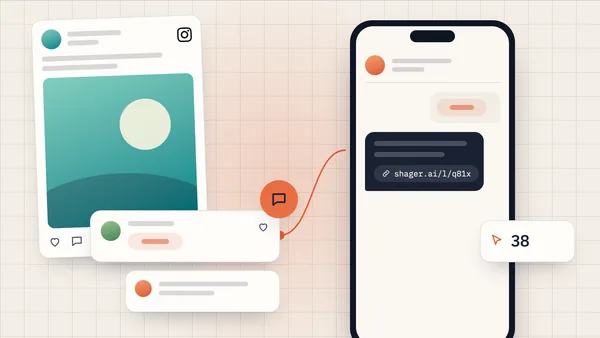
Comment GUIDE and get the PDF: sending a lead magnet in the DMs automatically
How to send a free guide, price list or coupon in a private message when someone comments a word on Instagram or Facebook, and how to measure it with Shager.
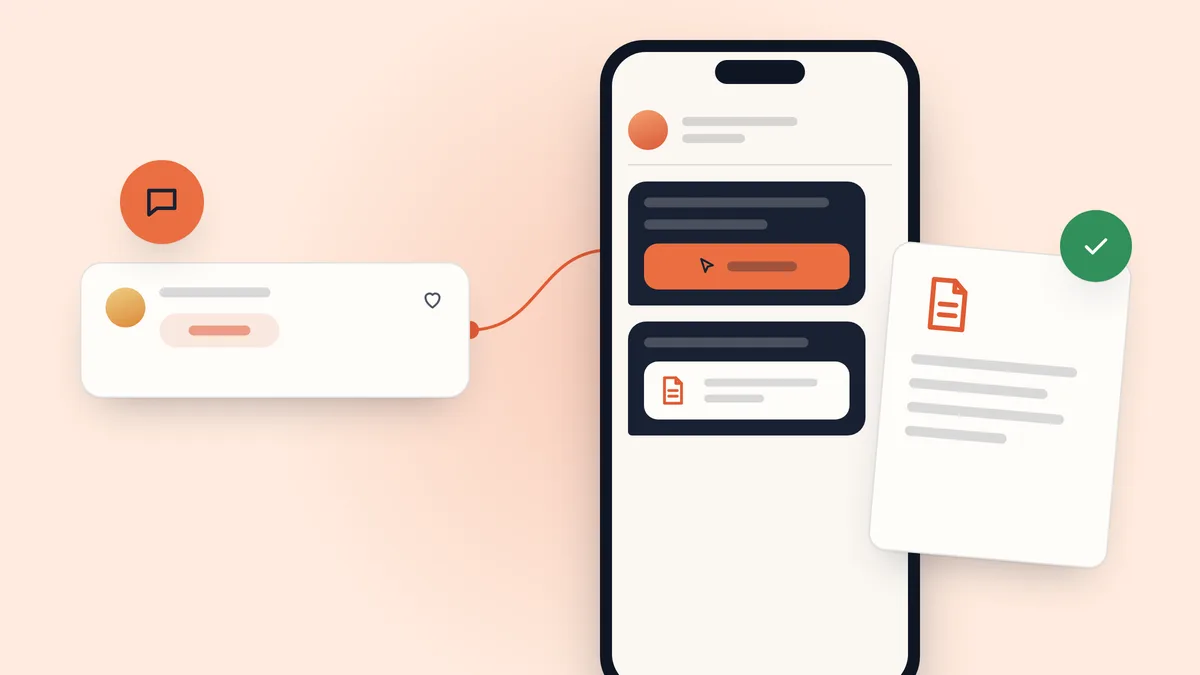
You have probably seen posts that end with "Comment GUIDE and I’ll send it to you." It works because it asks for very little. One word in the comments, and a useful file lands in your messages a few seconds later. You get a conversation with someone who raised their hand.
This article is about doing that well with Shager: what to send, how the delivery works on Instagram and Facebook, what to write in each message, and how to tell whether it is bringing you customers. If you want the basics of comment-to-DM rules first, start with replying to comments in private, automatically.
What makes a good lead magnet on social
The file people get after commenting is not an ebook. Nobody who taps a button on their phone between two Reels wants 40 pages. They want one thing that helps right now.
A few rules that hold up:
- One problem, one page. "The 7 documents your accountant needs in January" beats "The complete guide to small business taxes." A short checklist gets opened. A long guide gets saved and forgotten.
- It matches the post exactly. If the Reel shows three stretches for lower back pain, the file is those three stretches with photos and reps.
- It leads somewhere. The last line of the file, and the message that comes with it, should say what to do next: book, order, visit.
Good formats for small businesses: a one-page checklist as a PDF, a price list, a menu, a coupon as an image, a before-and-after cheat sheet, or a short how-to video that is too long for a Reel but perfect in a private chat.
File types and sizes
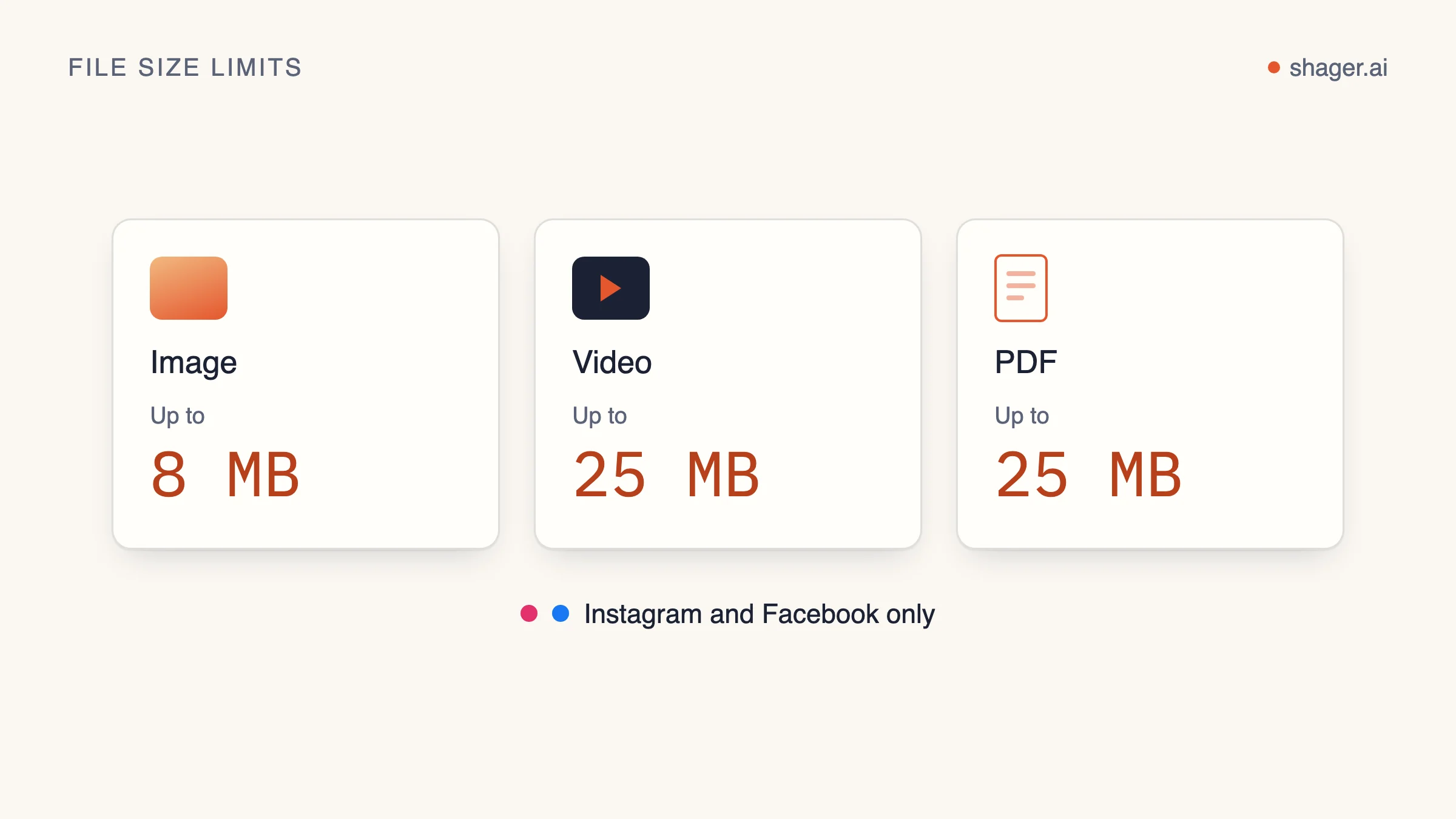
On Instagram and Facebook, Shager can send an image up to 8 MB, or a video or a PDF up to 25 MB. You upload the file once to the rule, and every person who qualifies gets it.
For a PDF, export at normal screen quality and check the size before you upload. A price list full of photos grows fast, so compress them first. For a coupon or a menu, an image is often better than a PDF because it opens right inside the chat with no extra tap.
How the button step works, and why it is there
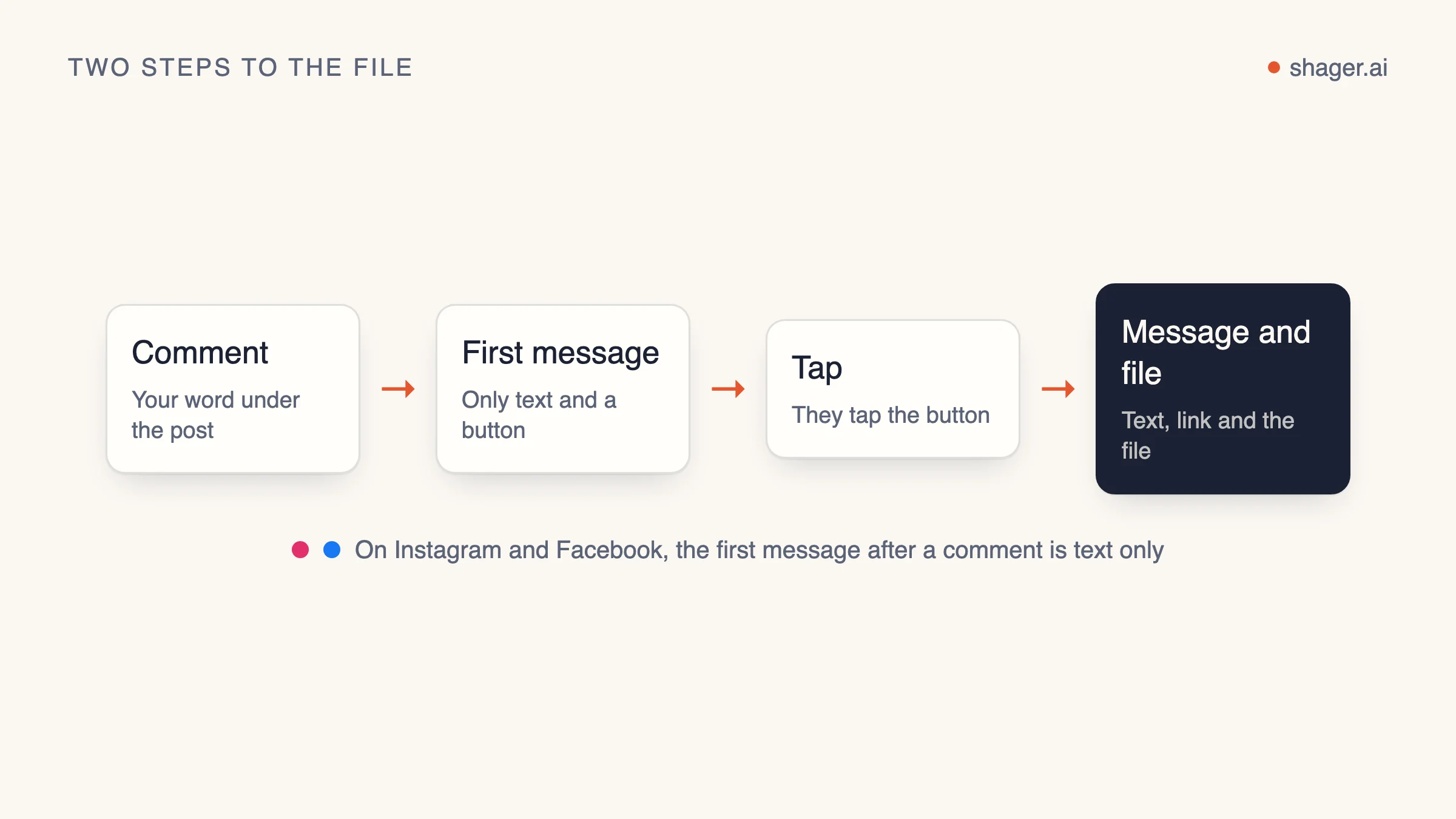
Here is the part that surprises people. When someone comments on your post, Instagram and Facebook allow only text in the first private reply to that comment. No file, no image. That is Meta’s rule, not ours.
So Shager sends the file in two steps:
- Right after the comment, Shager sends a short private message with a button under it. You write that message and the button label (up to 20 characters), for example "Send it to me."
- When the person taps the button, Shager sends your main message, the optional tracked link, and the file.
Tapping also opens the conversation from their side, and that is what lets the file through under Meta’s rules.
If someone writes the word to you in a direct message instead of commenting, there is no button. They already opened the conversation, so the file goes out right after the answer.
Writing the first message and the button
The first message has one job: get the tap. Keep it to a sentence or two, and make it clear what happens next.
- "Hi Dana, thanks for asking. Tap below and the checklist comes right here."
- "Here’s the price list you asked for. Tap the button and I’ll send it."
For the button, write what the person wants, in their words. "Send it to me", "Get the menu" or "Show me" work better than "Continue" or "Click here." Twenty characters is short, so read it on your phone before you save.
What to put in the follow-up message
This is the message that arrives with the file. It is your best moment, because the person just asked you for something and got it. Use it for one next step:
- a link to book a free consultation,
- a link to order, with the coupon from the file,
- a link to the event page.
You can add a tracked short link to this message. Shager shortens it, and every click shows on the Links & clicks page, so you can see how many people who got the file actually went to book. If you want to connect those clicks to leads in your CRM, UTM per account explains how.
The public reply
While the private message goes out, Shager can also answer the comment publicly, with something like "Sent you a message." Write several versions and Shager picks one at random each time, so your comment section doesn’t fill up with the same sentence fifty times.
Followers only, on Instagram
On Instagram you can give the file only to people who follow you. With "Only for followers" turned on, the button step also checks whether the person follows. Followers get the message and the file. People who don’t follow yet get a reminder asking them to follow and tap again, up to 5 times, and then Shager stops asking.
Use it when growing followers is part of the goal, and be honest about it in the post: "Follow and comment PLAN to get it." People are fine with the trade when they know it upfront. They are not fine with finding out after commenting.
The limits that keep it safe
Shager only ever messages people who commented or wrote to you first. A few more limits protect both you and your audience:
- Keywords match whole words or phrases, in any letter case, so "guide" and "GUIDE" both work, but "guidelines" does not.
- You can limit a rule to specific posts and specific accounts, which is what you want for a lead magnet tied to one post.
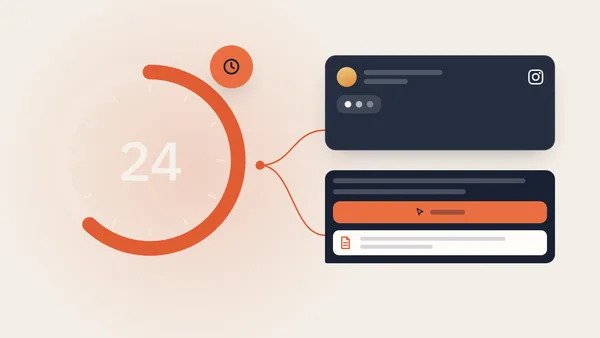
- The private message goes out once per comment, within 7 days of it.
- By default, each person gets it once every 30 days, even if they comment five times.
- Each account sends at most 120 replies per hour.
On X and YouTube the file is not sent. YouTube allows only public replies to comments. On X the message and the link still go out, and X replies are billed to your workspace with a monthly limit. Which networks are open to everyone today changes as approvals come in, so check the networks page for the current state.
Measuring it
Three numbers tell you how a lead magnet is doing:
- Comments with the keyword. This is interest in the offer itself.
- Taps on the button. The rule’s activity in Shager shows who got the button and who tapped and received the file. If many people comment but few tap, the first message is unclear.
- Clicks on the link. On the Links & clicks page. If many get the file but few click, the follow-up message or the offer behind the link needs work.
Fix the weakest step first, and change one thing at a time so you know what helped.
Refreshing the file
A price list from last season does more harm than no price list. When prices, dates or offers change, upload the new file to the rule and remove the old one. A small date in the file’s footer helps you tell versions apart.
Examples by business type
- A dental clinic in Austin: a Reel on whitening myths, keyword WHITE, a one-page "what to expect at your first whitening" PDF, follow-up link to book a consult.
- A bakery in Leeds: a post with the holiday cake lineup, keyword ORDER, the order form as an image with prices, follow-up link to the order page.
- A personal trainer in Denver: a short video of a 10-minute home workout, keyword PLAN, a two-week plan as a PDF, followers only on Instagram.
A short checklist before you publish
- The file solves one problem and matches this post.
- Image up to 8 MB, or video or PDF up to 25 MB.
- The keyword is one short word, said clearly in the post.
- The rule is limited to this post and the right accounts.
- The first message says what happens when they tap.
- The button label fits in 20 characters and reads well on a phone.
- The follow-up message has one tracked link with one action.
- Two or three public reply versions.
- You tested it yourself from another account.
If an AI agent sets it up
If you work with an AI agent, it can create the whole rule through Shager’s MCP or API, including the file (create_auto_reply with attachment_media_id). The rule still goes live only after a person approves its exact texts in Shager.
To see what else Shager does, look at the product page or the help center. Plans are on the pricing page.
Want your agent to work with Shager?
An agent can draft in a sandbox. Publishing requires a human to claim the organization and separately grant the API key publish permission. Per-post approval is required only in workspaces where client approval is enabled.