How to Schedule Tweets and Threads on X in 2026 (Free and Paid Ways)
How to schedule tweets on X for free, why threads are the hard part, what X now charges per post and per link, and how to schedule a thread to several accounts.
You can schedule tweets on X for free from a computer, one post at a time: X’s own tools let you pick a date and time before you post. Scheduling a whole thread natively is another matter, because X puts that in X Pro, which comes with a paid Premium subscription. If you want threads scheduled without Premium, or the same post going to several X accounts and other networks, you need a scheduler, and since 2026 every scheduler pays X per post, so it helps to know how that cost reaches you.
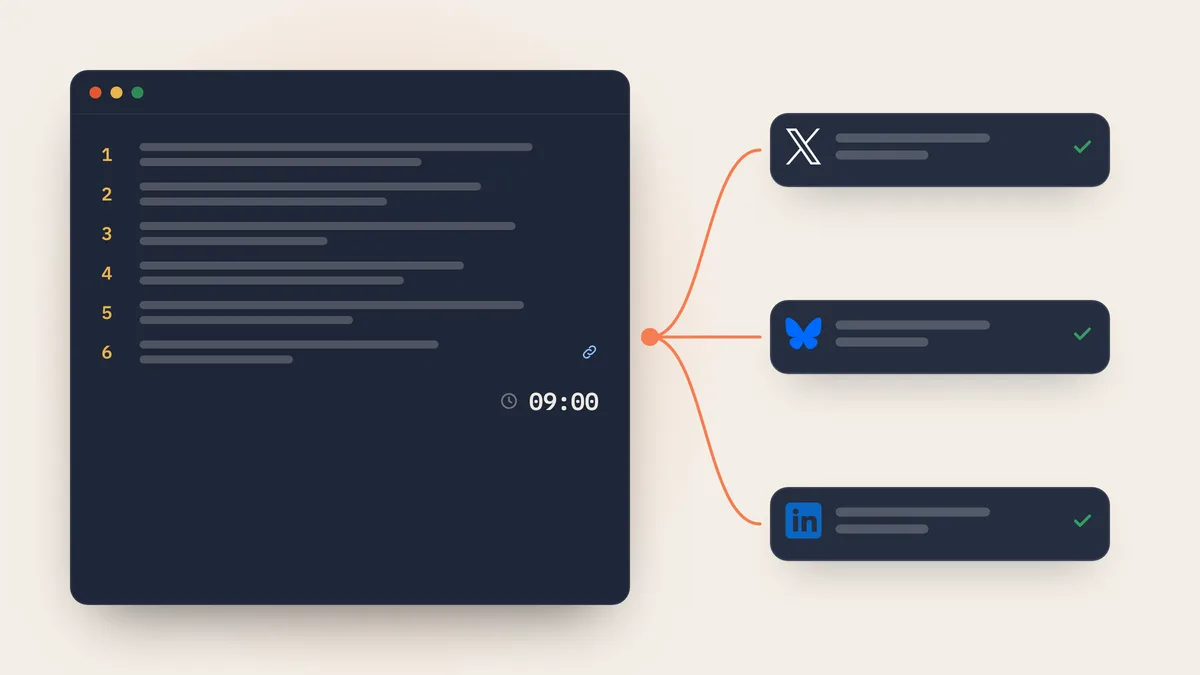
Picture a solo founder shipping a feature on Tuesday. The plan: a six-post launch thread at 9 a.m. Eastern, the link to the changelog at the end, a shorter post on Bluesky and LinkedIn at the same time. Tuesday at 9 she’s on a customer call. Everything that has to happen by hand at that moment simply won’t.
The ways to schedule tweets, side by side
| Option | Single posts | Threads | Several X accounts | Other networks | Cost |
|---|---|---|---|---|---|
| X’s own composer (web) | Yes | Not reliably | One at a time | No | Free |
| X Pro (formerly TweetDeck) | Yes | Yes | Yes | No | Needs X Premium |
| A scheduler such as Shager | Yes | Yes | Yes | Yes | Depends on the tool |
X’s Help Center documents scheduling through the Composer in X Ads, and many accounts also see a small calendar icon in the regular x.com compose box on desktop. Neither is in the phone app. X Pro is the native route for scheduled threads and polls, and it’s listed among the Premium features.
How to schedule a tweet for free
On a computer, at x.com:
- Open the compose box and write the post. Add images or a video if you like.
- Click the schedule icon (the small calendar) in the row under the text.
- Pick the date and time, confirm, and click Schedule.
Scheduled posts sit next to your drafts in the "unsent" list, where you can change or delete them. That’s enough for one account and the odd post. It stops being enough the moment you write in threads, run more than one account, or want the same idea on other networks.
Can you schedule a thread on X?
Natively, the dependable way is X Pro, which means paying for Premium. Without it, people write the thread in drafts and post it live, or post the first tweet on a schedule and reply to it by hand later, which rather defeats the point.
In Shager a thread is part of the X post itself:
- Write the first post, up to 280 characters.
- Open the X options and add up to 5 more posts under Thread. Each one goes out as a reply to the one before, in order.
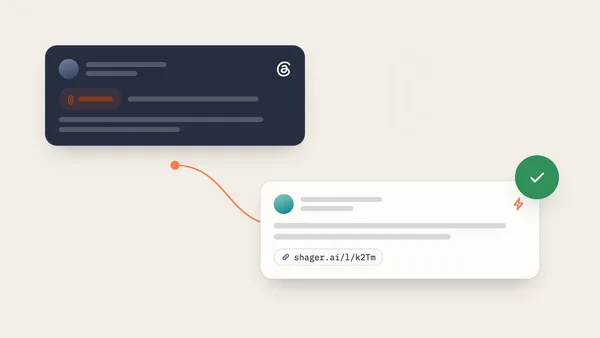
- Optionally add a first comment. On a thread, Shager posts it under the last post, which is a tidy place for the link.
- Pick the time and schedule.
If X refuses one of the follow-up posts (it happens with duplicates, for example), the posts already live stay up, the thread stops there, and Shager tells you after how many posts it stopped. It never deletes what’s already published.
What X charges per post now, and why it matters to you
X moved its API to pay-per-use. Creating a post costs $0.015, and creating a post that contains a URL costs $0.20, according to X’s pricing page. Every scheduling tool posts through that API, so every tool pays it. They pass it on differently: Metricool charges an X add-on of $10 per account a month (SocialPilot’s breakdown, checked November 2026), and Vista Social lists $29 a month per X profile on its pricing page (checked November 2026).
Shager handles it with a monthly X allowance in every plan instead of a per-account fee. Two counters:
- X posts. Every post counts, and so does every post of a thread. A first post plus 5 follow-ups uses 6.
- X posts with a link. If the post, any post of its thread or the first comment has a link, it also uses one link post.
| Plan | Accounts | X posts a month | of them with a link |
|---|---|---|---|
| Launch period (free) | up to 31 | 60 | 5 |
| Creator, $15 | 6 | 60 | 5 |
| Pro, $19 | 11 | 120 | 10 |
| Agency, $39 | 31 | 200 | 15 |
| Agency+, $79 | 101 | 500 | 40 |
| Scale, $199 | 301 | 1,500 | 100 |
Allowances reset at the start of each calendar month. If a post would go over, Shager tells you while you’re scheduling, not at 9 a.m. on Tuesday. The math is worth doing once: a five-post thread every weekday is around 110 X posts a month, which fits Pro but not the launch allowance. The pricing page has the full plans, and if you also want automatic replies on X, the cost math for X auto-replies and DMs is a separate counter worth reading.
The practical lesson: keep links out of most posts. Put the link once, in the last post or the first comment, and let the rest of the thread do the talking. That’s cheaper and, on X, it’s usually what people do anyway.
Scheduling the same post to several X accounts and other networks
Back to Tuesday’s launch. In Shager it looks like this:
- Connect your X account (and a second one, if you run a company account too), plus Bluesky, LinkedIn, Mastodon or whatever else you post on.
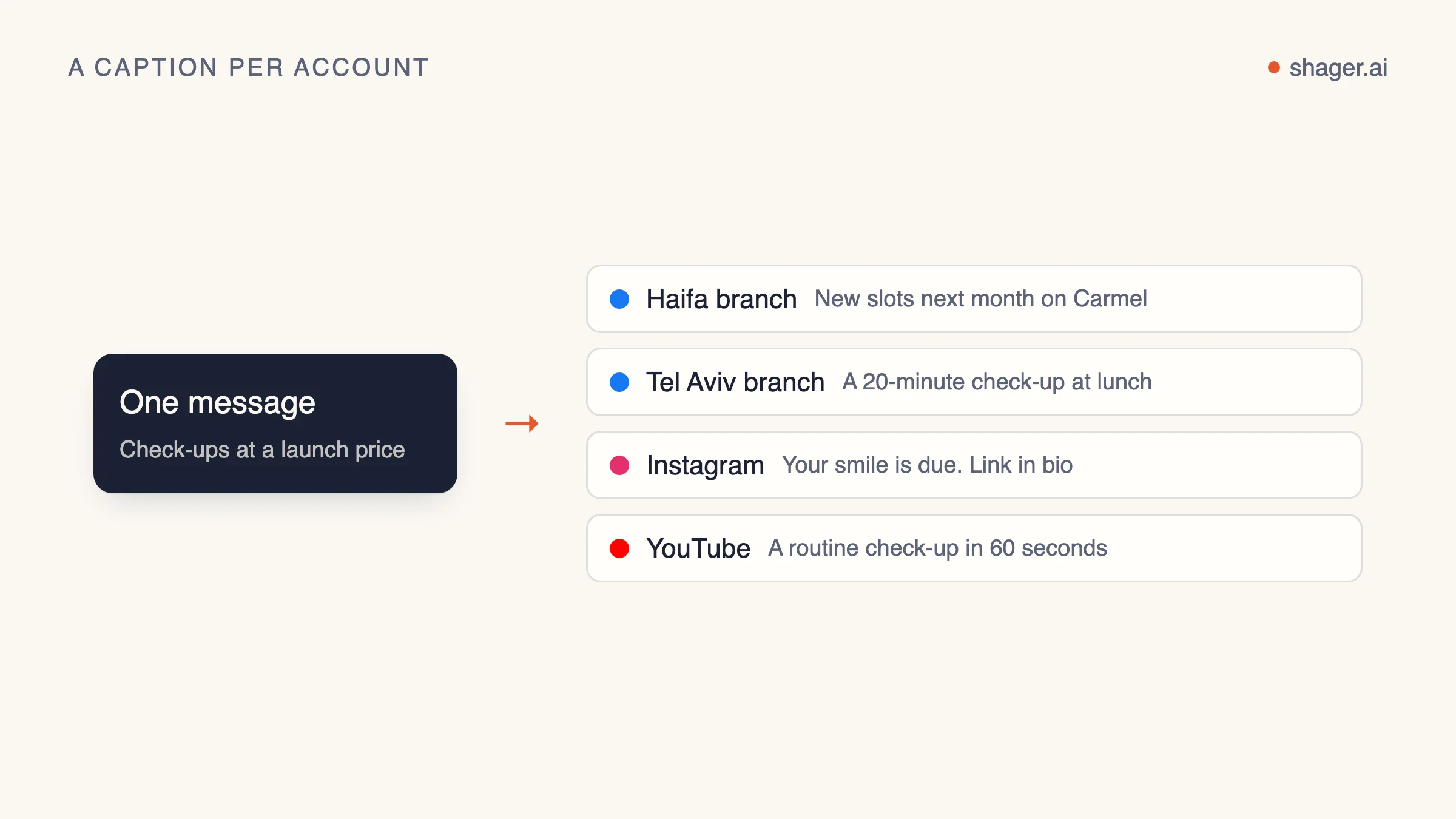
- Write the post once. Use Adapt for each network where the wording should differ: the thread on X, one longer post on LinkedIn, 300 characters on Bluesky.
- Add the thread and first comment on the X side.
- Pick 9:00 and schedule.
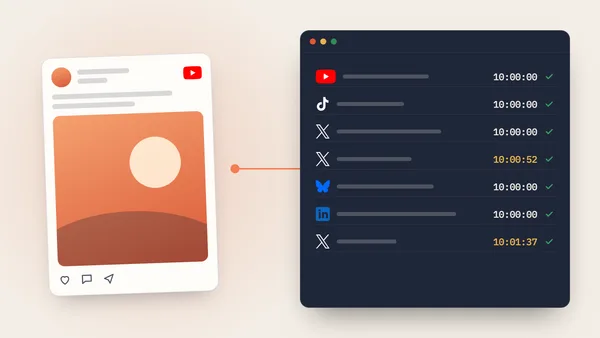
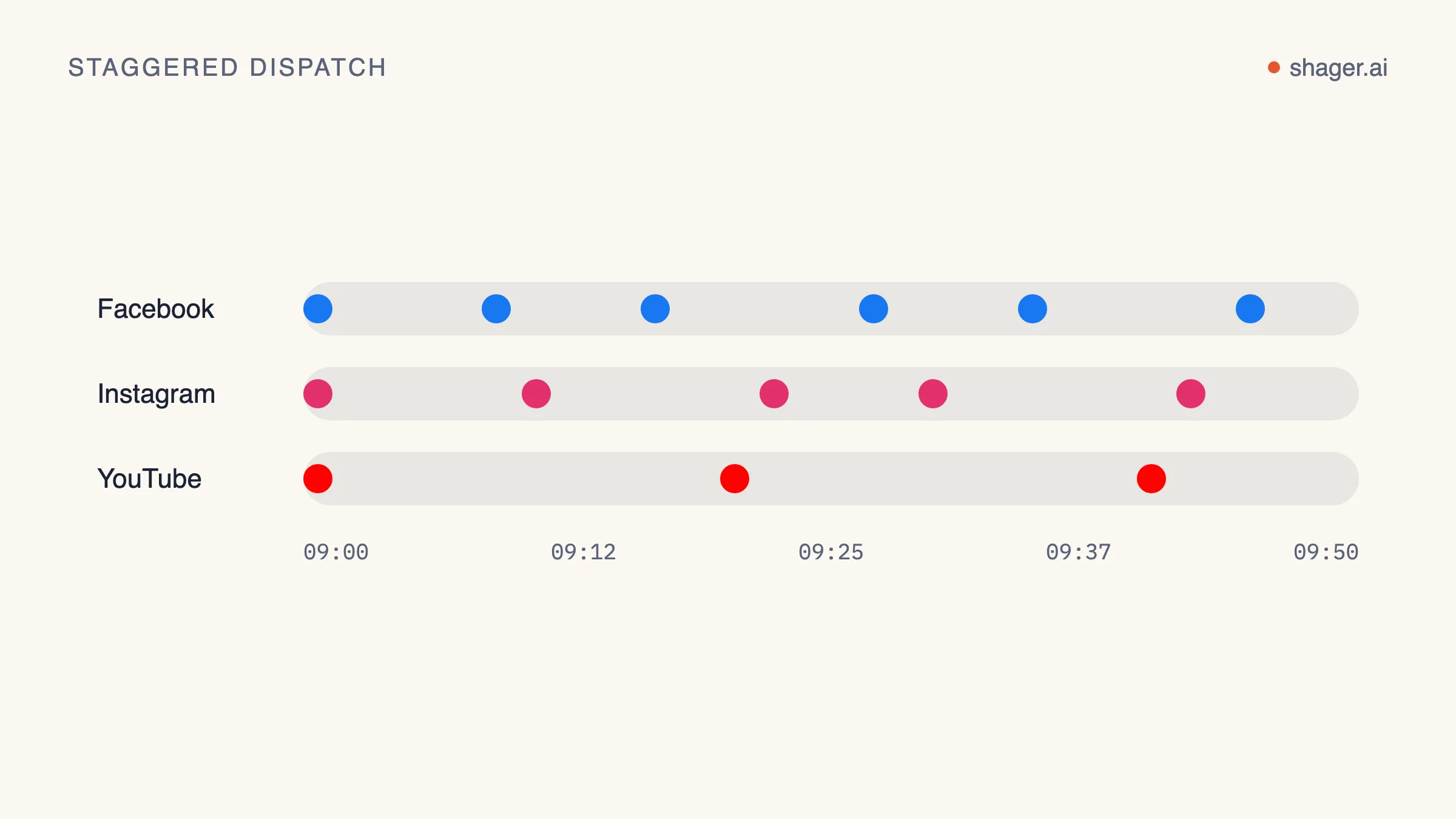
Accounts on the same network go out one after another, with a random gap of 30 to 90 seconds by default, so two X accounts don’t post the same second. Different networks go out in parallel. Why that spacing matters is explained in how to avoid spam blocks when posting at scale. If you’re also on Bluesky, our guide to scheduling Bluesky posts covers its side, and posting to all your social media at once covers the wider setup.
Want to try it with your own accounts? Sign up. It’s free during the launch, up to 31 accounts, no card.
A few X settings you can schedule too
Shager passes X’s own post options along with the schedule:
- Who can reply: everyone, people you follow, only people you mention, subscribers or verified accounts.
- A poll: 2 to 4 answers, open from 5 minutes up to 7 days. The post’s text is the question, and a poll goes out without images or video.
- Media: up to 4 images or one video. X has no video cover setting, so Shager can put your cover image at the start of the video.
Before anything is sent, Shager checks the length and the media for X, so a post that X would reject shows up while you’re still editing. The details per network are on the X network page.
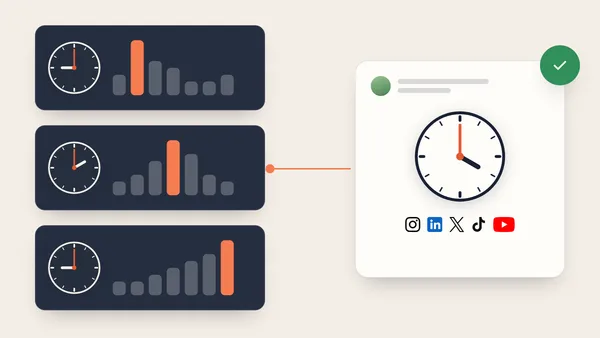
When should you schedule them?
Studies on the best time to post on X disagree with each other, sometimes by half a day. Your own replies and clicks are the better guide. Our piece on the best time to post by network explains why the studies differ and how to find your own hours. And if an AI agent drafts your threads, it can schedule them through Shager’s MCP server or REST API with the same thread field; the agents page shows how to connect one.
FAQ
Can I schedule tweets from my phone?
Not in the X app itself: scheduling lives on the web. Shager runs in any phone browser, so you can write, add a thread and schedule from your phone, and it goes out at the time you picked.
How far ahead can I schedule?
In Shager you can pick any future date. Just keep the monthly X allowance in mind, because a post counts toward the month it’s scheduled in.
Does a link in the first comment still count as a link post?
Yes. X charges the higher rate for any post with a URL, and a first comment on X is a reply, which is a post. In Shager the first comment with a link uses one link post, the same as a link in the main text.
Can I edit a scheduled thread?
Yes, until it goes out. Open the post in Shager and change any post of the thread, the time or the accounts. If the change adds a link or more posts, Shager checks the allowance again before saving.
If you post one tweet now and then, X’s free scheduler is fine. If you write threads, run more than one account, or want the same idea on LinkedIn and Bluesky at the same moment, sign up for Shager, connect your X account and schedule next week’s thread tonight.
Want your agent to work with Shager?
An agent can draft in a sandbox. Publishing requires a human to claim the organization and separately grant the API key publish permission. Per-post approval is required only in workspaces where client approval is enabled.