Best Time to Post on Instagram, TikTok, LinkedIn, X and YouTube in 2026 (and Why the Studies Disagree)
The best time to post on Instagram, TikTok, LinkedIn, X and YouTube in 2026, from three big studies, why their answers differ, and how to find your own hours.
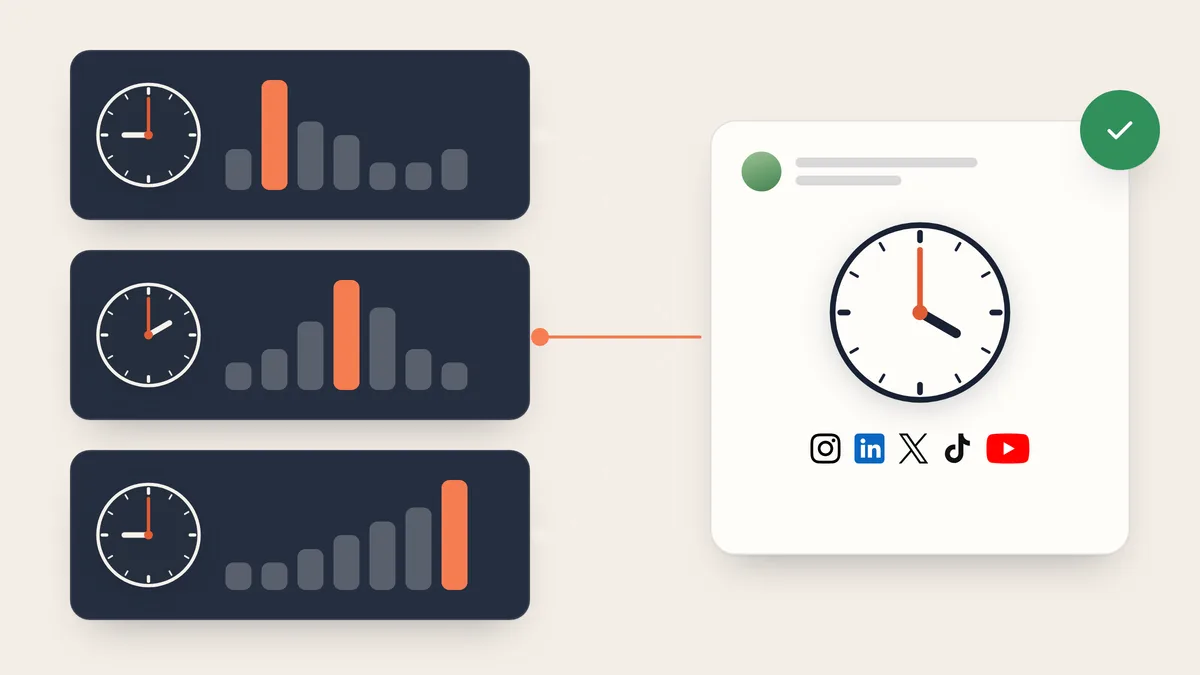
There’s no single best time to post on social media, but the big 2026 studies do give you a sensible place to start. Buffer’s analysis of more than 52 million posts puts the top slot at Thursday 9 a.m. for Instagram, Wednesday 4 p.m. for LinkedIn, Tuesday 9 a.m. for X, Sunday 9 a.m. for TikTok and Sunday 10 a.m. for YouTube, all in your audience’s local time. Other studies land on different hours for the same networks, so use these for a few weeks and then let your own results take over.
A yoga studio posting class times and a SaaS founder posting product updates don’t have the same followers, so they won’t have the same best hour. The studies tell you what’s true on average across millions of accounts. You only care about one.
What the three big studies say, network by network
These are the three studies most people quote, all from 2026 and linked so you can check them (checked November 2026).
| Network | Buffer | Sprout Social | Metricool |
|---|---|---|---|
| Thursday 9 a.m.; Wednesday is the best day, with a bump around 6 p.m. | Monday to Thursday from midday; Wednesday 12 to 9 p.m. | 8 p.m. gets the most views; 6 to 9 a.m. also strong | |
| TikTok | Sunday 9 a.m., Monday 1 p.m., Sunday 1 p.m. | Weekday afternoons; Wednesday 1 to 8 p.m. | 6 to 8 p.m.; Sunday evening and Monday |
| Wednesday 4 p.m., Friday 4 p.m., Friday 3 p.m. | Tuesday to Thursday, roughly 11 a.m. to 5 p.m. | Working hours; Thursday and Friday | |
| X | Tuesday 9 a.m., Wednesday 10 a.m., Wednesday 9 a.m. | Tuesday to Thursday, noon to 6 p.m. | 9 p.m.; Tuesday and Wednesday |
| YouTube | Sunday 10 a.m., Sunday 9 a.m., Friday noon | Not covered | Reports when people upload, not when it works |
| YouTube Shorts | Friday 4 p.m., 6 p.m. and 7 p.m. | Not covered | Uploads cluster 2 to 6 p.m. |
The sources: Buffer’s 2026 study (over 52 million posts, including nearly 10 million on Instagram, 8.7 million on X, 7.1 million on TikTok and nearly 5 million on LinkedIn), Sprout Social’s 2026 report (nearly 2 billion engagements on about 307,000 profiles, collected between late November 2025 and late February 2026) and Metricool’s 2026 roundup (separate studies per network, for example 2 million TikTok posts from 92,000 accounts and 673,658 LinkedIn posts). Buffer and Sprout both say to read their times as local time.
Best time to post on Instagram
All three studies like the middle of the week. Buffer’s single best slot is Thursday at 9 a.m., Sprout’s window opens around midday and runs into the evening on Wednesdays, and Metricool sees the most views on posts published at 8 p.m. If you’re starting from zero, try one morning slot and one early-evening slot on a Wednesday or Thursday and compare them.
Instagram also shows a professional account when its followers are most active, in the Insights section of the app. That’s your own audience, not a study, and it’s worth a look before you trust anyone’s table.
Best time to post on TikTok
This is where the studies disagree most. Buffer says Sunday morning, Sprout says weekday afternoons, Metricool says 6 to 8 p.m.
That isn’t as strange as it looks. TikTok recommends videos well beyond your followers, and a video can keep finding viewers for days, so the posting hour matters less than on a feed built mostly from people you follow. If you post short videos to TikTok, Reels and Shorts at once, our guide to scheduling one video to Shorts, Reels and TikTok covers how to do that without three uploads.
Best time to post on LinkedIn
LinkedIn is the easy one: everyone agrees on working days and working hours. Sprout puts the strongest stretch between 11 a.m. and 5 p.m. from Tuesday to Thursday. Buffer finds that late afternoon (Wednesday and Friday at 4 p.m.) beats the mornings people usually pick.
If your buyers are in one time zone, aim for their afternoon. The rest of the LinkedIn side is in how to schedule LinkedIn posts.
Best time to post on X
Buffer says morning (Tuesday and Wednesday, 9 to 10 a.m.). Sprout says the afternoon, noon to 6 p.m. Metricool says 9 p.m. The common ground is Tuesday and Wednesday, and nobody recommends the weekend. On X, a post’s life is short, so the hour does matter, but which hour depends heavily on who follows you: a news account and a gaming account live on different clocks. More on posting there in scheduling X posts and threads.
Best time to post on YouTube and YouTube Shorts
Only Buffer measured YouTube performance by hour: Sunday morning for long videos, Friday late afternoon for Shorts. Metricool’s YouTube numbers describe when creators upload, which is a different question. A video’s first hours count, but people find it through search and recommendations for months, so a "wrong" hour costs less here than anywhere else.
YouTube Studio has the best data for your channel: the When your viewers are on YouTube report in YouTube Studio’s audience analytics shows when your viewers were online over the last 28 days (YouTube Help).
Why the studies disagree
They don’t count the same thing:
- Different measures. One study ranks hours by engagement rate per post, another by total engagements, another by views. A slot can win on one and lose on another.
- Different accounts. Each study looks only at its own tool’s users: Sprout at the profiles of its 30,000-plus customers, Buffer at posts published through Buffer. Different tools attract different businesses, and their followers behave differently.
- Different seasons. Sprout’s window is three winter months. Habits in December aren’t habits in July.
- "When people post" isn’t "when it works". Some charts show when most posts go out. A busy hour can be a crowded hour.
How to find your own best time, without a tool
You can do this with the networks’ own data and a spreadsheet:
- Write down when your audience is online: Instagram Insights for followers’ active hours, YouTube Studio for viewers’ hours.
- Pick two or three slots, ideally one from the studies and one from your own data.
- For four weeks, rotate similar posts across those slots. Same kind of content, so you’re testing the hour, not the topic.
- Compare each post with your typical post, not with your best one. Use the median of your recent posts as the bar.
- Keep the winner, and test a new challenger next month.
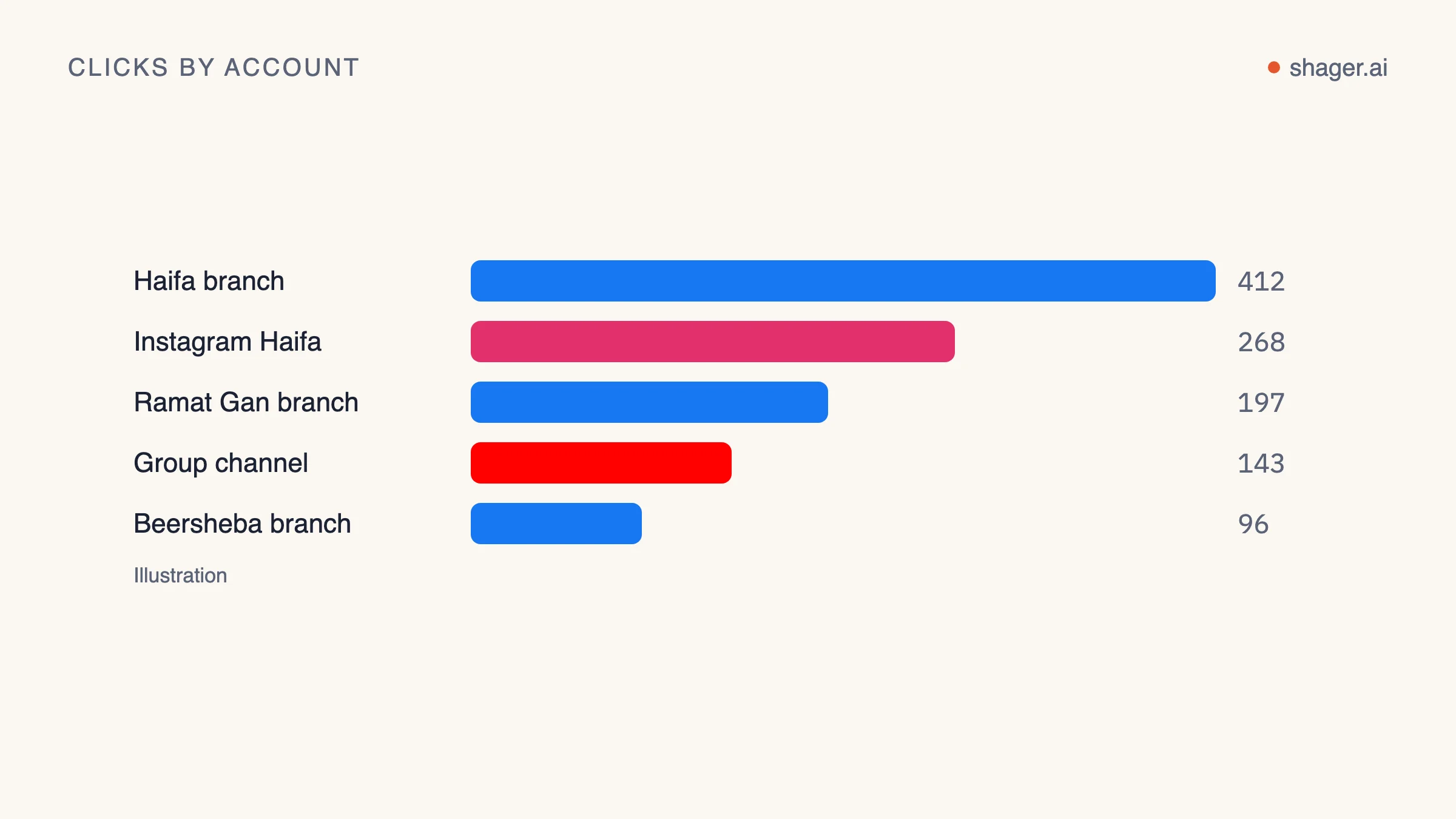
If your goal is clicks rather than likes, measure clicks. A tracked link per account and per post shows which hour actually sent people to your site; tracked links per account explains how.
How Shager picks the best time for you
Shager does the measuring and comparing for every account you connect, and keeps it current as results come in. In the composer, under the date and time, there’s a Pick the best time button. Press it and each account gets its own next best hour. When those differ, some accounts go out a little later, and the app tells you so. You can always change it.
Where the hour comes from, most specific first:
- The account’s own posts. Once an account has 12 measured posts from the past year, Shager scores each one against the account’s typical post (likes, comments, shares, saves and clicks, or views where a network gives only those) and ranks the hours.
- When its audience clicks. With at least 50 clicks on the account’s short links, Shager uses the hours people actually clicked.
- Clicks from the audience’s country across Shager. Anonymous counts per hour, and only once a country has more than 500 clicks from at least 5 different businesses or clients, so nobody’s data can be read from it.
- Buffer’s 2026 study, read in the audience’s local time, for Instagram, Facebook, Threads, LinkedIn, TikTok, X, YouTube and Shorts.
For Bluesky, Mastodon, Pinterest, Telegram and Tumblr there’s no study to fall back on, so until an account has its own data, Shager tells you it doesn’t know yet and asks you to pick a time. We’d rather say that than make up an hour. Facebook, Instagram and Threads are awaiting Meta’s approval: until then, only people we gave early access can connect them.
Shager also keeps an account’s posts at least 3 hours apart when it picks, so a week of content spreads over the coming good hours instead of piling onto one. You can try it on your own accounts: sign up, it’s free during the launch for up to 31 accounts, and there’s no card.
If you work with an AI agent, the same thing is available as get_best_times, which returns each account’s best hours and where they came from, and schedule_at: "best", which lets the agent post without doing any time math. The agents page lists both.
FAQ
Does posting time still matter with algorithmic feeds?
Less than it used to, but yes. It matters most on X and LinkedIn, where a post does most of its work in its first hours. It matters least on YouTube and TikTok, where videos keep turning up in search and recommendations long after they go up.
What’s the best time to post today, or on a Sunday?
The studies split on weekends. Buffer finds Sunday morning strong for TikTok and YouTube, while Sprout calls weekends the weakest days for Instagram, Facebook, LinkedIn and X. If your audience is at work during the week (B2B), skip Sunday. If they’re consumers relaxing at home, test it.
Which time zone should I use if my followers are in several countries?
Use the one where most of your audience lives, and check it in Instagram Insights or YouTube Studio. Shager works this out per account from where clicks come from, and when an audience spans several countries, it weighs each one by its share.
Should I post at the same time on every network?
No. As the table shows, LinkedIn wants working hours, while YouTube and TikTok do well on weekends in some studies. Posting the same content everywhere at once is fine for an announcement. For everything else, give each network its own hour.
The studies will get you through the first month. After that, the best time to post is whatever your own accounts say it is, and checking that by hand gets old fast. Sign up for Shager, connect your accounts, and press Pick the best time on your next post.
Want your agent to work with Shager?
An agent can draft in a sandbox. Publishing requires a human to claim the organization and separately grant the API key publish permission. Per-post approval is required only in workspaces where client approval is enabled.