YouTube watch time per video: what average view duration and retention really tell you
YouTube watch time, average view duration and average percentage viewed, explained per video: how to read them, and how to see them next to TikTok and X.
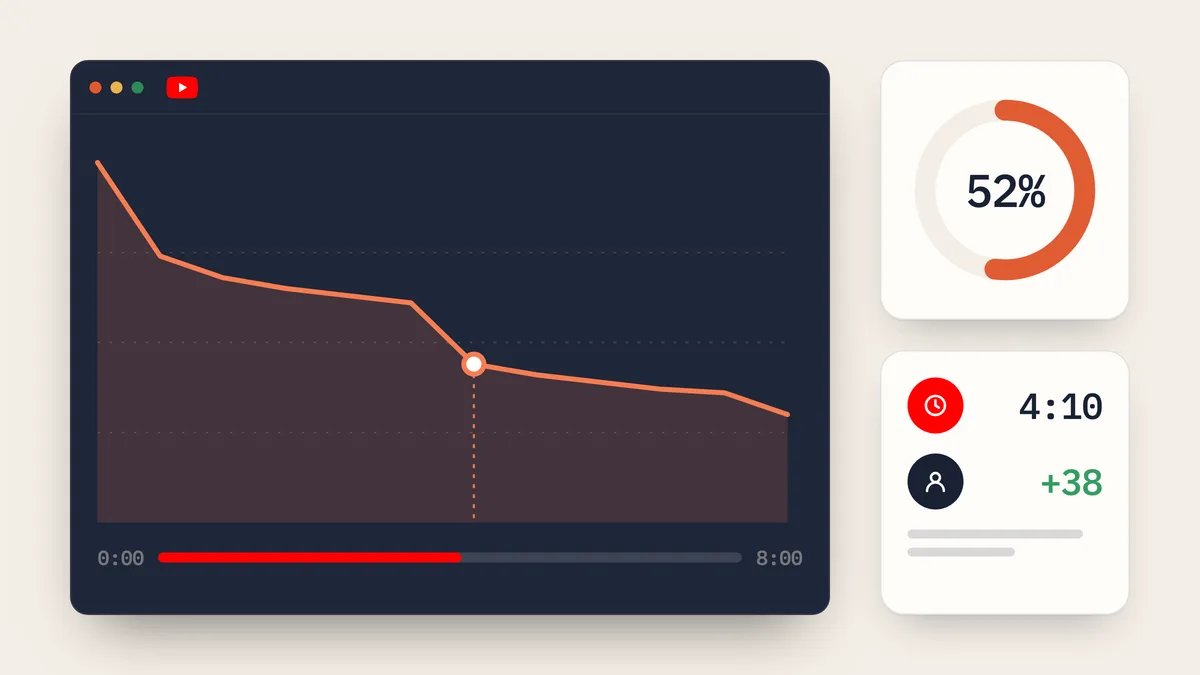
YouTube watch time is the total time people spent watching a video. Average view duration is how long one viewer stayed, and average percentage viewed is how much of the video that viewer got through. Views count the people who started. These three numbers tell you whether they stayed, and that is usually the more useful thing to know before you make the next video.
Here is the problem with views on their own. A woodworking channel posts two videos in a week. One gets 9,000 views, the other 2,500. The first looks like the winner. Then you open the watch numbers: people left the first after 40 seconds and watched six minutes of the second. The second video is the one the audience wanted. If you only saw the view counts, you would make more of the wrong thing.
The three numbers, in plain words
| Number | What it measures | Good for |
|---|---|---|
| Watch time | All the time viewers spent on the video, added up | How much attention the video earned overall |
| Average view duration | How long a typical viewer watched | Comparing videos of the same length |
| Average percentage viewed | The share of the video a typical viewer watched | Comparing videos of different lengths |
They are tied together. Roughly, watch time is views multiplied by average view duration, and average percentage viewed is average view duration divided by the video’s length. A ten-minute video with an average view duration of 4:00 has an average percentage viewed of about 40%.
The official definitions are in YouTube’s list of Analytics metrics. "Audience retention" is the name YouTube Studio gives to the report built on the same idea: how well each moment of the video held attention. YouTube describes it on its help page about key moments for audience retention.
Why YouTube pays attention to how long people watch
YouTube’s own explanation of its recommendation system says the system learns from watch history, including how long and how much of a video people watch, alongside likes, shares, comments and "not interested" feedback. Its stated goal is long-term viewer satisfaction.
Notice what that does not say. It gives no threshold, and it does not say longer videos win. A video that most people abandon in the first seconds sends a different signal from one people finish, and that is as far as the official text goes. Anyone quoting you a magic percentage is guessing.
How to read your numbers without a benchmark
There is no universal "good" retention figure, because a 30-second Short and a 25-minute tutorial are different animals. The comparison that works is your videos against your own earlier videos. YouTube Studio does the same thing: according to the help page, it compares a video’s retention with your ten latest videos of similar length.
A simple routine that takes ten minutes a week:
- Line up your last five to ten videos of similar length and sort them by average percentage viewed. Look at the top two. What do their openings have in common?
- Read views and percentage together. Many views with a low percentage usually means the title and thumbnail promised something the video was slow to deliver. Few views with a high percentage means the video is good and the packaging is the problem.
- Check new subscribers per video. A video that brought 40 subscribers from 3,000 views did more for the channel than one that brought 6 from 15,000.
- Wait for a pattern. One video can be a fluke, in either direction.
For Shorts the same three numbers apply, but read them a little differently. With a video that short, average percentage viewed is the number to watch, since a few seconds either way changes it a lot. Compare Shorts with Shorts, never with your long videos.
What stays in YouTube Studio
The curve itself. Studio draws retention second by second and marks the key moments: the intro (what share of viewers were still there after the first 30 seconds), dips where people skipped or left, and spikes where they rewatched or shared. YouTube notes that these appear only when it detects them, and that the video should be at least 60 seconds long with at least 100 views.
So the two tools do different jobs. The per-video numbers tell you which video deserves a closer look. The curve in Studio tells you which second lost the room.
One video, several networks, one page
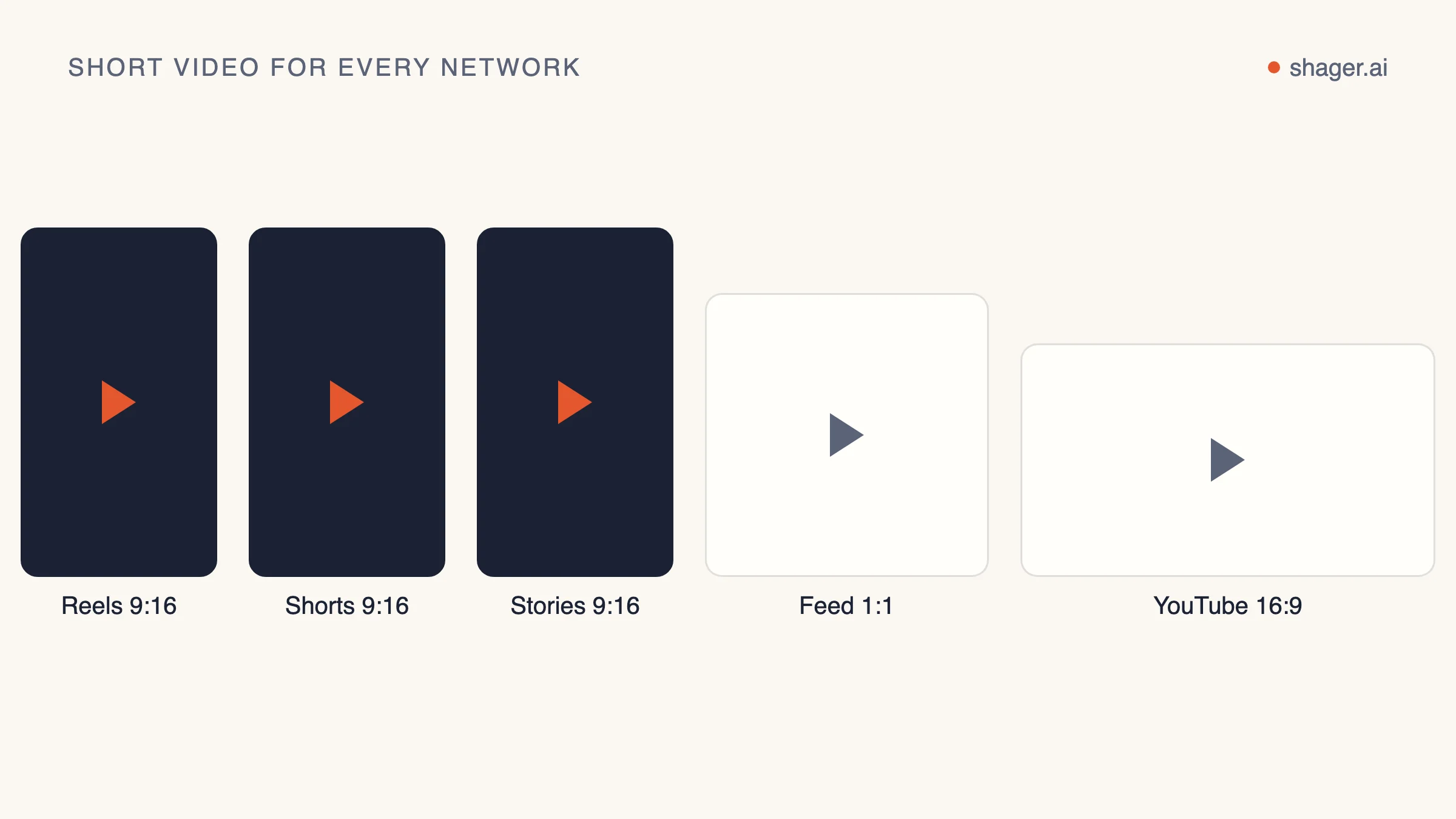
Most people who post video do not post it to YouTube alone. The same clip goes out as a Short, a TikTok, sometimes a Reel and a post on X (we wrote about scheduling Shorts, Reels and TikTok in one go). Then, to find out how that one video did, you open four apps and copy numbers into a spreadsheet.
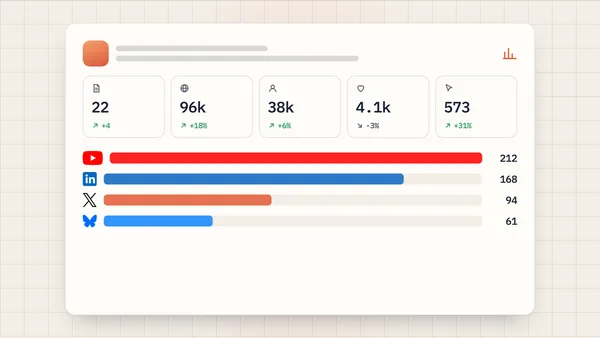
In Shager every post has a page with its results from each network it went to, one under the other. For every video and Short you publish to YouTube through Shager, that page now shows, next to views, likes and comments:
- Total watch time
- Average watch time
- Average percentage viewed
- Shares
- New subscribers from that video
The same page carries that post’s numbers from TikTok, X and the other networks it went to, so one video’s story is in one place. Each network reports what it is willing to share, so the rows are not identical. Instagram is awaiting Meta’s approval, and until then only people we gave early access can connect it.
This is live for everyone. To try it on your own channel, sign up and connect YouTube: it is free during the launch for up to 31 accounts, with no card.
Turning it on: one line on Google’s screen
There is nothing to switch on in Shager. When you connect a YouTube channel, Google shows its own consent screen, and one of the lines reads "View YouTube Analytics reports for your YouTube content". Leave it ticked.
What that line does and does not do:
- It is read-only. Shager reads the reports and changes nothing on your channel with it.
- It is optional. Untick it and publishing, comments and everything else work as before. Only the watch numbers are missing.
- A channel you connected before this was added needs to reconnect once. After you approve, Shager reads the channel’s videos again on its next run, and the numbers show up within minutes.
- Shager reads no revenue or ad data and nothing about individual viewers, only those five numbers for the videos you published through it.
Why today’s video has views but no watch time yet
YouTube processes watch data more slowly than it counts views. Its help page says audience retention data typically takes one to two days to process, and the reports that outside tools read run a few days behind. So a video you posted this morning will show views, likes and comments first, and the watch numbers a few days later. Nothing is broken.
One privacy detail while we are here: YouTube statistics that Shager can no longer refresh are deleted after 30 days, as the privacy policy spells out.
If an AI agent runs your content
An agent connected to Shager through MCP or the REST API reads the same numbers in each post’s results: watch_seconds, average_watch_seconds, average_viewed_percent and new_followers. That makes a weekly question like "which three videos held viewers longest, and what do they share?" a one-line request. The agents page explains how to connect one.
FAQ
What is the difference between watch time and views?
Views count how many times a video was started. Watch time counts how long it was actually watched. A video can collect many views and little watch time if most people leave quickly.
What is a good average percentage viewed on YouTube?
YouTube does not publish one, and it depends heavily on length and type of video. Compare a video with your own recent videos of similar length, which is also how YouTube Studio frames it.
Does this work for YouTube Shorts?
Yes. Shager shows the same watch numbers for regular videos and for Shorts published to YouTube through it.
Can Shager change anything on my channel with the analytics permission?
No. That permission is read-only. You can remove it at any time in your Google security settings, or by removing the channel from Shager.
I manage channels for clients. Where do I see this?
On each post’s page, inside that client in Shager. For the monthly summary there is also a client report, and if you are choosing when to post those videos, see the best time to post on each network.
If a video takes you half a day to make, it is worth knowing how much of it people watch. Sign up for Shager, connect your YouTube channel, and after your next upload you will see views and watch time on one page, next to what the same video did everywhere else. For the bigger picture of why short video belongs on several networks at once, read video-first distribution.
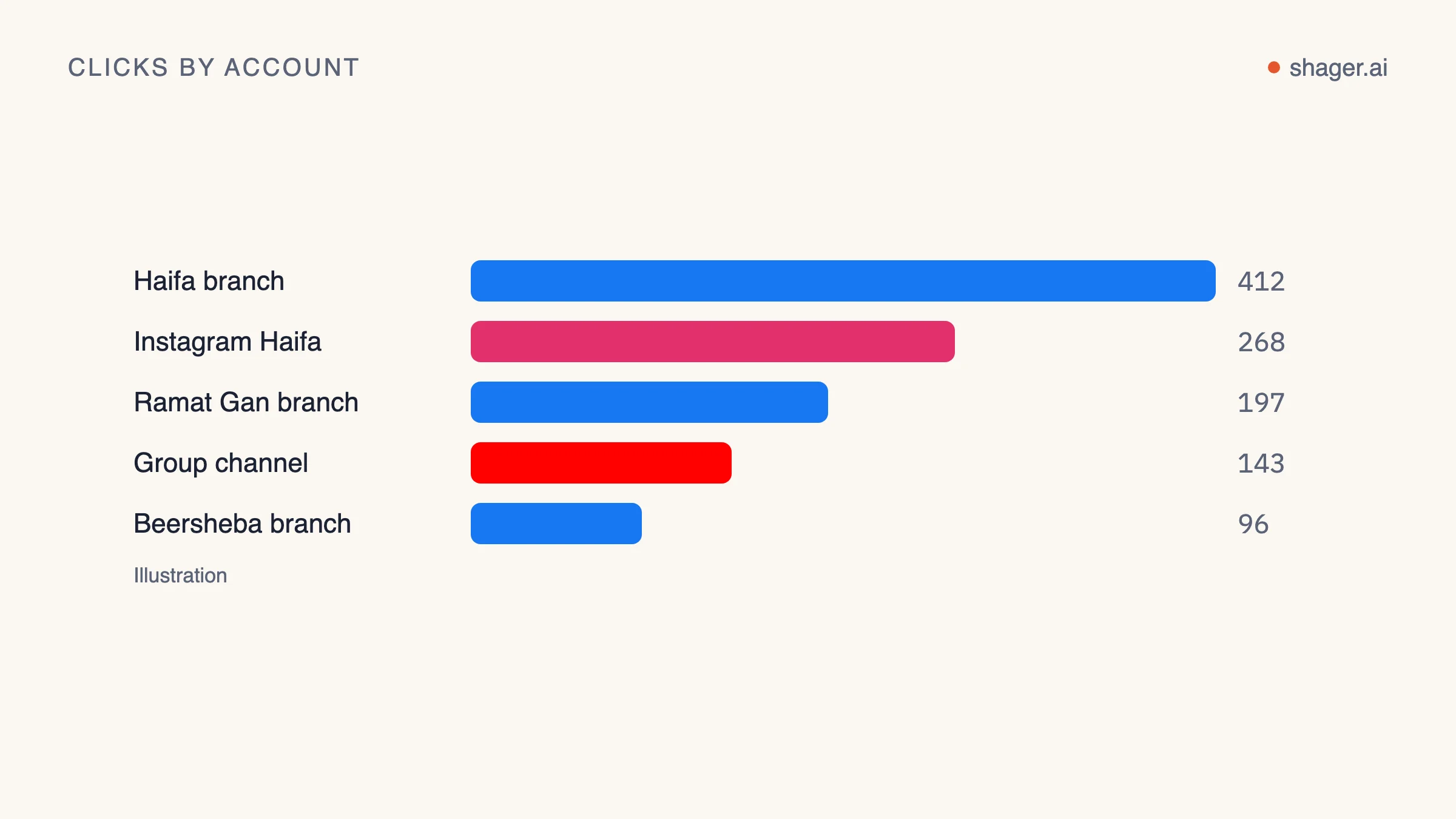
Want to know which account brings the clicks?
In Shager every account gets its own short link and UTM tag, on every plan. You see the clicks in the report, and your agent can read them through the API.