How to Schedule YouTube Shorts, TikToks and Reels From One Upload
How to schedule YouTube Shorts, TikTok and Reels from one upload: one clean vertical file, the right cover on each network, and no watermarked re-uploads.
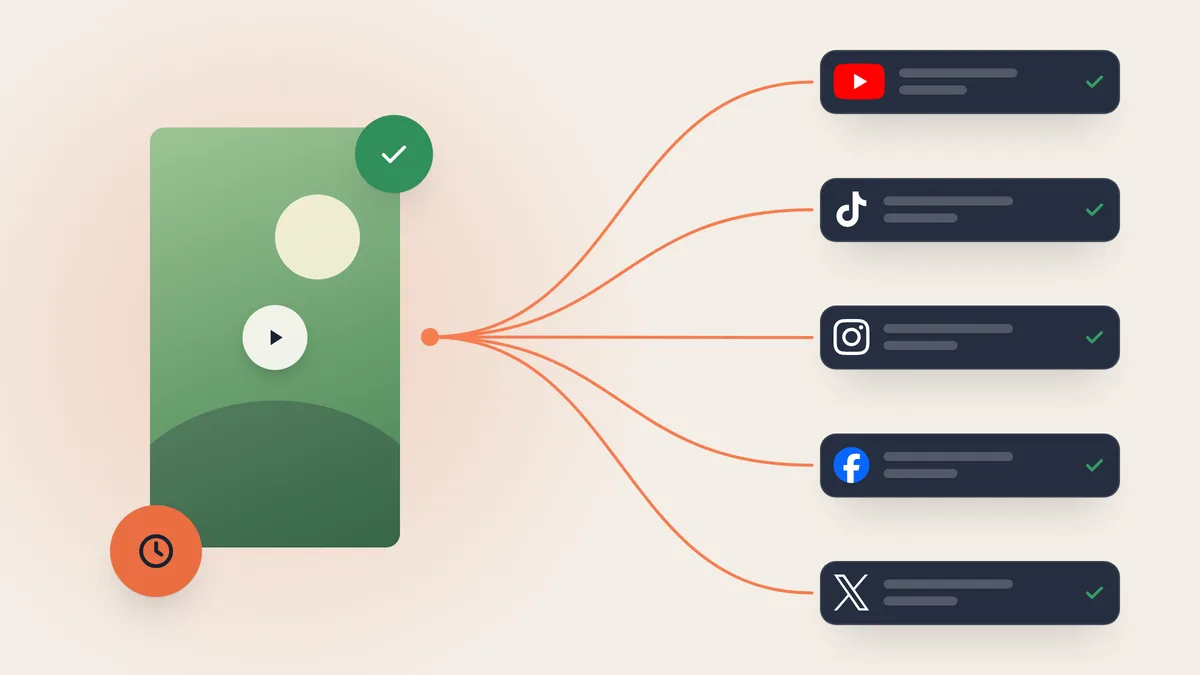
Yes, you can schedule YouTube Shorts, and you can schedule TikToks and Reels too, but each app only schedules its own. If one vertical video should go out as a Short, a TikTok and a Reel at the same hour, the quickest way is to upload the clean file once to a scheduler that publishes to all three through their official APIs. You pick the time, set the cover, and each network gets the same video without a watermark from the others.
That’s the short answer. The rest of this guide is for the creator who edits on Sunday, wants the week’s clips to go out on their own, and is tired of uploading every clip three times.
Why cross posting TikTok to Instagram and YouTube goes wrong
Most people start the same way: they post on TikTok, download the video, and upload that file to Reels and Shorts. It feels efficient. It has two problems.
The first is the watermark. A video saved from TikTok carries TikTok’s logo and username, bouncing around the frame. Meta’s own Reels best practices ask creators not to post Reels that are plainly recycled from other apps, and to avoid third-party watermarks. Your clip does the work, and the logo tells the algorithm it came from somewhere else.
The second is quality. The downloaded copy has been compressed once by TikTok, and the next app compresses it again. Text on screen gets soft, and dark scenes get blocky.
The fix is boring and it works: keep the clean export from your editor, and upload that file, not the downloaded one, everywhere.
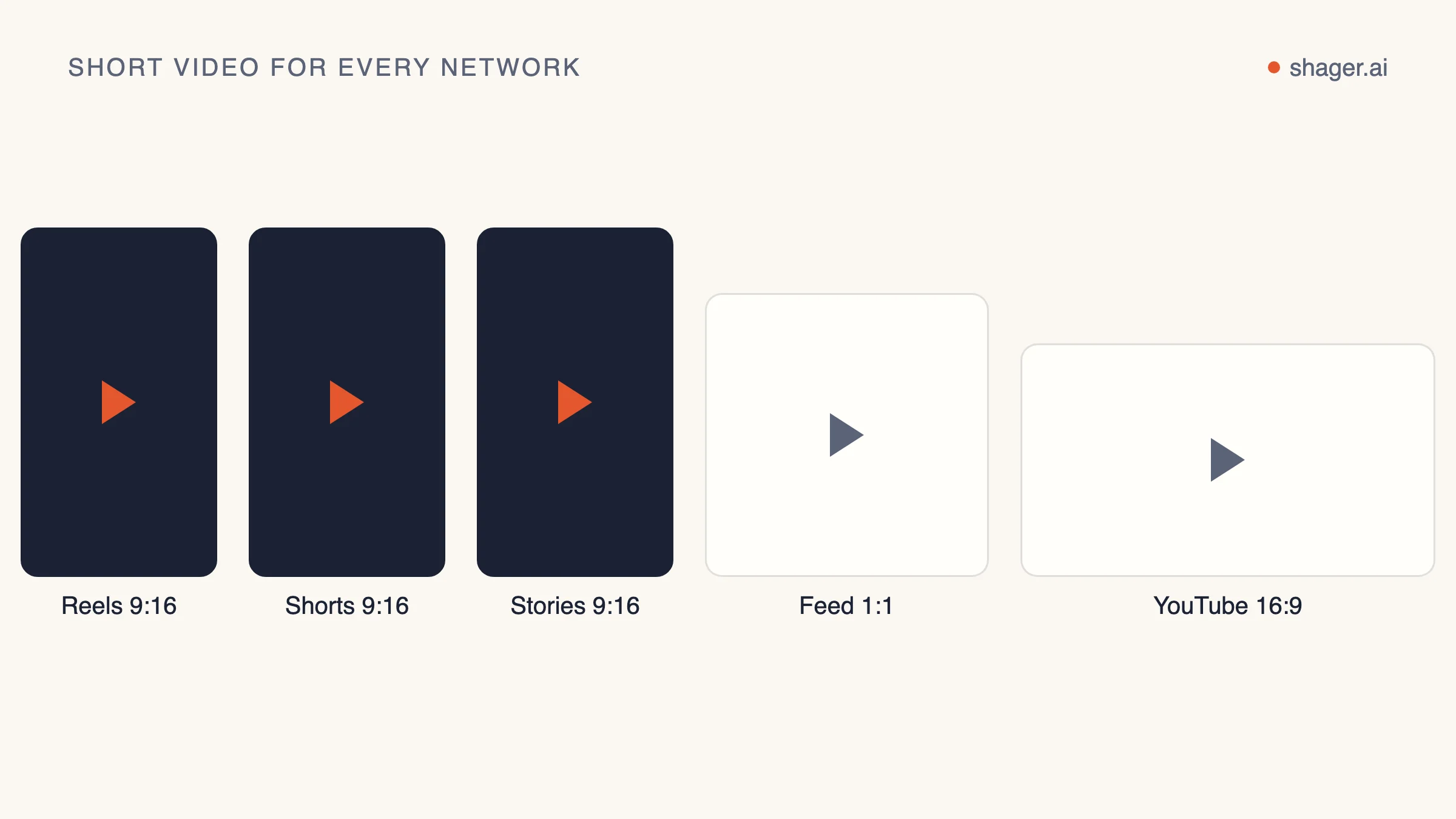
Can you schedule YouTube Shorts? Yes, here’s what counts as one
YouTube treats a square or vertical video of up to three minutes as a Short. That rule has applied to uploads since October 15, 2024, according to YouTube’s help page on three-minute Shorts. There’s no separate "Short" switch: the shape and length decide.
So if you schedule a 2:40 vertical clip, it lands in the Shorts feed. If it’s 3:10, or horizontal, it becomes a regular video. Worth checking before you schedule a whole week, because a clip that runs ten seconds over ends up in the wrong feed.
How each app schedules on its own
Every network has a built-in scheduler. Each one covers its own platform and nothing else.
| YouTube Shorts | TikTok | Instagram Reels | |
|---|---|---|---|
| Where you schedule | YouTube Studio, in the visibility step | TikTok’s web upload page | The Instagram app or Meta Business Suite |
| How far ahead | Any date you pick | 15 minutes to 10 days (TikTok’s announcement) | Depends on the tool |
| Your own cover | A custom thumbnail, on phone-verified channels | A moment from the video, not an image | A cover image |
| Other networks | No | No | Facebook only |
If you post one clip a week, this is fine. Three uploads, three covers, three captions, ten minutes. At five clips a week it’s fifteen uploads, and the one you forget is always the one that mattered.
How to schedule one video to Shorts, TikTok and Reels in Shager
In Shager you upload the video once and choose where it goes. The steps:
- Connect your accounts. YouTube and TikTok connect today, with the networks’ own sign-in screens; Shager never sees your password. Instagram and Facebook are awaiting Meta’s approval, so until then only people we gave early access can connect them.
- Upload the clean vertical file. Up to 2 GB. If you also post to X, LinkedIn, Pinterest or Bluesky, tick them too.
- Write the caption, then adapt it for each network. The YouTube version needs a title people would search for. The TikTok caption can be loose and short. Click "Adapt for each network" and edit each one.
- Set the cover (the next section explains what each network does with it).
- Pick the time. One time for everything, or "Pick the best time", which chooses each account’s most active hour once Shager has enough data on it.
- Schedule. At that time, each network gets its own upload of the original file.
Before anything is scheduled, Shager checks each network’s rules. A Short over three minutes or a horizontal clip gets flagged while you’re still editing, not at 7 p.m. on Thursday. If a clip doesn’t fit, "Fit automatically" makes a copy at 9:16 (with blurred edges or a crop, your choice) and trims it to the network’s limit. Your original file stays as it is.
You can try this with your own channels: sign up, and it’s free during the launch for up to 31 accounts, with no card.
One cover, set once, shown right on each network
Covers are where cross-posting usually falls apart, because every network handles them differently. You set one cover image in Shager, and it’s delivered in the way each network accepts:
- YouTube: the image becomes the Short’s custom thumbnail. YouTube only allows that on channels verified by phone (youtube.com/verify). Without it, YouTube picks a frame itself, and Shager tells you.
- Instagram: the image becomes the Reel’s cover, in the feed and on your profile grid (once Meta approves the app).
- TikTok: TikTok doesn’t take a cover image through its API, only a moment from the video, and applies even that to public posts only. To show your image anyway, turn on "Cover at the start of the video": Shager adds your cover as the first two frames (about 1/15 of a second, invisible while watching), so the frame TikTok shows is yours.
If you’d rather use a frame from the clip, there’s a picker that steps through the video a frame at a time.
TikTok settings you still choose per post
Scheduling from outside the app doesn’t mean giving up TikTok’s controls. For each TikTok post you choose who can see it, whether people can comment, duet or stitch, and whether it’s commercial content that needs a disclosure. TikTok requires those choices to be made by you, not filled in silently, and Shager asks for them on the post. TikTok posts go out publicly.
What happens at posting time
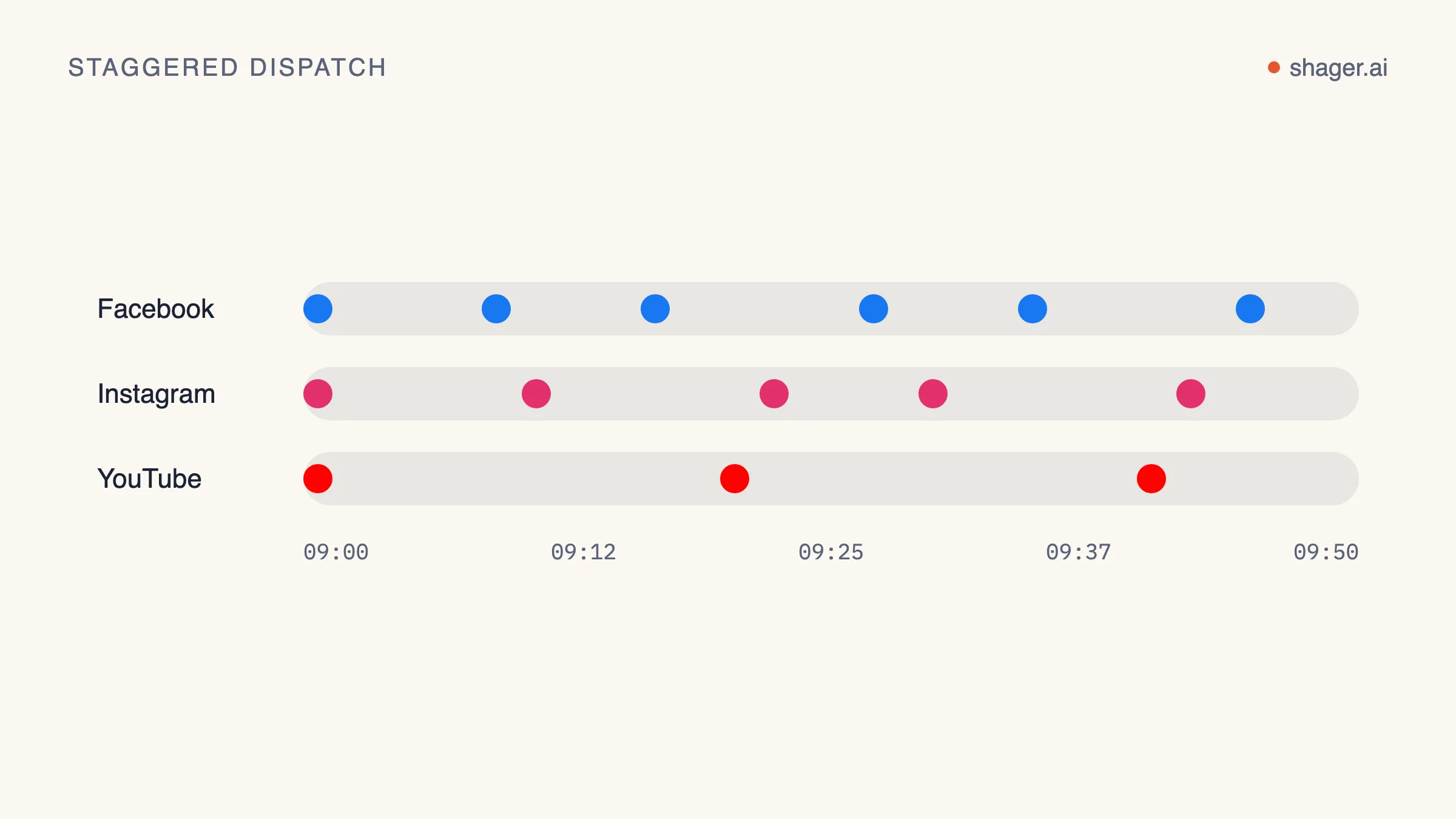
At the time you picked, each network gets the video in parallel. If you post to several accounts on the same network (two TikTok accounts, say), they go one after another with a random gap of 30 to 90 seconds rather than in the same second. That’s the pattern our guide to posting to all your social media at once explains in more detail.
On YouTube you can also add a first comment on public and unlisted videos. That matters, because links in a Short’s description aren’t clickable. On TikTok there’s no first comment. Each post’s status shows in Shager when it’s live, with a link to it on the network.
If you’re building this into your own tooling, YouTube counts every upload against a daily quota; our piece on the YouTube upload API quota explains what that means in 2026.
A Sunday batch, from start to finish
Say you run a cooking channel, and you film three recipe clips on Sunday afternoon. Each one is 50 to 70 seconds, vertical, with captions burned in. In one sitting you upload all three, write a searchable YouTube title for each ("15-minute miso salmon"), a shorter TikTok caption, and pick a still of the finished dish as the cover. Monday, Wednesday and Friday at 6 p.m.
From then on you’re not involved. On Monday at 6 p.m., the salmon clip is a Short, a TikTok and (with Instagram connected) a Reel, all from the same clean file. If you want help picking the hours, see our guide to the best time to post on each network.
For the editing side, our earlier guide on adapting one short video for Reels and Shorts covers safe zones and captions.
What it costs
Shager is free during the launch, for up to 31 accounts, with no card. After the launch, plans start at $15 a month for 6 accounts, then $19 for 11, $39 for 31, $79 for 101 and $199 for 301, with unlimited users on every plan. A YouTube channel and a TikTok account count as two accounts. Posts to X come from a monthly allowance, because X charges per post. Details are on the pricing page.
FAQ
Can I schedule YouTube Shorts from my phone?
YouTube lets you schedule from YouTube Studio. Shager also works in your phone’s browser, so you can upload a clip and schedule it to Shorts, TikTok and the rest from your phone, without installing anything.
Will the same video on three networks hurt my reach?
The usual warning is about watermarked, recycled copies, which Meta asks creators to avoid. Uploading your own clean file to each network is different: each app gets an original upload. Changing the caption for each audience is still a good habit.
Can I use a different cover on each network?
Not on one post. You set one cover image, and each network gets it in the way it accepts. If you want a different cover on TikTok than on YouTube, schedule two posts with the same video.
What if my clip is longer than three minutes?
On YouTube it becomes a regular video, not a Short. Shager warns you before you schedule, and "Fit automatically" can trim a copy to 3:00 if you want it in the Shorts feed.
If you’re uploading every clip three times today, stop at the next one. Sign up for Shager, connect your YouTube channel and TikTok account, and schedule this week’s clips from one upload each.
Want your agent to work with Shager?
An agent can draft in a sandbox. Publishing requires a human to claim the organization and separately grant the API key publish permission. Per-post approval is required only in workspaces where client approval is enabled.