How to Schedule LinkedIn Posts (and What to Do About the Link in the First Comment)
How to schedule LinkedIn posts with LinkedIn’s own scheduler, where it stops, and how to schedule one post to several profiles and networks with tracked links.
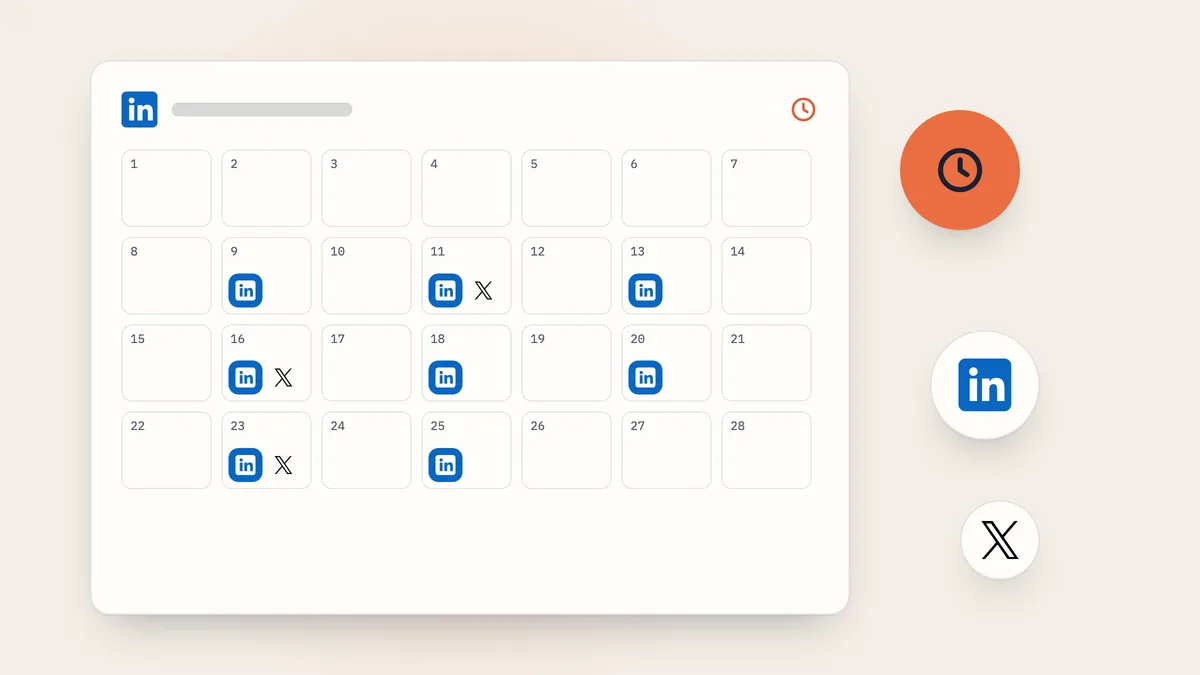
Yes, you can schedule posts on LinkedIn without any outside tool. Start a post, click the clock icon under the text box, pick a date and time, click Next, then Schedule. LinkedIn holds the post for anywhere from 10 minutes to 3 months ahead. That covers one person posting to one profile. It stops covering things the moment a second profile, a client, or another network enters the picture.
Picture a founder who writes three LinkedIn posts every Sunday evening, plus her head of sales who reshares the product news from his own profile, plus a short version of each post for X. LinkedIn’s scheduler handles her three posts. Everything else is copy, paste, switch accounts, and hope nobody forgets on Tuesday.
How do you schedule a post on LinkedIn?
These are LinkedIn’s own steps, from its help page on scheduling posts:
- On the home page, click Start a post (on the phone app, tap Post).
- Write the post and add your images, video or document.
- Click the clock icon at the bottom of the box.
- Pick a date and time. You can type an exact time instead of using the 30-minute slots.
- Click Next, check the preview, and click Schedule.
Two details from the same help page are worth knowing. LinkedIn converts the time using your device’s time zone, so if your laptop is set to the wrong zone, the post goes out at the wrong hour. And event posts and job posts can’t be scheduled at all.
Where do you find scheduled posts on LinkedIn?
This is the question people search right after scheduling their first one. Open the post box again and click the clock icon. A small badge shows how many posts are waiting, and View all scheduled posts (on the phone: View all) opens the list. From there you can preview, edit, reschedule or delete each one. On a single post, the More menu has Modify schedule and Edit post.
If you need to cancel a schedule but keep the text, edit the time and choose Clear time. The post becomes a normal draft you can publish now or throw away.
Where LinkedIn’s own scheduler stops
For a solo consultant posting twice a week, the native scheduler is fine. Stop reading and use it. The limits show up when the work grows:
| You need | LinkedIn’s scheduler |
|---|---|
| Schedule posts on your own profile | Yes, up to 3 months ahead |
| Schedule for a colleague’s profile | No, they have to do it signed in as themselves |
| The same post on X, Bluesky or YouTube | No |
| A first comment scheduled with the post | No, you write the comment after it’s live |
| See which post sent people to your site | Only what LinkedIn’s own analytics shows |
The second row is the one that hurts B2B teams. Plenty of companies want their people posting from their own profiles, not just the company page, so a launch often means five people posting on the same morning. With the native scheduler that’s five people, each remembering to log in and schedule. In practice, two of them do.
How to schedule LinkedIn posts for several profiles and networks at once
In Shager you write the post once and pick where it goes. Here’s the flow:
- Connect your LinkedIn profile through LinkedIn’s own sign-in screen. Shager never sees your password.
- Connect the other accounts the post belongs on: X, Bluesky, YouTube, TikTok, Mastodon, Telegram, and so on.
- Write the post. LinkedIn takes up to 3,000 characters, and Shager checks the length before anything is queued.
- Attach up to 20 images, one video (with your own cover image), or one PDF, which shows up on LinkedIn as a document people swipe through. A PDF goes out on its own, without images.
- Click Adapt for each network if the X version should be shorter. The LinkedIn version keeps the long text.
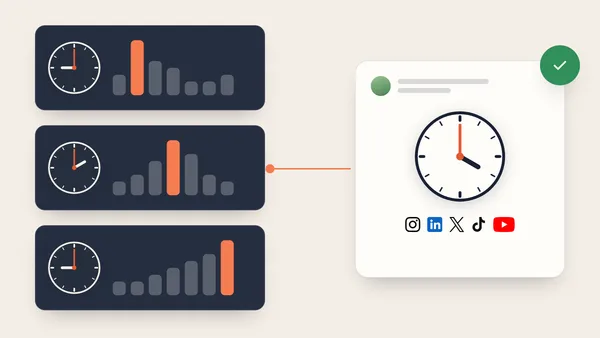
- Pick a time, or click Pick the best time: Shager suggests one from when your audience has clicked before, and falls back to published studies while you don’t have enough data yet.
- Schedule.
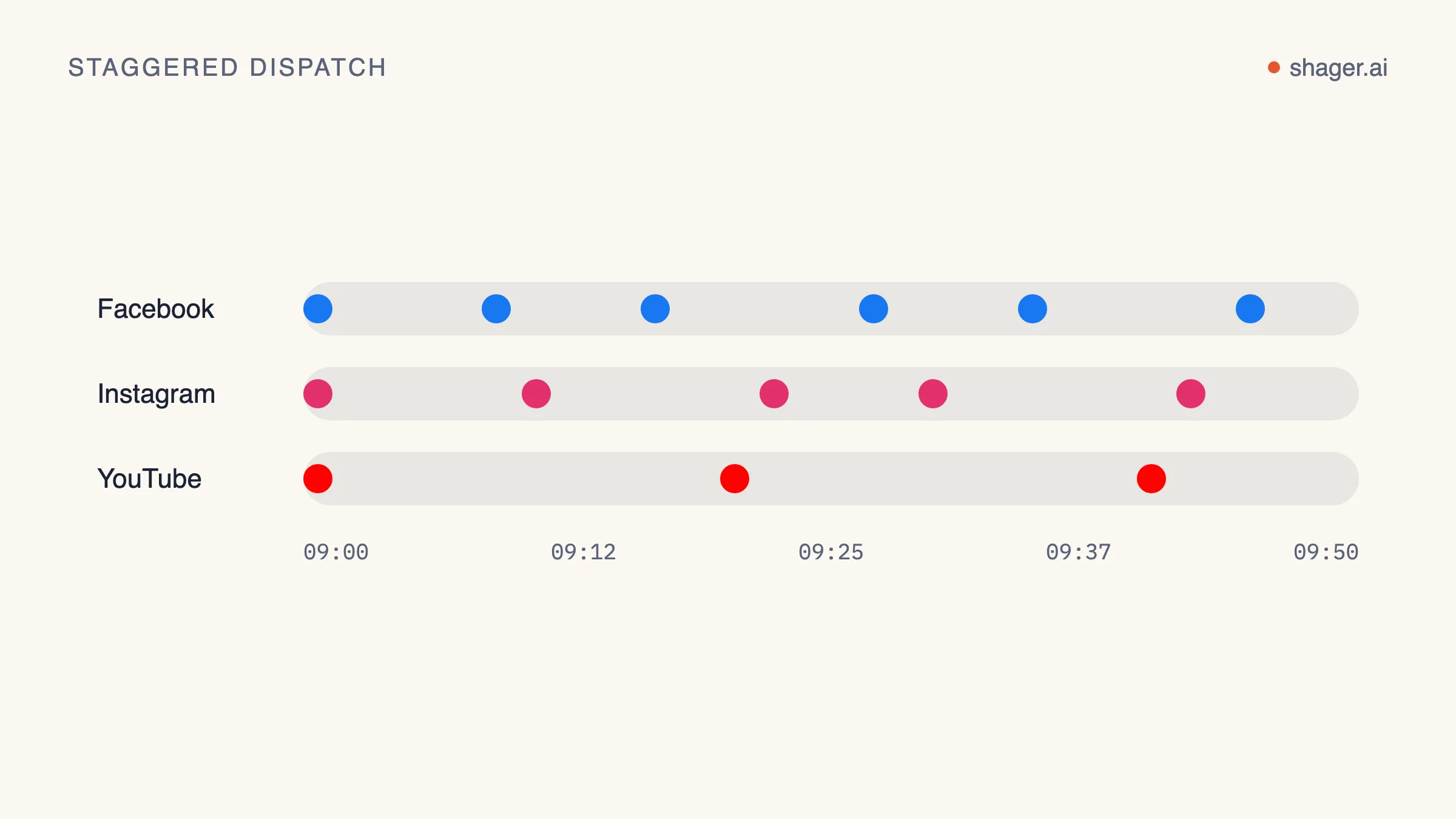
If the same set of accounts gets every post, save them as a group and pick it with one click. When several LinkedIn profiles get the same post, they don’t all go out in the same second: profiles on the same network go one after another with a random gap of 30 to 90 seconds (you can change the range), while different networks go out in parallel.
For the founder above, Sunday evening now covers the whole week in one sitting: her three posts, the product news on her head of sales’ profile, and the short versions for X. You can try this on your own profile now: sign up, it’s free during the launch for up to 31 accounts, and there’s no card.
Scheduling for colleagues or clients
Each person connects their own LinkedIn profile once. LinkedIn only lets an app post as the person who signed in, so there’s no way around that step. That’s fair: nobody should be passing their LinkedIn password around. For an agency, a client connect link lets a client connect their profile without signing up for Shager. Users are unlimited on every plan, so the whole team can see the calendar. If your client needs to approve posts first, you can turn on approval for that client, and posts go out only after they say yes.
One honest note: LinkedIn makes apps like Shager ask people to reconnect every 60 days. It takes a few seconds on LinkedIn’s own sign-in screen.
Should the link go in the first comment on LinkedIn?
People have put links in the first comment for years, on the theory that LinkedIn shows posts with outside links to fewer people. The evidence in 2026 is messy. Early small tests found more reach with the comment trick. A more recent comparison across 1,824 creators, summarised by Contentin, found no measurable difference, and pointed out that a link hidden in a comment gets fewer clicks because people have to go looking for it.
So here’s where we land, and it also matches what Shager can do today:
- Shager doesn’t post a first comment on LinkedIn profiles. LinkedIn keeps the commenting permission for profiles inside a separate API program. If you want a comment, write it by hand once the post is live.
- Company Pages are built and waiting for LinkedIn’s approval. When LinkedIn approves Shager for Pages, a separate "LinkedIn Page" button appears, and Pages get a first comment too. The LinkedIn network page shows the current status.
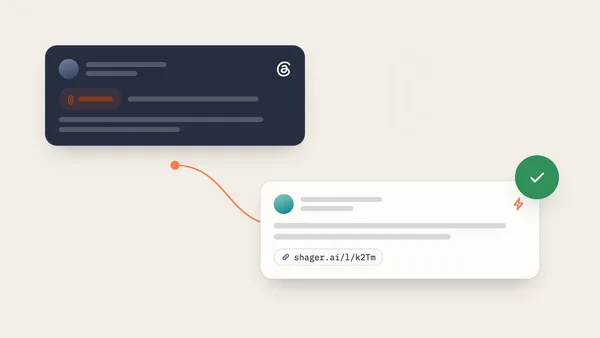
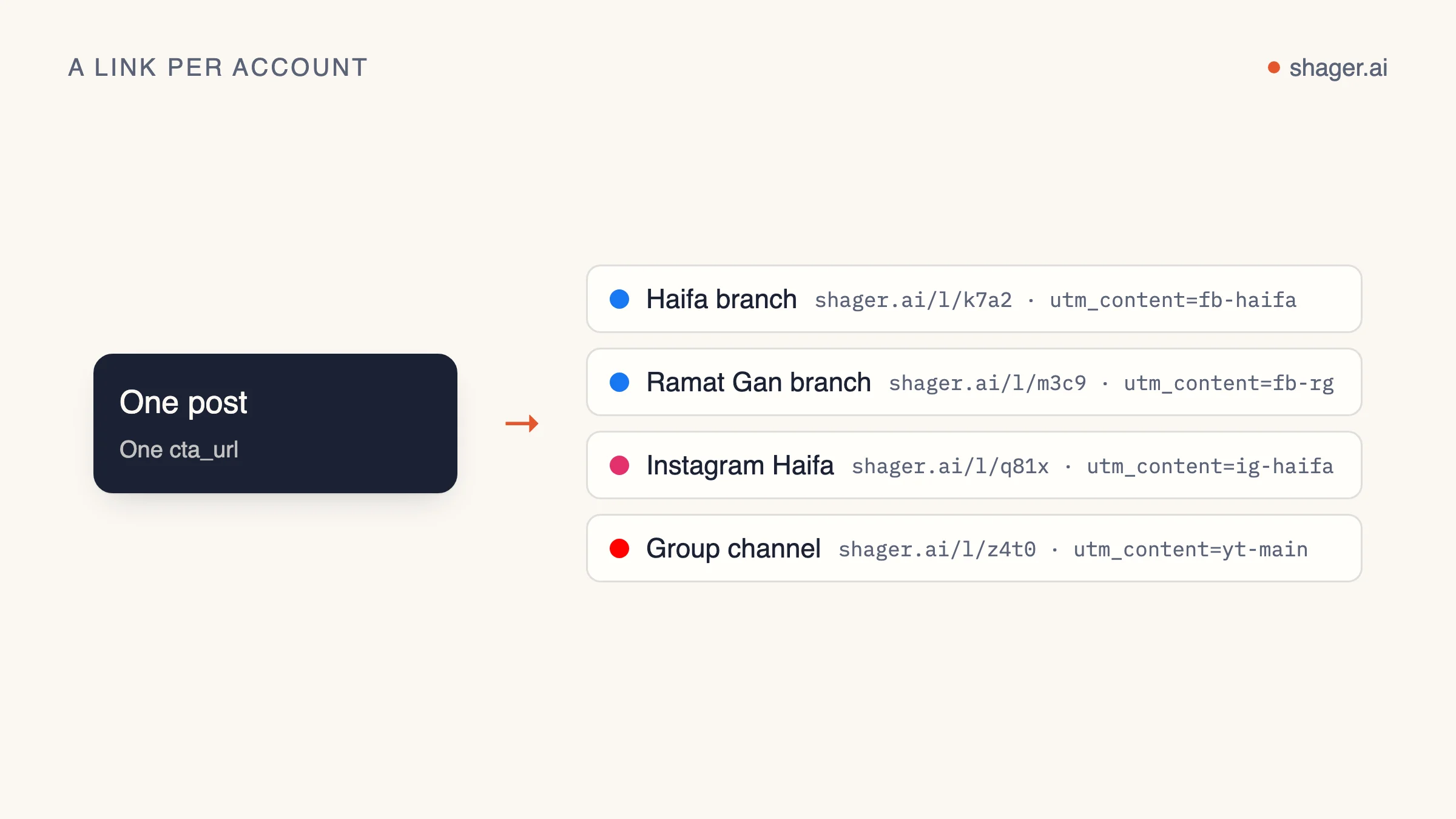
- Put the link in the post itself, and track it. In Links and tracking, add the link and a short line before it. Shager turns it into a short link for each account, tagged with the account and the post, so your analytics shows which profile and which post brought the visit.
The third point is the one that settles the argument for your own audience. LinkedIn doesn’t give apps post numbers for personal profiles, but Shager counts clicks on its own short links. Run the link in the body for a month and you’ll know whether your posts are being buried, rather than guessing from someone else’s study. Our guide to tracked links per account covers the setup.
What else to know before you schedule
Timing. Every study on the best time to post on LinkedIn lands on weekday business hours, and every study disagrees about the exact hour. Our roundup of the best time to post by network compares them. Your own clicks are a better guide after a few weeks.
Video. Upload the video file, not a link to it, and pick your own cover image. Shager sends both.
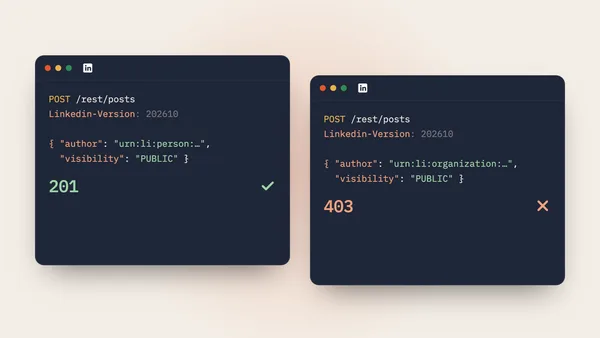
For developers. If your posts start in code (release notes, a newsletter, an AI agent), the same scheduling works through the REST API, with a different text per profile if you want it. The LinkedIn posting API guide explains what LinkedIn requires and what Shager handles for you.
What it costs
LinkedIn’s scheduler is free. Shager is free during the launch, for up to 31 accounts, with no card. After the launch, plans are priced by connected accounts: $15 a month for 6, $19 for 11, $39 for 31, $79 for 101 and $199 for 301, with unlimited users. Posts to X come from a monthly allowance in each plan, because X charges per post and much more for a post with a link. The pricing page has the details.
FAQ
Can you schedule LinkedIn posts for free?
Yes. LinkedIn’s built-in scheduler is free on desktop and on the phone app, for your own profile, up to 3 months ahead. Shager is also free during the launch if you want several profiles or other networks in the same schedule.
Can you edit a scheduled post on LinkedIn?
Yes. Open the post box, click the clock icon, then View all scheduled posts. Each post has Edit post and Modify schedule, and you can delete it from the same list.
Can I schedule a post on a LinkedIn company page?
Not through Shager yet. Company Pages are built and waiting for LinkedIn’s approval, and until then Shager posts to personal profiles only. Once LinkedIn approves, Pages connect with their own button and also get a first comment.
Why did my scheduled LinkedIn post go out at the wrong time?
LinkedIn converts the time using your device’s time zone. Check the time zone on the computer or phone you scheduled from, then reschedule.
If you post only on your own profile and nowhere else, LinkedIn’s scheduler is enough. Once there’s a second profile, a client, or the same post belongs on X and YouTube too, sign up for Shager, connect your LinkedIn profile, and schedule next week in one sitting.
Want your agent to work with Shager?
An agent can draft in a sandbox. Publishing requires a human to claim the organization and separately grant the API key publish permission. Per-post approval is required only in workspaces where client approval is enabled.