LinkedIn Posting API: Personal Profiles, Company Pages, and the 403 You Will Hit
How the LinkedIn posting API works for personal profiles and company pages, why posts fail with 403 ACCESS_DENIED, and the shortest way to post from your code.
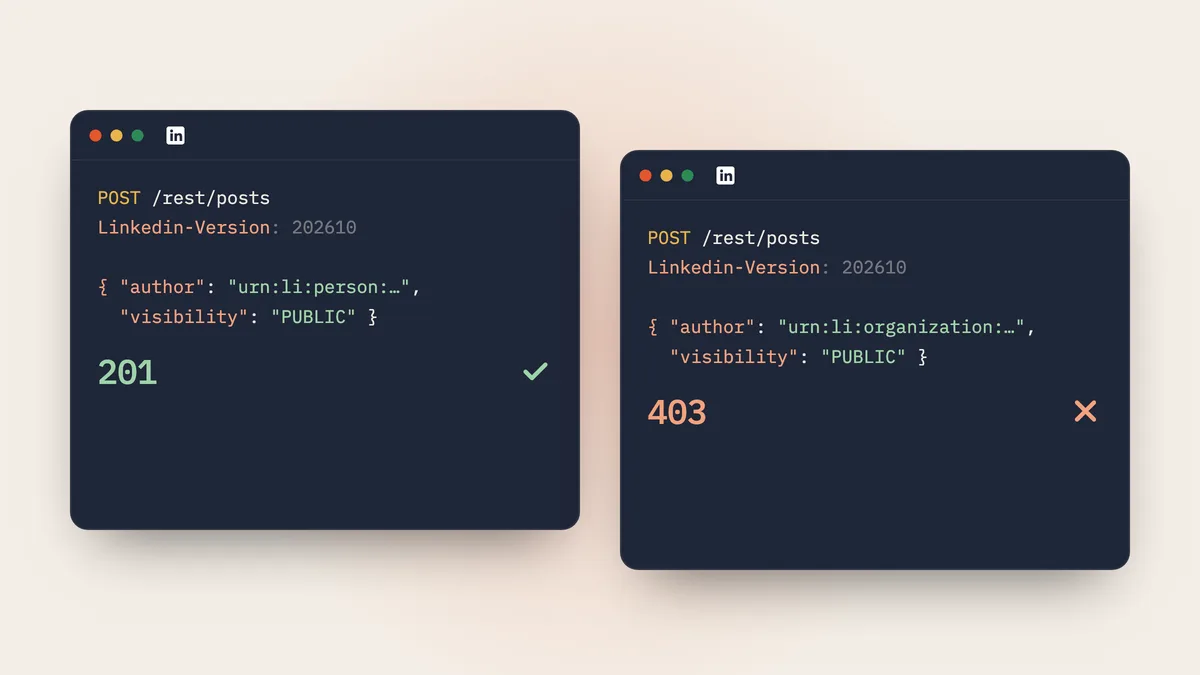
The LinkedIn posting API is two different things depending on who the author is. Posting to a personal profile is self-serve: add the "Share on LinkedIn" product to a developer app, ask for the w_member_social scope, and call POST /rest/posts. Posting to a company page needs the Community Management API, which LinkedIn only grants to registered businesses after a review, and which starts on a rate-limited development tier. Most 403 errors come from mixing those two up.
That’s the short version. The long version is where people lose a weekend, so here it is with the actual calls, the actual errors, and a way around the parts you probably don’t want to own.
Profile or company page: which API do you need?
Start by deciding whose name goes on the post, because LinkedIn treats them as separate products with separate rules.
| Personal profile | Company page | |
|---|---|---|
| LinkedIn product | Share on LinkedIn (plus Sign In with LinkedIn using OpenID Connect) | Community Management API |
| Scope to post | w_member_social |
w_organization_social |
| Author in the post | urn:li:person:{id} |
urn:li:organization:{id} |
| Who can get it | Any developer, self-serve | Registered legal organizations, commercial use, after vetting |
| Limits to know | 150 requests per member per day (Share on LinkedIn) | Development tier: 500 calls per app and 100 per member per 24 hours, no batch reads (access tiers) |
| Reading your own posts back | Restricted (r_member_social is for approved users only) |
r_organization_social |
If you only need to post as yourself, or as each person on a team from their own profile, you’re in the easy column. If the brief says "post on the company page", budget for the review.
How to post to a LinkedIn profile with the API
This part genuinely is an afternoon.
- Create an app in the LinkedIn Developer Portal. LinkedIn asks you to link it to a company page, even for profile posting.
- Under Products, add Share on LinkedIn and Sign In with LinkedIn using OpenID Connect. Both are self-serve.
- Run the OAuth authorization code flow with the scopes
openid profile email w_member_social. - Call the userinfo endpoint. The
subvalue is the member id, so the author isurn:li:person:{sub}. - Create the post with the versioned Posts API.
curl -X POST "https://api.linkedin.com/rest/posts" \
  -H "Authorization: Bearer $LI_TOKEN" \
  -H "Linkedin-Version: 202610" \
  -H "X-Restli-Protocol-Version: 2.0.0" \
  -H "Content-Type: application/json" \
  -d '{
    "author": "urn:li:person:abc123",
    "commentary": "We shipped offline mode this week. Short write-up on what broke along the way.",
    "visibility": "PUBLIC",
    "distribution": { "feedDistribution": "MAIN_FEED", "targetEntities": [], "thirdPartyDistributionChannels": [] },
    "lifecycleState": "PUBLISHED",
    "isReshareDisabledByAuthor": false
  }'
A 201 with the new post’s URN in the x-restli-id header means it worked. Older tutorials use /v2/ugcPosts; LinkedIn says the Posts API replaces ugcPosts, so start there.
Images, videos and PDFs each have their own upload dance first (Images API, Videos API, Documents API): initialize, upload the bytes, then reference the returned URN in the post. Videos are uploaded in parts and processed asynchronously, so your code has to wait until the video is ready before the post goes out.
Then there’s the token. A member access token lasts 60 days, and programmatic refresh tokens are only available to a limited set of approved partners. For everyone else, every user has to sign in again every two months. Put that in your calendar now, because your users won’t.
How to post to a LinkedIn company page with the API
The call itself barely changes: the author becomes urn:li:organization:{id} and the token needs w_organization_social. Getting that scope is the project.
According to LinkedIn’s Community Management review page, the API is only for registered legal organizations with a commercial use case. You’ll need a verified business email (personal addresses fail), your organization’s legal name, address, website and privacy policy, and a super admin of your LinkedIn page has to verify the app. If the request is rejected, you can’t re-apply with the same app; you create a new one.
Approval puts you on the Development tier, which is meant for building, not for running a product: 500 calls per app per day, 100 per member, no BATCH_GET, webhooks off, and twelve months to finish the integration. The Standard tier needs another form, test credentials and a narrated screen recording of every use case. Nothing in the docs promises a timeline.
One more thing that trips up agencies: even with the scope, the person who signed in must hold a role on that page (administrator, content admin or direct sponsored content poster) for LinkedIn to accept the post.
Why does the LinkedIn API return 403?
A 403 ACCESS_DENIED from LinkedIn means "this token may not do this", and it’s almost always one of these:
| What you did | Why it fails | Fix |
|---|---|---|
Posted with author: urn:li:organization:... using a profile token |
w_member_social covers the member, not pages |
Get Community Management access and w_organization_social |
| Posted to a page you can see but don’t manage | The signed-in member has no admin or content role on that page | Add the person as page admin in LinkedIn, then sign in again |
| Added a product to the app after users connected | Old tokens don’t gain new scopes | Users go through OAuth again; check a token in LinkedIn’s token inspector |
| Tried to read your posts, comments or stats | r_member_social is restricted; a profile token is write-only |
Store what you posted yourself, or use a page with the right scopes |
Two near misses that look like permission problems but aren’t: a 401 after about two months is the expired token, and a 426 means the Linkedin-Version header names a version LinkedIn has retired. Versions live for at least a year, so pin one and bump it yearly.
The shortcut: post through an app that already did the reviews
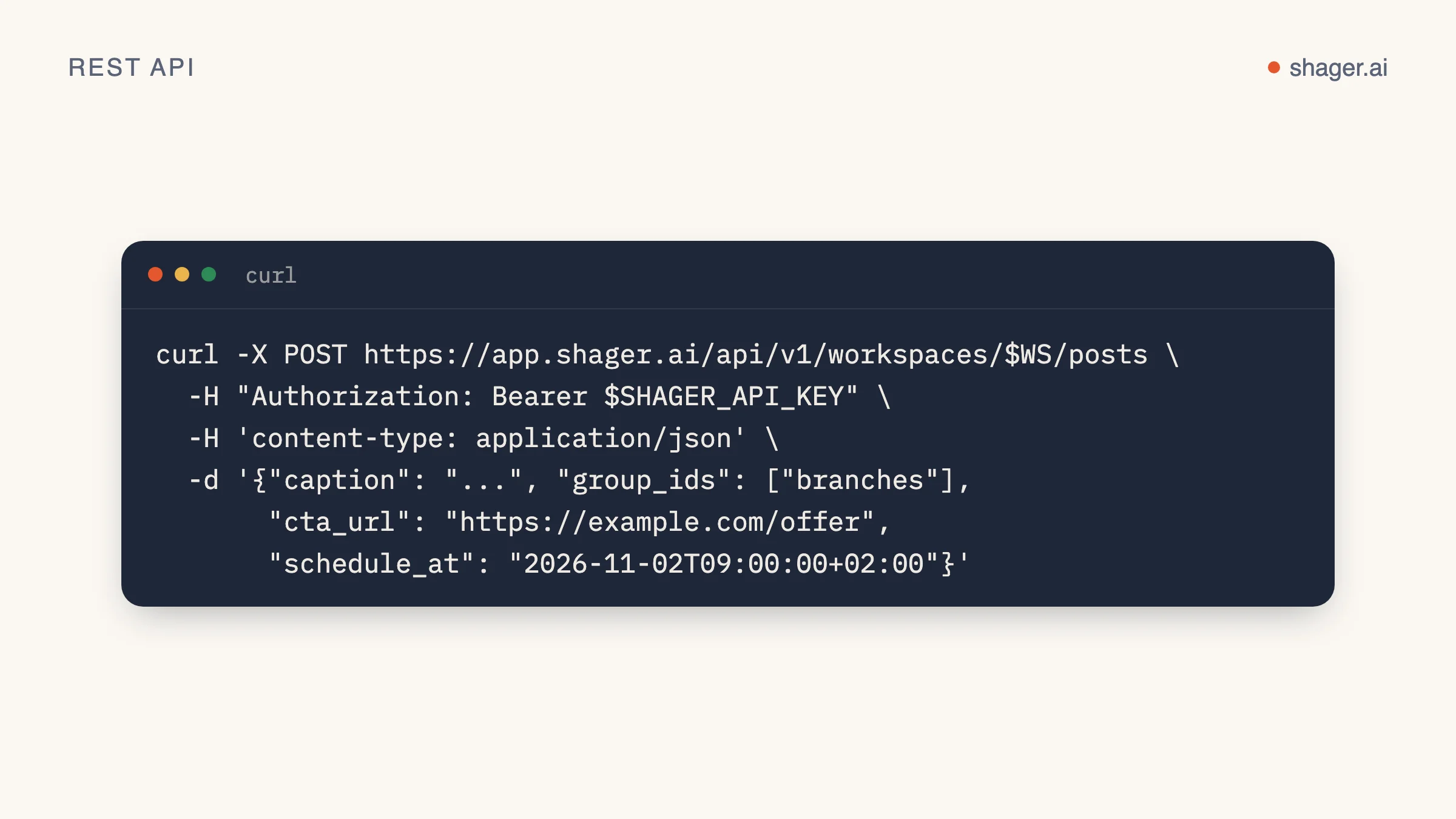
If your actual goal is "our release notes go out on LinkedIn, X and Bluesky", building and maintaining a LinkedIn integration is a detour. Shager posts through its own LinkedIn app, so you connect a profile on LinkedIn’s own sign-in screen and post with one REST call. Here’s the same post as above, to a LinkedIn profile and two other networks, with LinkedIn limited to connections:
curl -X POST "https://app.shager.ai/api/v1/workspaces/$WS/posts" \
  -H "Authorization: Bearer $SHAGER_API_KEY" \
  -H "Content-Type: application/json" \
  -H "Idempotency-Key: offline-mode-launch" \
  -d '{
    "caption": "We shipped offline mode this week. Short write-up on what broke along the way.",
    "channel_ids": ["ch_linkedin_dana", "ch_x", "ch_bluesky"],
    "per_channel": [
      { "channel_id": "ch_linkedin_dana", "linkedin_visibility": "CONNECTIONS", "linkedin_disable_reshare": true }
    ],
    "schedule_at": "2026-11-25T14:00:00Z"
  }'
No URNs, no upload steps, no version header. Attach up to 20 images, one video, or one PDF (it shows up as a swipeable document), or send a LinkedIn poll with the poll field. Shager checks LinkedIn’s limits, like 3,000 characters for the text, before anything is queued. The Idempotency-Key makes a retry return the first result instead of posting twice, which matters a lot once an AI agent is making the calls. Everything is in the OpenAPI document, and our social media posting API guide covers the rest of the networks.
Want to see it on your own profile? Sign up and connect LinkedIn. It’s free during the launch, for up to 31 accounts, with no card.
What’s honest to say about LinkedIn in Shager today:
- Personal profiles are live. Text, up to 20 images, video with your own cover image, PDFs, polls, visibility and reshare settings.
- No first comment on profiles, and no post numbers for profiles, because LinkedIn keeps the comment and analytics permissions for members inside the Community Management API. Tracked links still tell you how many people clicked, per profile and per post.
- Reconnect every 60 days, as with any app that isn’t one of LinkedIn’s refresh-token partners. It’s a quick sign-in on LinkedIn’s own screen.
- Company pages are built and waiting on LinkedIn’s approval. When LinkedIn approves Shager for pages, a separate "LinkedIn Page" button appears, and pages also get a first comment, numbers and comment replies. The LinkedIn network page shows the current status.
If you’re doing this for a team, each person connects their own profile, and one call can post a launch to all of them, with a random gap of 30 to 90 seconds between profiles instead of all in the same second. For clients, a connect link lets them connect without signing up.
Is the LinkedIn API free?
LinkedIn doesn’t charge for organic posting through its API. You pay in time: the review, the 60-day reconnects, the upload flows and a version bump every year. Shager is free during the launch for up to 31 accounts. After that, plans are priced per connected account: $15 a month for 6, $19 for 11, $39 for 31, $79 for 101 and $199 for 301, with unlimited users and the API on every plan. Posts to X come from a monthly allowance, because X charges per post. Details are on the pricing page.
FAQ
Can I post to a LinkedIn company page via API without the Community Management API?
No. Page posts need w_organization_social, which comes with Community Management access (or the Advertising API). The profile-only "Share on LinkedIn" product can’t post as a page, whatever the docs for other products suggest.
What’s the difference between w_member_social and w_organization_social?
w_member_social lets your app post as the signed-in person, on their own profile. w_organization_social lets it post as a company page where that person holds a posting role. They’re different scopes from different products.
Why do I get 403 even though the scope shows as granted in the portal?
The portal shows what your app may ask for, not what a given token has. If the user signed in before you added the product or scope, their token doesn’t have it. Send them through OAuth again and check the token in LinkedIn’s token inspector.
Can I schedule LinkedIn posts through the API?
LinkedIn’s API publishes immediately; scheduling is up to you. In Shager you pass schedule_at and it handles the queue. If you’d rather schedule by hand, see how to schedule LinkedIn posts.
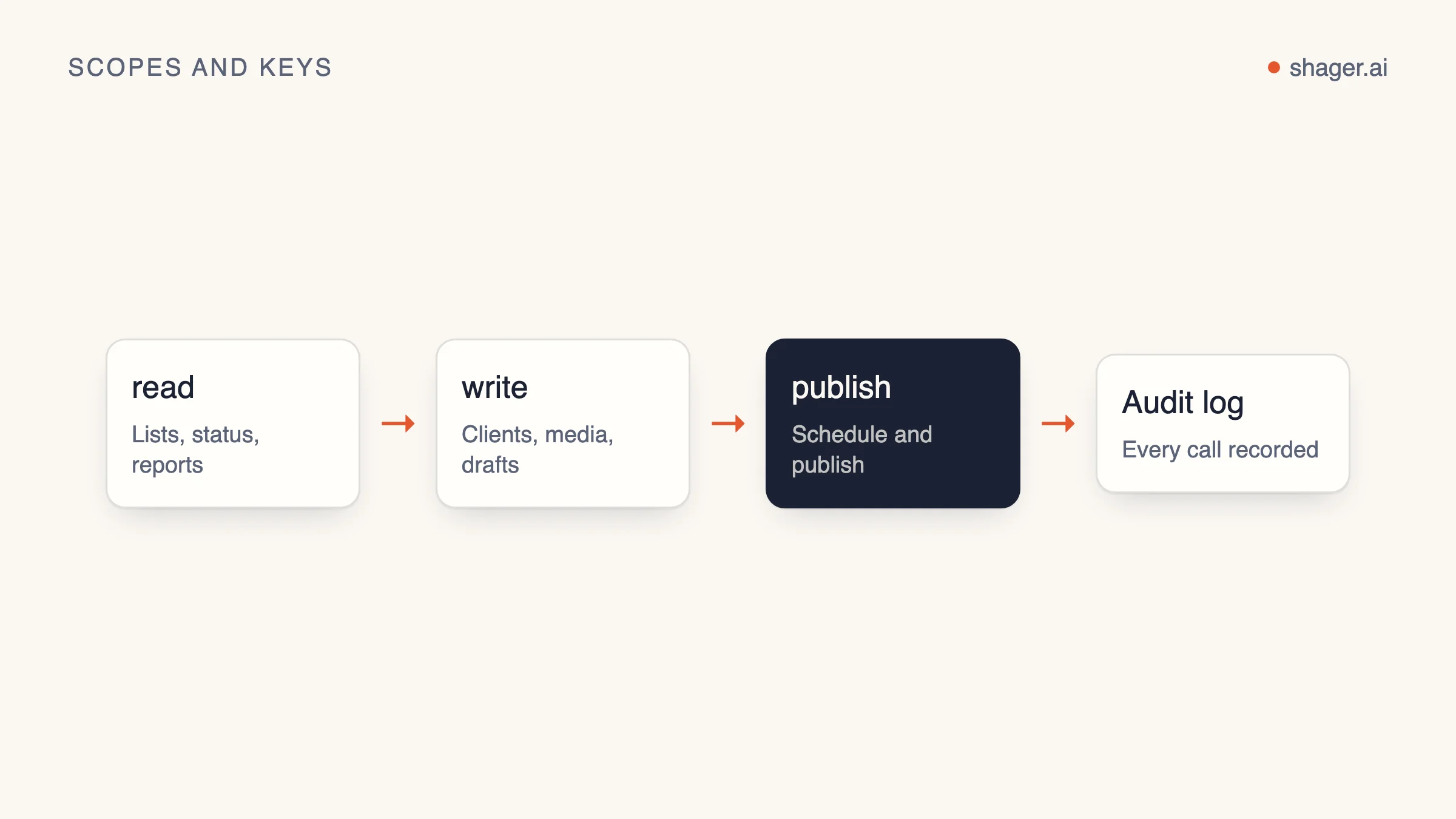
If you were about to open the Developer Portal and start the review form, try the other route first: sign up for Shager, connect your LinkedIn profile, create an API key with the publish scope and send the curl above. Your next post can be live before the review form would be.
Want your agent to work with Shager?
An agent can draft in a sandbox. Publishing requires a human to claim the organization and separately grant the API key publish permission. Per-post approval is required only in workspaces where client approval is enabled.