Social Media Posting API: One REST Call to Publish on Every Network, Without Filing the App Reviews
A social media posting API lets one REST call publish to YouTube, TikTok, X, LinkedIn and more. What the native APIs demand, and a real curl example to copy.
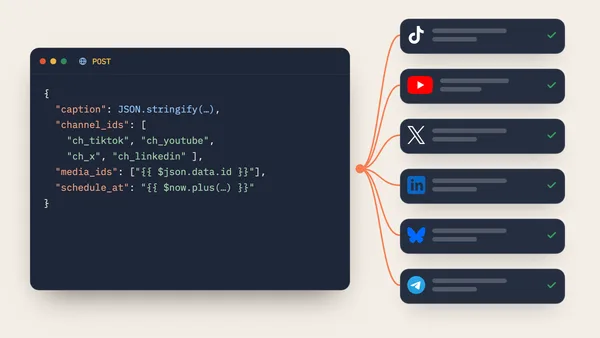
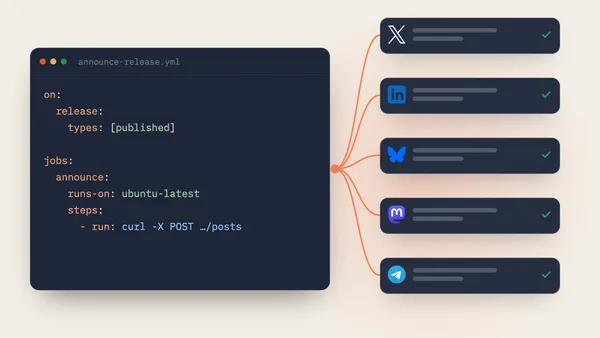
A social media posting API is one HTTP endpoint that publishes a post to several networks at once: you send the text, the media and a list of accounts, and it handles each network’s login, upload rules and quirks. Shager’s API does this with a single POST to https://app.shager.ai/api/v1, and because it posts through Shager’s own approved apps, you never file a Meta, TikTok, Google or LinkedIn app review yourself. Below is what you’d have to build without one, and the exact calls to make with one.
Most people find this topic the same way. They’ve shipped something (a SaaS, a newsletter, a store, a side project) and want every new release or product to go out to YouTube, TikTok, X and LinkedIn automatically. They open the first network’s developer docs, then the second, and somewhere around the third consent screen they start searching for a unified social media API instead.
What does it take to post through the native APIs?
Every network has a publishing API. None of them work the same way, and the hard part is rarely the code. It’s the permission to run it in production.
| Network | What stands between you and a public post | Source |
|---|---|---|
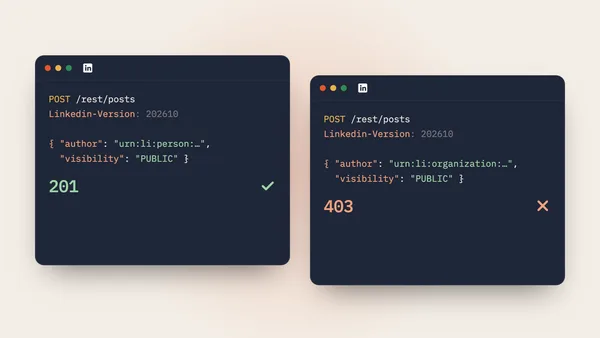
| Instagram, Facebook | A Meta app, business verification and app review for each publishing permission, with a screencast reviewers must be able to reproduce | Meta App Review |
| TikTok | Until your app passes TikTok’s audit, it can only post privately, and only for 5 users in any 24 hours | TikTok content sharing guidelines |
| YouTube | A Google Cloud project with OAuth verification, plus a daily upload quota per project, shared by every user of your app | YouTube videos.insert |
| Personal profiles are self-serve; company Pages need the separately reviewed Community Management API | LinkedIn access tiers | |
| X | Pay-per-use billing per post, priced higher for a post with a link | X API pricing |
Then come the parts nobody puts in the getting-started guide: tokens that expire every 60 days, media that must sit at a public URL, error messages that just say "error", and a different upload flow for every network. Each one is a weekend. Together they’re a product you now maintain.
That’s the honest case for a social media publishing API. It’s not that you can’t build it. It’s that you’d be building and maintaining eight integrations, and waiting on five review queues, before your actual feature ships.
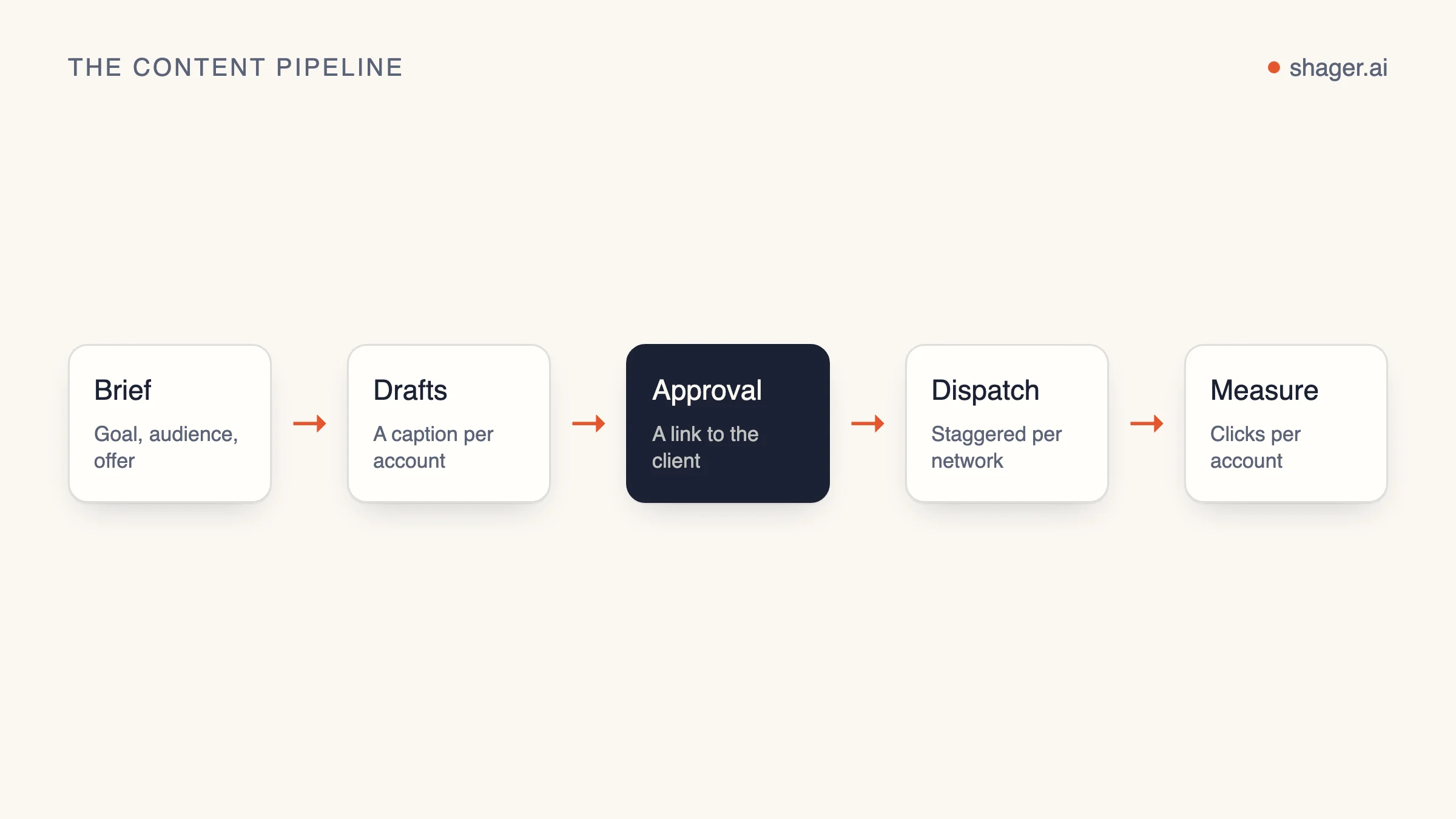
How Shager’s posting API works
Shager is a scheduler with an API at its center: the same operations power the app, the MCP server for AI agents and plain REST. A few things to know before the first call:
- Auth is a bearer key. You create a key in the app under Agents, with the scopes it needs:
read,write, andpublishfor anything that schedules. An OAuth access token works too. - Accounts are connected once, by their owners. You or your client connect each account on the network’s own sign-in screen. Your code only ever sees channel ids.
- Everything is in one OpenAPI document, at app.shager.ai/api/v1/openapi.json. Every answer is
{ "data": ... }, every error is{ "error": { "code", "message" } }.
Live today for everyone: YouTube, TikTok, X, LinkedIn personal profiles, Bluesky, Telegram, Mastodon, Pinterest and Tumblr. Facebook, Instagram and Threads are awaiting Meta’s approval, and Google Business Profile is awaiting Google’s: until then, only people we gave early access can connect them. The networks page lists what each one supports.
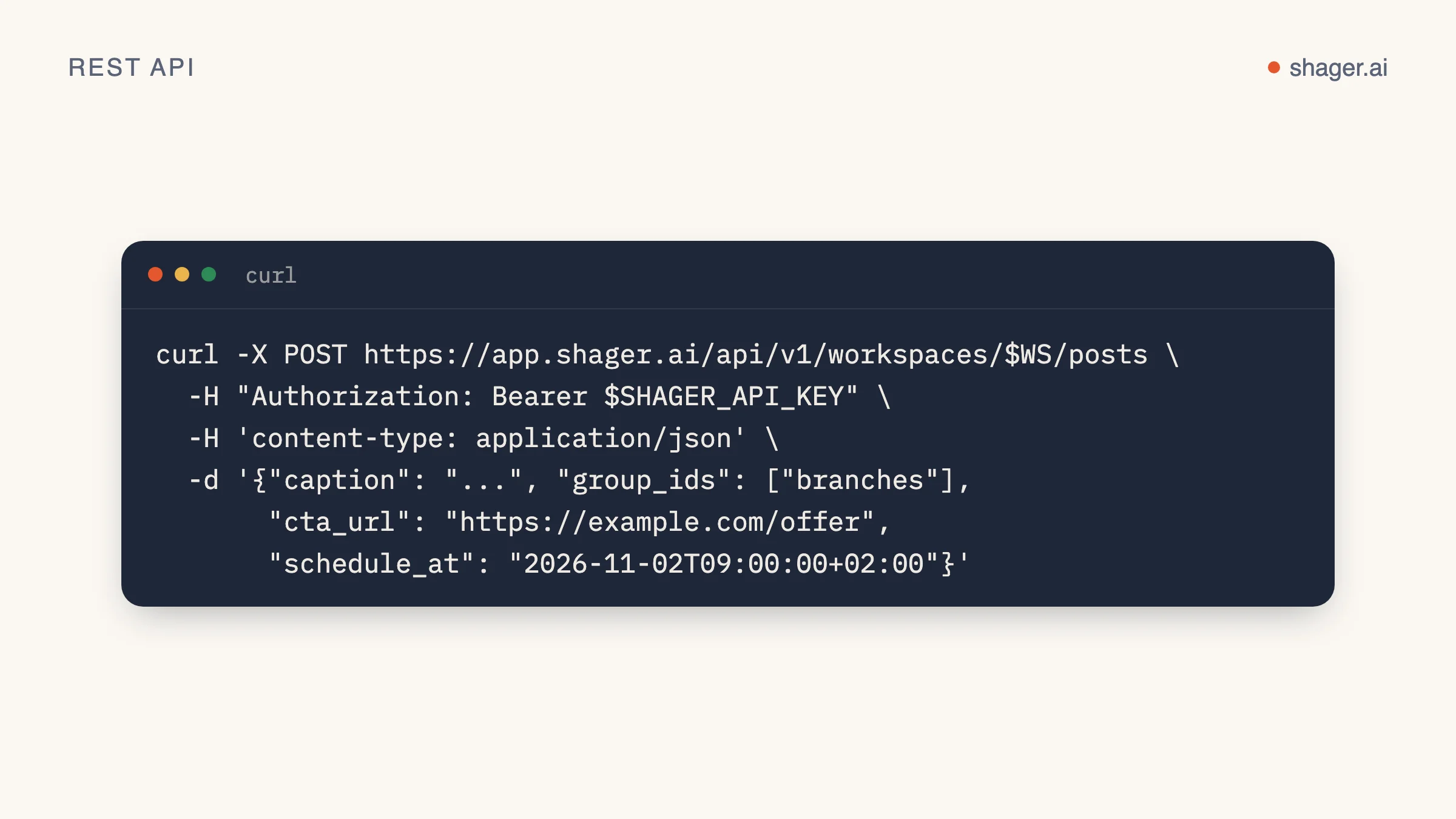
A real curl example: one post to five networks
Set your key and workspace, then find the channels you want to post to:
export SHAGER_API_KEY="shgr_live_..."
API="https://app.shager.ai/api/v1"

curl -s "$API/workspaces" -H "Authorization: Bearer $SHAGER_API_KEY"
WS="your_workspace_id"

curl -s "$API/workspaces/$WS/channels" -H "Authorization: Bearer $SHAGER_API_KEY"
Each channel comes back with its id, network, the formats it accepts and its caption_limit. Now bring in the video. Shager fetches it from a public URL and measures it itself:
curl -s -X POST "$API/workspaces/$WS/media" \
  -H "Authorization: Bearer $SHAGER_API_KEY" \
  -H "Content-Type: application/json" \
  -d '{"url": "https://example.com/release-2-4.mp4"}'
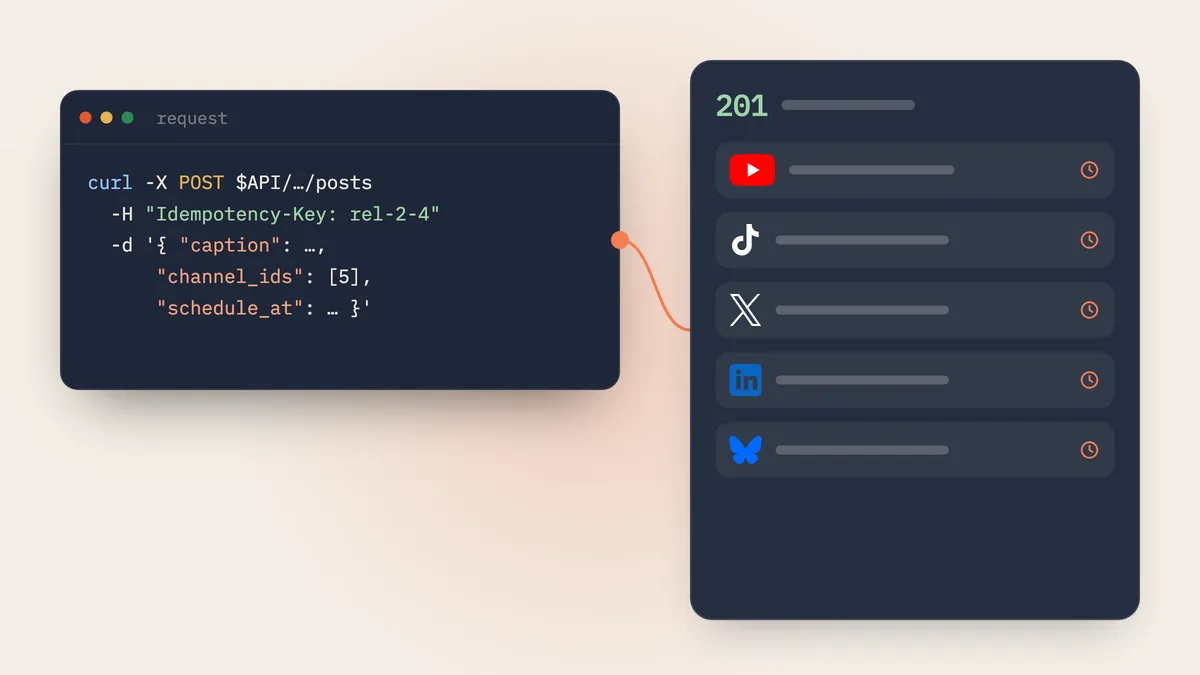
Then the call that matters. One post, five accounts, a shorter text for X, and the TikTok privacy setting that TikTok requires you to choose explicitly:
curl -s -X POST "$API/workspaces/$WS/posts" \
  -H "Authorization: Bearer $SHAGER_API_KEY" \
  -H "Content-Type: application/json" \
  -H "Idempotency-Key: release-2-4" \
  -d '{
    "caption": "Version 2.4 is out: offline mode, faster sync, and dark mode on Android. Here is a 40-second tour.",
    "channel_ids": ["ch_youtube", "ch_tiktok", "ch_x", "ch_linkedin", "ch_bluesky"],
    "media_ids": ["med_release_video"],
    "youtube_title": "Version 2.4 in 40 seconds",
    "per_channel": [
      { "channel_id": "ch_tiktok", "tiktok_privacy": "PUBLIC_TO_EVERYONE" },
      { "channel_id": "ch_x", "caption": "2.4 is out. Offline mode, faster sync, dark mode on Android." }
    ],
    "schedule_at": "2026-11-24T09:00:00-05:00"
  }'
The response is the post with one destination per account, each with its own state, send_at and, once it’s live, the public url. Leave out schedule_at and you get a draft instead. Want to know what a network would refuse before you commit? Send the same body to POST /workspaces/$WS/posts/validate: it checks every account’s rules (caption length, video shape and length, the YouTube title, TikTok fields) and returns all the problems at once, without saving anything.
Two details save you from the usual automation accidents. The Idempotency-Key header means a retry with the same key and body returns the first result instead of posting twice. And a send that goes out within the next hour, or to more than 10 accounts, returns 409 needs_confirmation with a link where a person approves that exact plan once. Scheduled sends further out go straight through. If an AI agent drives your calls, our piece on stopping an agent from double-posting goes deeper.
You can run these calls on your own accounts today: sign up, and it’s free during the launch, up to 31 accounts, no card.
What you get beyond "post"
Posting is the first call. The ones people end up using next:
- Per-account captions and timing.
per_channeloverrides the caption, first comment or format for one account, anddelay_minutessends it later than the rest: Instagram at 9:00, LinkedIn at noon, in the same post. - Tracked links. Set
cta_urland each account gets its own short link with UTM tags, so clicks come back per account and per post. - Status and numbers.
GET /workspaces/{id}/posts/{post_id}shows each destination’s state and, after publishing, views, likes, comments and shares where the network reports them. - Webhooks. Get a signed event when a destination is published or fails, instead of polling.
- Connect links for clients. If you’re building for other people, create a connect link and they connect their own accounts without signing up to Shager. Our guide on a social media API for SaaS covers that setup.
There are guard rails too. Each key has caps (by default, 50 accounts per post and 20 scheduled posts in 24 hours) and a limit of 120 requests a minute. One post already covers many accounts, so you rarely need more.
What it costs
Shager is free during the launch, for up to 31 accounts, with no card. After the launch, plans are priced per connected account: $15 a month for 6 accounts, $19 for 11, $39 for 31, $79 for 101 and $199 for 301. The API, MCP and unlimited users are on every plan. Posts to X come from a monthly allowance in your plan, because X charges per post, and a lot more for a post with a link. Other unified APIs price per profile, per post or per organization; we lined them up in social media API pricing compared, and the pricing page has ours.
FAQ
Is there a free social media posting API?
Each network’s own API is free to call for basic posting (X is the exception, it bills per post), but you pay in reviews, audits and maintenance. Shager’s API is free during the launch for up to 31 accounts. Every plan after that includes the API.
Can I post to Instagram through the API?
Instagram is awaiting Meta’s approval in Shager, so only people we gave early access can connect it today. Once approved, it works through the same create_post call as every other network, with Reels covers and the first comment included. Instagram itself only allows publishing to Business and Creator accounts.
Do I need my own developer app on each network?
No. Shager publishes through its own apps, which already went through the reviews for the live networks. You connect accounts on each network’s sign-in screen, and Shager keeps the tokens fresh. LinkedIn is the one exception you’ll notice: it asks people to reconnect every 60 days.
Can an AI agent use the same API?
Yes. Every REST operation is also an MCP tool with the same name, and agents can even sign themselves up into a sandbox that a person claims later. The agents page lists the tools.
If you were about to open five developer portals, open one instead. Sign up for Shager, connect two or three accounts, create a key with the publish scope and send the curl above. Your next release can go out everywhere from a single call.
Want your agent to work with Shager?
An agent can draft in a sandbox. Publishing requires a human to claim the organization and separately grant the API key publish permission. Per-post approval is required only in workspaces where client approval is enabled.