Post Release Notes to Social Media from GitHub Actions (Working YAML)
Post to social media from GitHub Actions on every release: one workflow, one API call, release notes out to X, LinkedIn, Bluesky, Mastodon and Telegram.
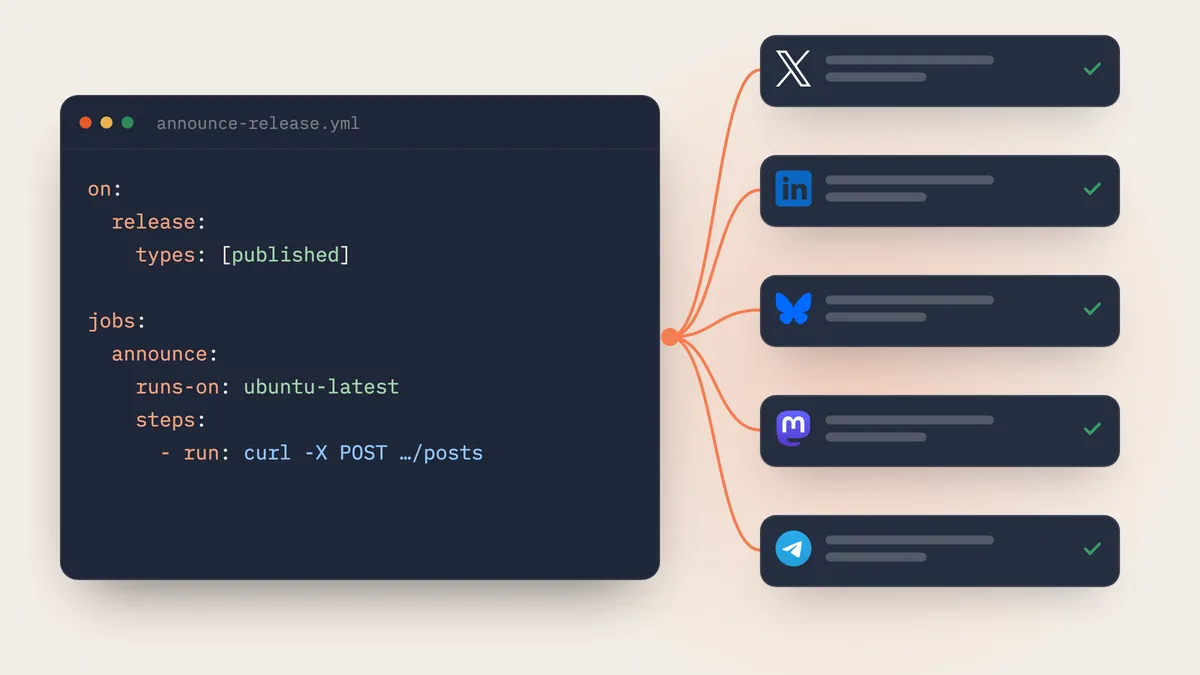
To post to social media from GitHub Actions, trigger a workflow on release: published, turn the release into a short caption per network, and send one HTTP request to a posting API that already holds your connected accounts. With Shager that request is a single POST /workspaces/{id}/posts carrying a different caption for X, LinkedIn and Telegram, and it lands on Bluesky and Mastodon too. The full workflow is below, about 50 lines, and it’s safe to re-run.
The usual way release announcements happen on a small team: someone tags v2.4.0, the release notes look great on GitHub, and then nobody posts about it for three days because whoever usually does it is on holiday. Or it goes out on X and never reaches the Telegram channel where your most loyal users actually read things. The release is the event. The posts should follow it without anyone remembering.
Why not call each network’s API from the workflow?
You can, and for one network it’s fine. For five it becomes a project:
| Network | What calling it yourself involves |
|---|---|
| X | A developer account, pay-per-use billing, OAuth 1.0a or 2.0 tokens per account (X API pricing) |
| An app, the right product approvals, and tokens that expire | |
| Bluesky | An app password or AT Protocol OAuth, plus building link cards yourself |
| Mastodon | One app registration per server your accounts live on |
| Telegram | A bot, made an admin in each channel |
Five sets of credentials in your repo secrets, five token refresh stories, five error formats. Shager holds the connections instead: you connect each account once, in the browser, and the workflow only ever sees one API key. If you want the broader comparison of unified APIs, our social media posting API guide covers it.
What you set up once
- Sign up for Shager and connect the accounts the release should go to: an X account, a LinkedIn profile, a Bluesky account, a Mastodon account and a Telegram channel (the channel connects by adding Shager’s bot as an admin). It’s free during the launch, for up to 31 accounts, with no card.
- In Connect AI, create an API key. Leave Schedule and publish on, since this key’s whole job is to publish.
- Save the key in your repository as the secret
SHAGER_API_KEY(Settings, then Secrets and variables, then Actions; GitHub’s guide to secrets has the details). - Look up your workspace id and channel ids once, from your laptop:
curl -s https://app.shager.ai/api/v1/workspaces \
  -H "Authorization: Bearer $SHAGER_API_KEY" | jq '.data[] | {id, name}'

curl -s https://app.shager.ai/api/v1/workspaces/$WS/channels \
  -H "Authorization: Bearer $SHAGER_API_KEY" | jq '.data[] | {id, network, name}'
- Store those ids as repository variables (not secrets, they aren’t sensitive):
SHAGER_WORKSPACE_ID,SHAGER_X_ID,SHAGER_LINKEDIN_ID,SHAGER_BLUESKY_ID,SHAGER_MASTODON_ID,SHAGER_TELEGRAM_ID.
The workflow file
Save this as .github/workflows/announce-release.yml:
name: Announce release

on:
  release:
    types: [published]

jobs:
  announce:
    if: github.event.release.prerelease == false
    runs-on: ubuntu-latest
    steps:
      - name: Schedule the release post in Shager
        env:
          SHAGER_API_KEY: ${{ secrets.SHAGER_API_KEY }}
          WS: ${{ vars.SHAGER_WORKSPACE_ID }}
          X_ID: ${{ vars.SHAGER_X_ID }}
          LI_ID: ${{ vars.SHAGER_LINKEDIN_ID }}
          BSKY_ID: ${{ vars.SHAGER_BLUESKY_ID }}
          MASTO_ID: ${{ vars.SHAGER_MASTODON_ID }}
          TG_ID: ${{ vars.SHAGER_TELEGRAM_ID }}
          REPO: ${{ github.event.repository.name }}
          TAG: ${{ github.event.release.tag_name }}
          URL: ${{ github.event.release.html_url }}
          NOTES: ${{ github.event.release.body }}
          PUBLISHED: ${{ github.event.release.published_at }}
        run: |
          set -euo pipefail
          NOTES=$(printf '%s' "$NOTES" | tr -d '\r')
          # First bullet of the notes, minus GitHub's "by @user in <link>" tail
          TOP=$(printf '%s\n' "$NOTES" | grep -m1 -E '^[[:space:]]*[-*] ' \
            | sed -E 's/^[[:space:]]*[-*] +//; s/ by @[^ ]+ in https?:[^ ]+$//' || true)
          TOP=${TOP:0:140}
          # Full notes for Telegram, with Markdown heading marks removed
          LONG=$(printf '%s\n' "$NOTES" | sed -E 's/^#+ +//')
          # Two hours after publishing: the same value on every re-run
          WHEN=$(date -u -d "@$(( $(date -u -d "$PUBLISHED" +%s) + 7200 ))" +%Y-%m-%dT%H:%M:%SZ)

          jq -n --arg when "$WHEN" --arg repo "$REPO" --arg tag "$TAG" --arg url "$URL" \
            --arg top "$TOP" --arg long "${LONG:0:3000}" \
            --arg x "$X_ID" --arg li "$LI_ID" --arg bsky "$BSKY_ID" \
            --arg masto "$MASTO_ID" --arg tg "$TG_ID" '
          {
            label: ("Release " + $tag),
            schedule_at: $when,
            channel_ids: [$x, $li, $bsky, $masto, $tg],
            caption: ($repo + " " + $tag + " is out. " + $top + "\n\n" + $url),
            per_channel: [
              { channel_id: $x,  caption: ($repo + " " + $tag + " is out: " + $top) },
              { channel_id: $li, caption: ("We just shipped " + $repo + " " + $tag + ".\n\n" + $top + "\n\nRelease notes: " + $url) },
              { channel_id: $tg, caption: ($repo + " " + $tag + "\n\n" + $long + "\n\n" + $url) }
            ]
          }' > post.json

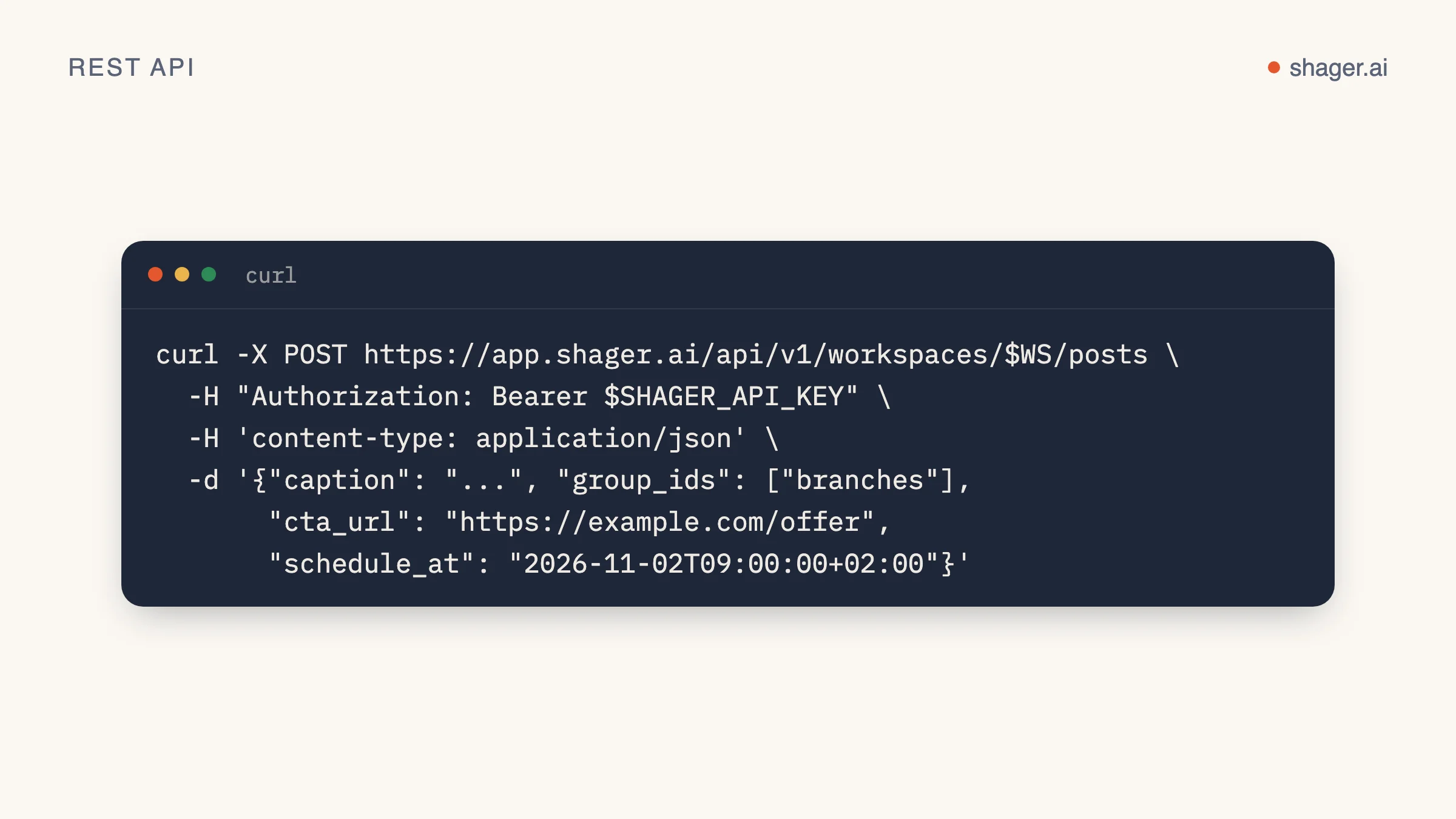
          curl -sS --fail-with-body -X POST \
            "https://app.shager.ai/api/v1/workspaces/$WS/posts" \
            -H "Authorization: Bearer $SHAGER_API_KEY" \
            -H "Content-Type: application/json" \
            -H "Idempotency-Key: release-$REPO-$TAG" \
            --data @post.json
That’s the whole thing. No action from the marketplace, nothing to install: jq, curl and GNU date are already on GitHub’s Ubuntu runners.
What each part is doing, and why
The trigger. published fires when a release goes public, including a release you drafted first and published later. GitHub’s release event docs list the other activity types; published is the one you want. The if: line skips prereleases. Delete it if your betas deserve a post too.
Untrusted text goes through env. Release notes are written by people, and sometimes include text from pull requests. Putting ${{ github.event.release.body }} straight into the run: script would let that text run as shell. Passing it through an environment variable is the fix GitHub itself recommends in its secure use reference. Building the JSON with jq --arg means quotes and newlines in your notes can’t break the payload either.
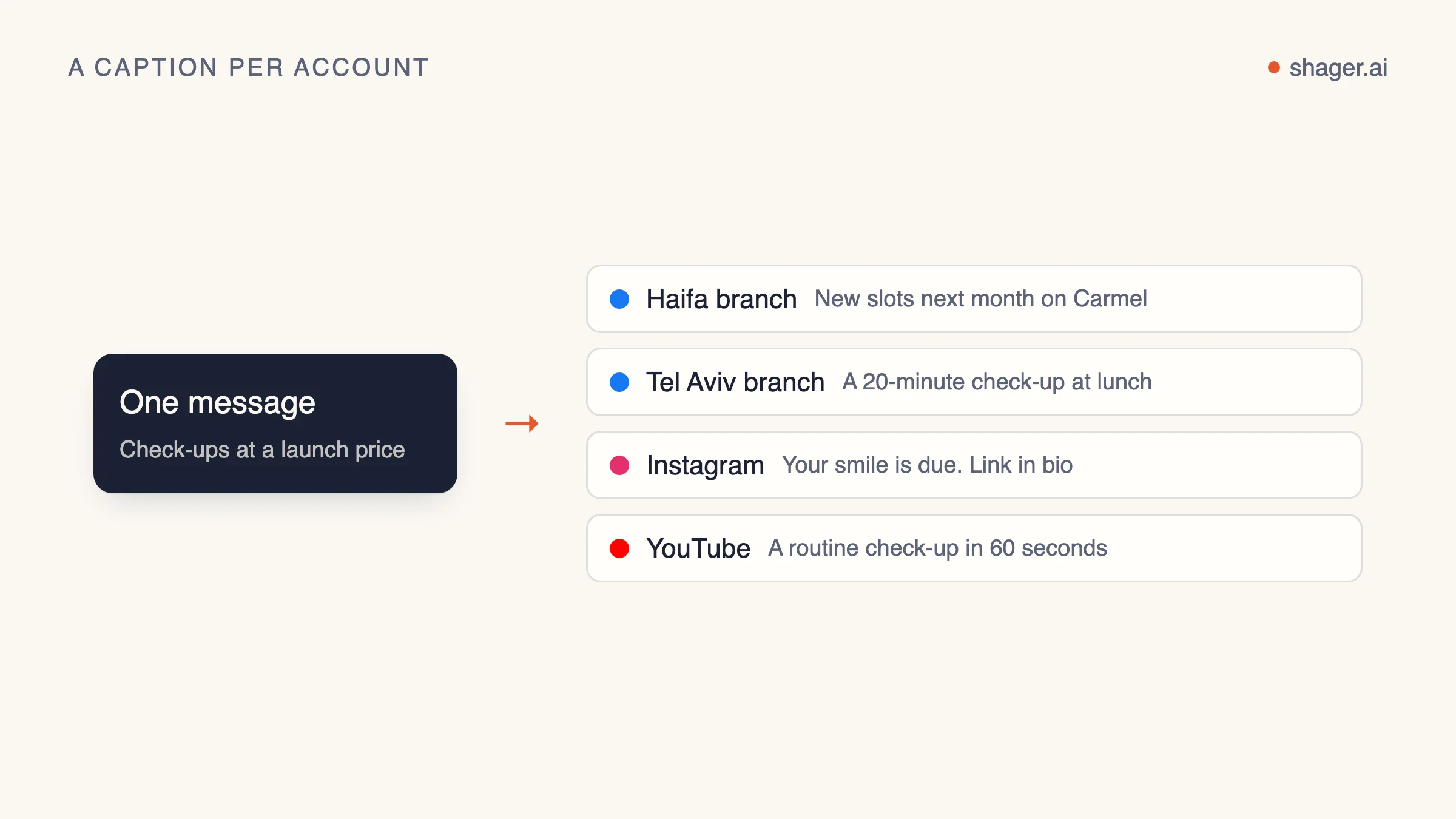
One caption per network. caption is the default, which Bluesky (300 characters) and Mastodon (500) get. per_channel overrides it for three accounts:
- X gets a short line with no link. Each post to X comes out of your plan’s monthly X allowance, and X charges far more for a post with a link, so a link there counts against a separate, smaller allowance. Most projects are fine with "v2.4.0 is out" and the link pinned on the profile.
- LinkedIn gets a slightly more human sentence and the link to the notes.
- Telegram gets the full notes, because a channel is where people actually read changelogs. Text posts on Telegram can run to 4,096 characters.
Links you can measure. The GitHub link in the LinkedIn, Bluesky, Mastodon and Telegram posts is swapped for a short tracked link per account, so afterwards you can see which network sent people to the release page. The per-account link tracking guide explains how that works.
A two-hour window. schedule_at is two hours after the release was published. That gives a human time to glance at the queued post in Shager’s calendar and cancel it if the wording came out odd. It also keeps you clear of a safety check: a post scheduled to go out within the hour normally waits for a person to approve it in Shager. If your team would rather post immediately, the key has a setting called No second approval within the hour, made for programs that already have their own approval step (a release is one). Turn it on and set WHEN to a minute from now instead.
Retries can’t double-post. The Idempotency-Key header is built from the repo and the tag. If the job is re-run, the same key with the same body returns the first result for 24 hours instead of creating a second post. Because WHEN comes from published_at, the body really is identical on a re-run. And a re-run days later fails on a schedule time in the past rather than announcing an old release again. Our article on agents and double-posting goes deeper into why this matters for any automated poster.
Things that trip people up
The workflow never runs. If your releases are created by another workflow (release-please, semantic-release, a homemade script) using the default GITHUB_TOKEN, GitHub doesn’t start new workflow runs from events that token creates. That’s documented behavior, meant to stop loops. Either add the announce job to the release workflow itself, or create the release with a GitHub App token or a personal access token.
A 422 rejected. Shager checks every account’s rules before anything is queued, and returns all the problems at once. The common one is a caption over a limit, usually a very long first bullet on Bluesky. The response names the account and the field.
A 409 needs_confirmation. The job ran late, the schedule time fell inside the hour, and the key doesn’t have the setting above. The response includes a link where a person approves the post. Re-run the job afterwards with the token from the response, or just turn the setting on.
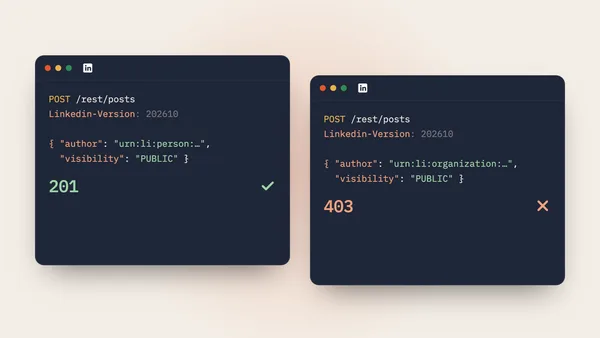
LinkedIn company Pages. Shager publishes to LinkedIn personal profiles today; company Pages connect once LinkedIn approves Shager for them. LinkedIn also asks you to reconnect the account every 60 days. Put a reminder in the team calendar, because a disconnected account is reported as an issue and the post won’t be scheduled until it’s back.
Want to check the payload before going live?
Shager’s API has a validate call that runs every network check without saving anything. Point the same JSON at POST /workspaces/{id}/posts/validate from a workflow_dispatch job and read .data.valid and .data.issues. The REST API quickstart walks through it next to the other calls, and the machine-readable spec is the OpenAPI document.
FAQ
Can I attach a screenshot or a demo video to the release post?
Yes. Upload it first with POST /workspaces/{id}/media and a public URL (for example, an asset attached to the release), then pass the returned id in media_ids. Telegram then posts the text as a caption, which has a 1,024-character limit, so shorten the long version.
Does this work with GitLab CI or another CI?
The API call is plain HTTPS with a bearer token, so any CI that can run curl works. Only the trigger and the variable names change.
What does it cost?
Shager is free during the launch, for up to 31 accounts, with no card. After that plans start at $15 a month for 6 accounts, which covers the five in this example. Posts to X come from a monthly allowance that depends on the plan. Details are on the pricing page.
Can I send different text to two accounts on the same network?
Yes. per_channel works per account, not per network, so two Mastodon accounts can each get their own wording in the same request.
Announcing a release is the kind of task that’s easy to do and easy to forget, which is exactly why it belongs in CI. Sign up for Shager, connect the five accounts, paste the workflow, and your next tag announces itself.
Want your agent to work with Shager?
An agent can draft in a sandbox. Publishing requires a human to claim the organization and separately grant the API key publish permission. Per-post approval is required only in workspaces where client approval is enabled.