Social Media API Pricing Compared: Per Profile, Per Account, Per Post or Per Organization
Social media API pricing compared: Ayrshare, Zernio, Upload-Post, bundle.social, Outstand and more, by model, with real numbers and the X fee per post.
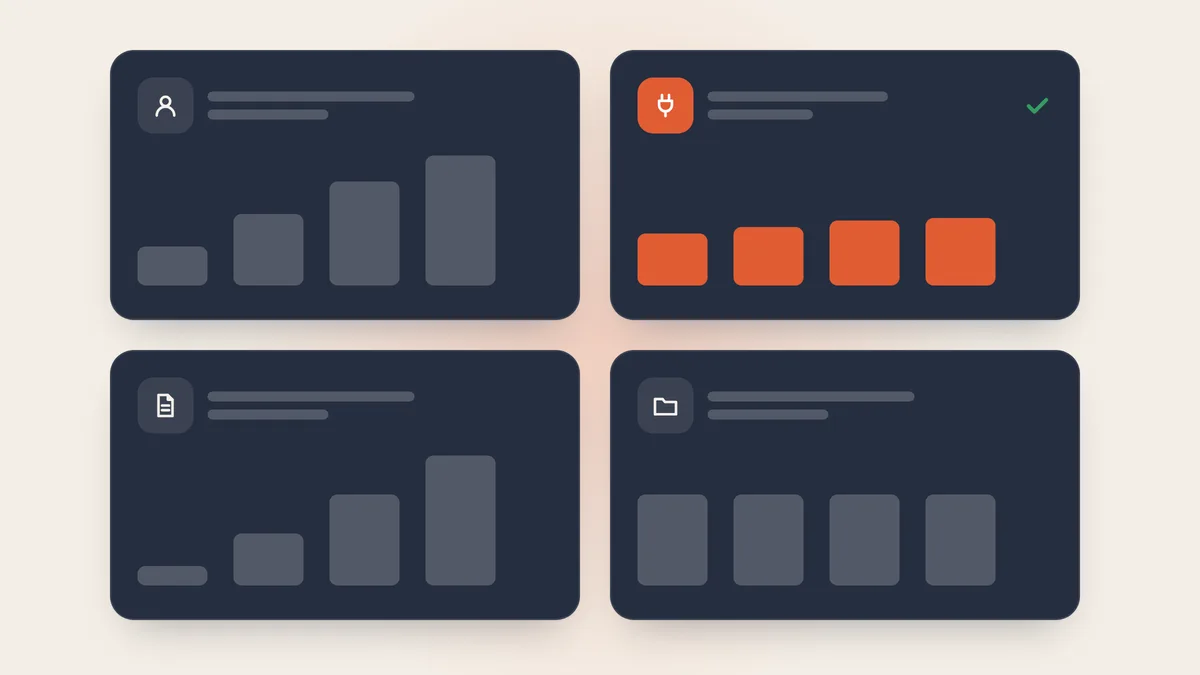
Social media API pricing comes in five shapes: per profile (Ayrshare, Upload-Post, Postproxy), per connected account (Zernio, Shager), per post (Outstand), per organization (bundle.social) and flat with an account cap (Blotato). Which one is cheapest depends on three numbers you should know before you open any pricing page: how many accounts get connected, how many posts go out a month, and how many of those go to X. Get those right and most of the comparison does itself.
The usual way people end up here: you priced Ayrshare, saw the entry plan, and started looking for an Ayrshare alternative. That’s a reasonable instinct, but the cheapest-looking price often belongs to a model that punishes exactly the thing your product does a lot of. So this guide starts with the models, then puts real numbers next to each other.
The five social media API pricing models
| Model | You pay for | Cheap when | Expensive when |
|---|---|---|---|
| Per profile | Each end customer (a bundle of their networks) | Each customer uses many networks | Profiles hold one network each |
| Per connected account | Each Instagram, YouTube channel, X handle | Few accounts, lots of posts | Thousands of tiny accounts |
| Per post | Each published post | Low volume, many accounts | High volume |
| Per organization | A plan tier, accounts unlimited | Many accounts under one roof | You only need a handful |
| Flat with a cap | A fixed fee up to N accounts | You sit right under the cap | You’re one account over it |
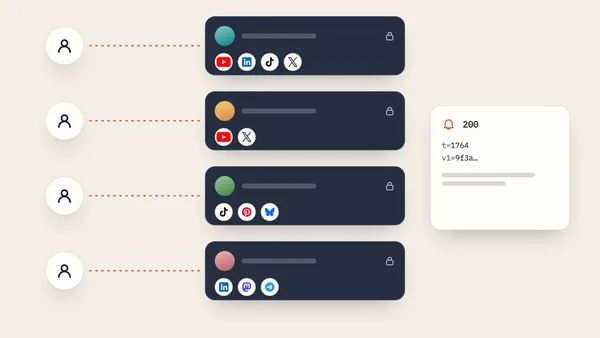
"Profile" is the word that causes most of the confusion, because vendors use it differently. At Ayrshare a profile is one of your customers across all their networks. At Upload-Post a profile is one account on each network, closer to what other tools call a brand. Read the definition before you compare the number.
What each unified social media API charges
All prices come from each vendor’s own pricing page, checked November 2026 (Upload-Post’s on 30 October 2026). They change, so confirm before you sign.
| API | Model | Free tier | Paid prices |
|---|---|---|---|
| Ayrshare | Per profile | None | Premium $149/mo, Launch $299/mo, Business from $599/mo |
| Zernio (formerly Late) | Per account, graduated | 2 accounts | Accounts 3 to 10 at $6, 11 to 100 at $3, 101+ at $1 each |
| Upload-Post | Per profile | 2 profiles, 10 uploads, no TikTok | $24 for 5 profiles, $50 for 25, $147 for 75, $438 for 225 |
| bundle.social | Per organization | 20 posts/mo, 3 social sets | Pro $100/mo, Business $400/mo, accounts unlimited on paid |
| Postproxy | Per profile | 10 posts | Agentic $17/mo for 5 profiles, then $4 down to $1 each; Business $49/mo |
| Outstand | Per post | Not stated | $19/mo with 3,000 posts, then $0.007 per post; Business $129/mo with 50,000 |
| Blotato | Flat with cap | 7-day trial | Starter $29/mo for up to 20 accounts |
| Shager | Per account, in tiers | Free during the launch, up to 31 accounts | $15 for 6, $19 for 11, $39 for 31, $79 for 101, $199 for 301 |
Two things the table can’t show. First, what’s included: Outstand’s managed keys cover eight networks, and X, Google Business Profile, Vimeo and Reddit need your own developer app. Upload-Post leans on pre-audited apps so you skip the reviews. Second, posting limits that look like pricing: Postproxy caps X at 20 posts per 24 hours per account.
The X line item: why "per post" pricing came back
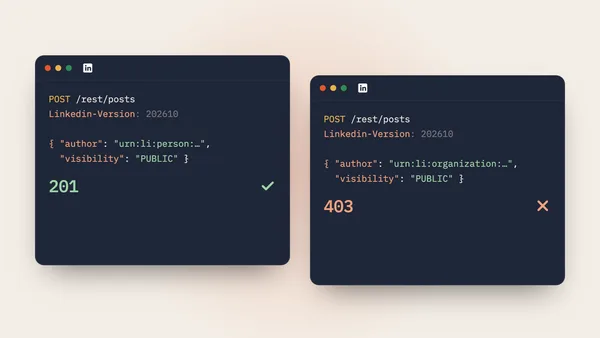
Since X moved its API to pay-per-use, every vendor has to decide who pays for each post. X charges per post, and much more for a post that carries a link: $0.015 for a plain post and $0.20 for one with a URL, per X’s own pricing docs. Zernio and bundle.social pass that through at cost from a prepaid balance. Postproxy caps the volume instead.
Shager takes a third route. Posts to X come out of a monthly allowance in your plan, with a smaller allowance for posts with a link, and the pricing page shows the numbers per plan. Nothing is charged per post on top. If your product sends a lot of link posts to X, this one line can matter more than the base price of the whole API, so do the math with your real link ratio.
Run your own numbers: three real setups
Prices on a pricing page are abstract until you put a customer behind them. Here are three setups with honest arithmetic. X costs are left out because they depend on your mix.
1. An indie SaaS: 40 customers, each with Instagram, TikTok and LinkedIn (120 accounts, about 1,200 posts a month).
- Upload-Post: one profile per customer is 40 profiles, which fits the $147 tier (75 profiles).
- Zernio: 8 accounts at $6, 90 at $3, 20 at $1, about $338 a month.
- Outstand: 1,200 posts fit inside the $19 plan, as long as you don’t need X or Google Business Profile without your own app.
- bundle.social: Pro at $100, accounts unlimited.
- Shager: Agency+ covers 101 accounts for $79, and the 19 extra accounts are priced on the pricing page, which comes to about $94.
2. A freelancer with 8 clients and 30 accounts, about 400 posts a month. Zernio comes to about $108, Upload-Post fits the $50 tier, Blotato’s $29 Starter stops at 20 accounts, and Shager’s Agency plan is $39 for 31 accounts.
3. An AI agent posting for one brand to 6 accounts, every day. Zernio is about $24, Postproxy’s Agentic plan starts at $17, Outstand is $19, and Shager’s Creator plan is $15.
The honest result: Outstand is hard to beat on low post volume if its network list and the bring-your-own-app rule fit you, and per-profile pricing wins when each customer really uses three or more networks. Per-account pricing wins once posts per account go up, because the price doesn’t move with volume.
If you’re comparing scheduling tools rather than APIs (Buffer, Hootsuite, Metricool), we did the same exercise in social media tool pricing models.
What doesn’t show up on any pricing page
The bill is not the whole cost. Before you choose the best social media posting API for your case, check these:
- Whose app does the posting? If you need your own Meta, TikTok or Google app for some networks, you’re back to app reviews, privacy policies and screencasts, and TikTok will keep your posts private until its audit passes.
- Do retries post twice? An agent or a flaky worker will retry. Look for idempotency keys. Shager’s API accepts an
Idempotency-Keyheader, so a retry returns the first result instead of a second post. Our guide to keeping AI agents from double-posting covers why that matters. - Are seats or API keys extra? Some plans cap keys or team members. Shager has unlimited users, and the API and MCP server come with every plan.
- Which networks are actually live? A long list of logos on a homepage may include networks that need your own app or are still waiting for approval.
Where Shager fits, honestly
Shager is a scheduler with a REST API and an MCP server at its center, not a white-label API you resell. You or your clients connect accounts on each network’s own sign-in screen, and your code works with account ids. It posts through Shager’s own approved apps, so you don’t file the reviews yourself.
Live for everyone today: YouTube, TikTok, X, LinkedIn personal profiles, Bluesky, Telegram, Mastodon, Pinterest and Tumblr. Facebook, Instagram and Threads are awaiting Meta’s approval and Google Business Profile is awaiting Google’s; until then only people we gave early access can connect them.
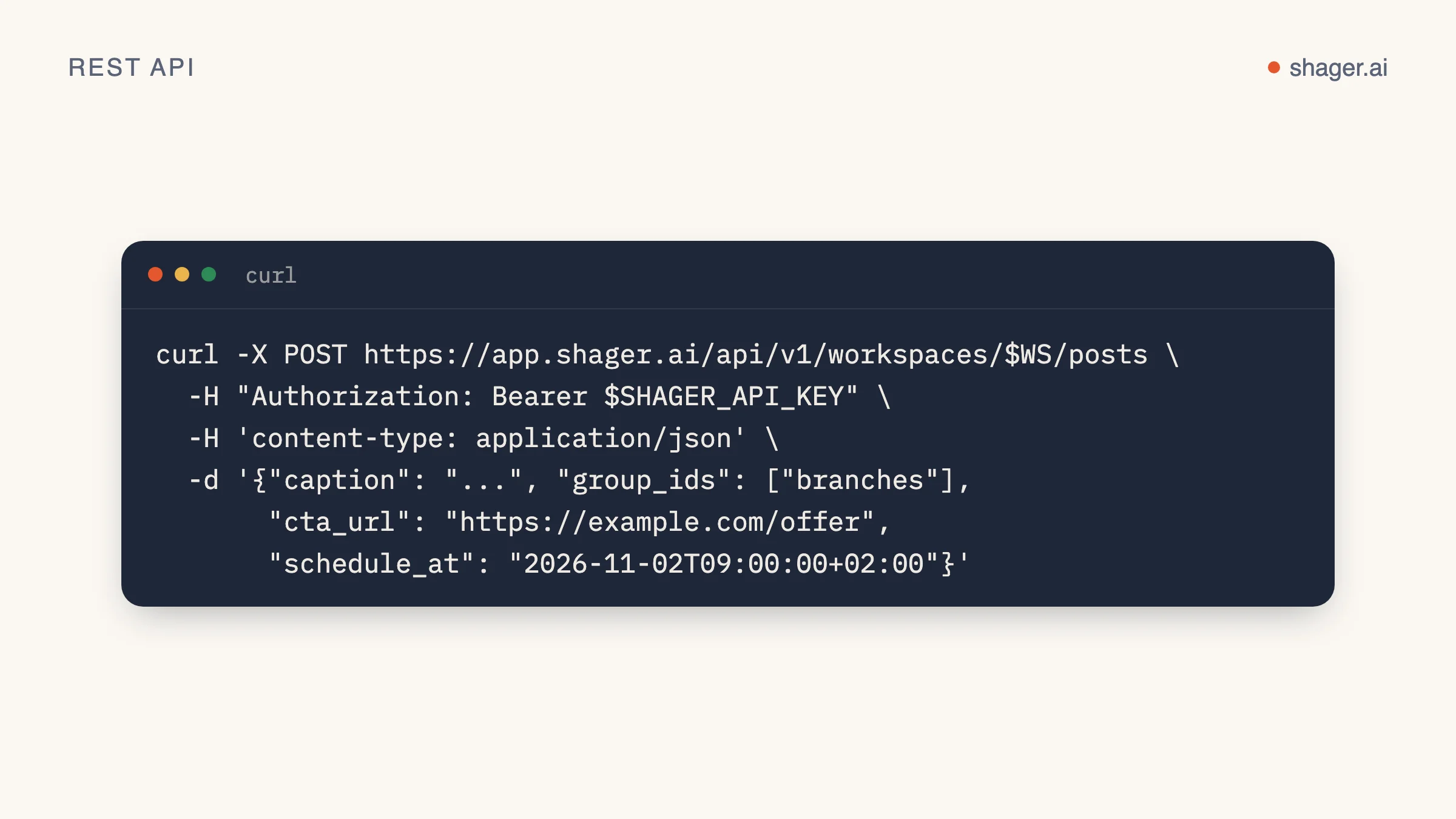
The pricing is per account, in tiers, with posts unlimited and users unlimited. Right now it’s free during the launch, for up to 31 accounts, with no card, so you can wire it into your product before you pay anything. Sign up, create an API key, and the REST API quickstart gets your first post out in a few minutes. The full spec is in the OpenAPI document, and the posting API guide has a copy-paste curl example.
FAQ
Is there a free social media posting API?
Several have a free tier: Zernio for 2 accounts, Upload-Post for 2 profiles and 10 uploads (no TikTok), bundle.social for 20 posts a month, Postproxy for 10 posts. Shager is free during the launch for up to 31 accounts. X still charges per post, so every free plan has to limit or charge for X somehow.
What’s the cheapest Ayrshare alternative?
It depends on your shape. For low volume across many accounts, a per-post API like Outstand. For many customers who each use several networks, a per-profile API like Upload-Post. For lots of posts per account, a per-account plan like Shager’s, where the price doesn’t grow with volume.
Per profile or per account: which is cheaper?
Per profile is cheaper when each profile bundles three or more networks. Per account is cheaper when your customers use one or two networks each, or when you’d otherwise pay for empty slots in a bundle.
Does Shager charge per API call?
No. Plans are priced by connected accounts, and API calls, posts and users aren’t billed on top. Posts to X come from a monthly allowance, because X charges per post.
Count your accounts, posts and X links, run them through the tables above, and pick the model that fits. If per-account pricing comes out ahead, sign up for Shager and connect your first accounts today.
Want your agent to work with Shager?
An agent can draft in a sandbox. Publishing requires a human to claim the organization and separately grant the API key publish permission. Per-post approval is required only in workspaces where client approval is enabled.