How to Schedule Tumblr Posts: the Queue, Exact Times, and Cross-Posting
How to schedule Tumblr posts with the built-in queue or an exact time, the limits that matter, and how to cross-post the same piece to Bluesky, X and Pinterest.
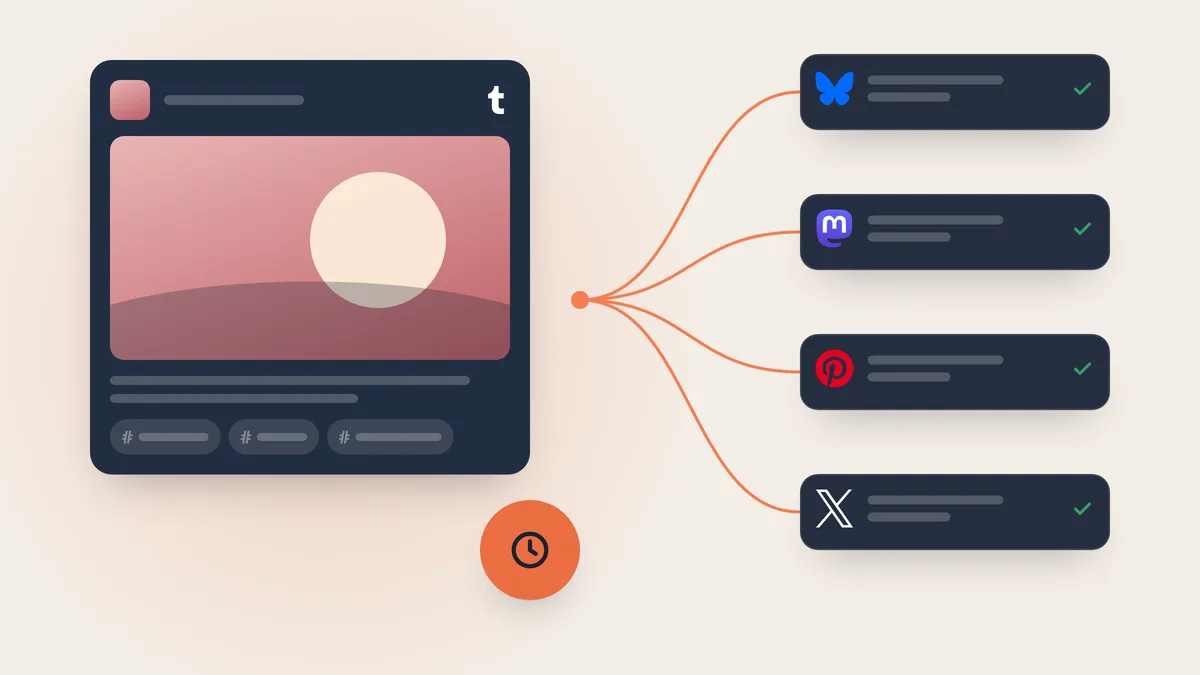
You can schedule Tumblr posts without any extra tool. In the post editor on the web, click the arrow next to Post and pick Schedule for an exact date and time, or Add to queue to let Tumblr drip posts out across the day. Both are free and built in. What Tumblr can’t do is send the same piece to your other networks, so if your art or writing also lives on Bluesky, X, Mastodon or Pinterest, that part stays manual unless you use a Tumblr post scheduler that covers all of them.
Picture an illustrator with a main blog for finished pieces and a side blog for sketches and works in progress. A new piece goes up on Tumblr Thursday evening, a cropped version goes to Bluesky and X, and the full image becomes a pin. Tumblr will happily hold the Tumblr part. The rest happens on Thursday evening, by hand, one app after another.
Queue or schedule: which one do you want?
They sound alike, but they solve different problems.
| Tumblr queue | Tumblr scheduled post | |
|---|---|---|
| When it posts | Spread across a time window you set | The exact date and time you pick |
| Good for | A steady stream: reblogs, archive art, quotes | Launches, chapter releases, commissions opening |
| Daily cap | Up to 50 posts a day from the queue | No separate cap; Tumblr’s overall daily limits apply |
| How many can wait | 1,000 posts in the queue | Scheduled posts sit in the same Queue page |
Use the queue when the order matters more than the minute. Use a scheduled post when the minute matters: a comic page that should go up at 6 p.m. on Friday, or a shop announcement that has to match an email.
How to schedule a post on Tumblr (exact time)
According to Tumblr’s help page on scheduled posts:
- Start a new post on the web as usual: text, photos, a video, tags.
- Click the arrow next to Post and choose Schedule.
- Type the publish time into the field, press Enter, then click Schedule.
In the Tumblr app it’s the same idea: tap the three-dot menu while writing, choose Schedule, pick a date and time, and tap Schedule. To find what you’ve scheduled, open your blog from the account menu and go to Queue. That page only shows up once something is queued or scheduled, which confuses people the first time.
How the Tumblr queue works
The queue is Tumblr’s best feature for anyone who reblogs a lot. Per Tumblr’s help page on the queue:
- While writing or reblogging, click the arrow next to Post, choose Add to queue, then Queue.
- In your blog’s queue settings, choose how many posts go out each day and between which hours.
- Use Shuffle Queue to mix up the order, or Pause when you’re taking a break.
A few rules catch people out. The queue publishes at most 50 posts a day. It holds 1,000 posts at a time. The time window can’t cross midnight, so "8 p.m. to 8 a.m." won’t save. Private posts can’t be queued. If a queued post fails, Tumblr puts it in your drafts rather than dropping it, so check drafts if something seems to have vanished.
There’s also a ceiling on everything you publish. Tumblr’s API documentation lists 250 new posts a day per user, reblogs included, plus 250 image uploads and 20 video uploads. Most people never get close. Heavy reblog queues sometimes do.
Where Tumblr’s scheduler stops
Tumblr schedules Tumblr. That’s the whole job, and it does it well. The gaps show up when Tumblr is one of several places you post:
Every network is a separate trip. The same piece goes to Bluesky, X, Mastodon and Pinterest by hand, with a different caption length and a different upload each time.
Side blogs and group blogs are handled one by one. You switch blogs in the editor for each post.
No view of the week across networks. The Tumblr queue knows nothing about the X post or the pin that belongs with it.
If that sounds like your Thursday evening, a cross-posting tool is the fix.
How to cross-post Tumblr with your other networks in Shager
Shager is a scheduler that publishes to Tumblr through Tumblr’s own API, alongside YouTube, X, LinkedIn, TikTok, Bluesky, Telegram, Mastodon and Pinterest. Facebook, Instagram and Threads are awaiting Meta’s approval, so only early-access users can connect them for now. Here’s the flow:
- Connect Tumblr. You sign in on Tumblr’s own page (your password stays with you) and pick which blogs to connect: your main blog, side blogs, or group blogs you post to. Each blog counts as one account.
- Write the post once. Text alone, up to 10 images (JPEG, PNG, GIF or WebP), or one video (MP4 or MOV, up to 500 MB).
- Add hashtags the way you would anywhere. On Tumblr they become the post’s tags, up to 30. A line of nothing but hashtags at the very end moves to the tags only, so the post reads like a normal Tumblr post.
- Tick the blogs and accounts. Save the usual set as a group and pick it in one click next time.
- Adapt the text for each network. Open Adapt for each network to write a longer Tumblr version and a 300-character Bluesky version from the same draft.
- Pick the date and time and schedule it. Two Tumblr blogs go out one after the other with a short random gap, while different networks go out at the same time.
Links in your text are clickable on Tumblr, and a post with no image or video also shows its first link as a card with the page’s title and picture. For a video, Tumblr shows the first frame (there’s no cover setting on Tumblr), so turn on "Cover at the start of the video" in Shager if you want your cover to be what people see.
You can try it on your own blogs today: sign up for Shager. It’s free during the launch, for up to 31 accounts, with no card.
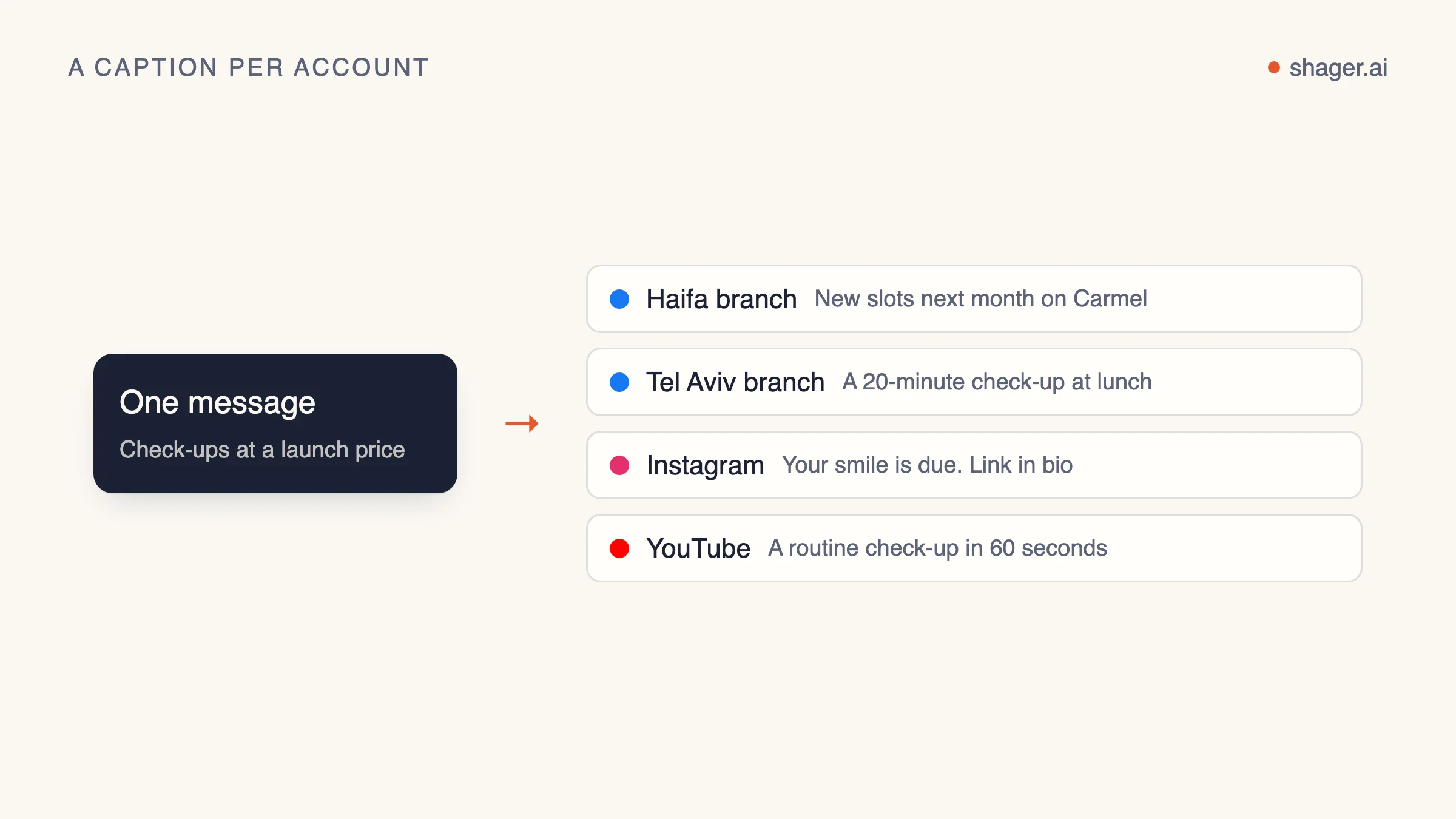
For the illustrator, Thursday turns into one draft on Monday: the new piece with a full caption and tags for Tumblr, a shorter caption for Bluesky and X, and the same image as a pin. One thing to plan around: every account in a post gets the same images. A 10-image set stays a Tumblr post, because Bluesky, X and Mastodon take 4 images and Pinterest 5. If a network can’t take what you attached, Shager tells you before you schedule. If pins are part of your plan, our guide to scheduling Pinterest pins covers boards and links.
What Shager doesn’t do on Tumblr
Better to know up front:
- No queue of its own. You pick a time for each post. If you want "five posts a day between 9 a.m. and 9 p.m.", Tumblr’s queue is still the right tool for that, and nothing stops you from using both.
- No reblogs, likes or follows. Shager only publishes posts you wrote and scheduled. Reblogging stays in Tumblr.
- No first comment. Tumblr’s API has no way to reply to a post.
- No Tumblr numbers yet. Tumblr doesn’t share post stats with Shager. Clicks on your tracked links are counted, per blog and per post; tracked links per account explains how.
What it costs
Shager is free during the launch, for up to 31 accounts, no card. After the launch, plans start at $15 a month for 6 accounts, then $19 for 11, $39 for 31, $79 for 101 and $199 for 301, with unlimited users on every plan. Each Tumblr blog is one account. Posts to X come from a monthly allowance in your plan, because X charges per post and much more for a post with a link. Details are on the pricing page.
FAQ
Can you schedule reblogs on Tumblr?
Yes, inside Tumblr: when you reblog, the same menu next to the post button offers the queue and scheduling. Shager doesn’t reblog, so reblog queues stay in Tumblr, and your own original posts can go through Shager to every network at once.
Why didn’t my queued Tumblr post go out?
Check three things: whether the queue is paused, whether your time window crosses midnight, and your drafts, where Tumblr puts queued posts that fail. If you hit the queue’s 50 a day, the rest simply wait for the next day.
Can I schedule posts to a Tumblr side blog?
In Tumblr, switch to the side blog in the editor before you schedule. In Shager, each side blog you connect is its own account, so you tick it next to your main blog and schedule both together.
Is there a free Tumblr post scheduler?
Tumblr’s own queue and scheduling are free. Shager is free during the launch for up to 31 accounts, which covers several Tumblr blogs plus your other networks. Everything Shager does on Tumblr is listed on the Tumblr network page.
If you only post to one Tumblr blog and nowhere else, the queue and the schedule button are all you need. If the same work belongs on Bluesky, X, Mastodon or Pinterest too, sign up for Shager, connect your blogs, and schedule your next piece everywhere in one go. For the wider version of this, read how to post to all your social media at once.
Want your agent to work with Shager?
An agent can draft in a sandbox. Publishing requires a human to claim the organization and separately grant the API key publish permission. Per-post approval is required only in workspaces where client approval is enabled.