How to Schedule Pinterest Pins (Including to More Than One Board)
How to schedule Pinterest pins with the free built-in scheduler, why it stops at 10 pins, and how to schedule pins to many boards with a tracked link on each.
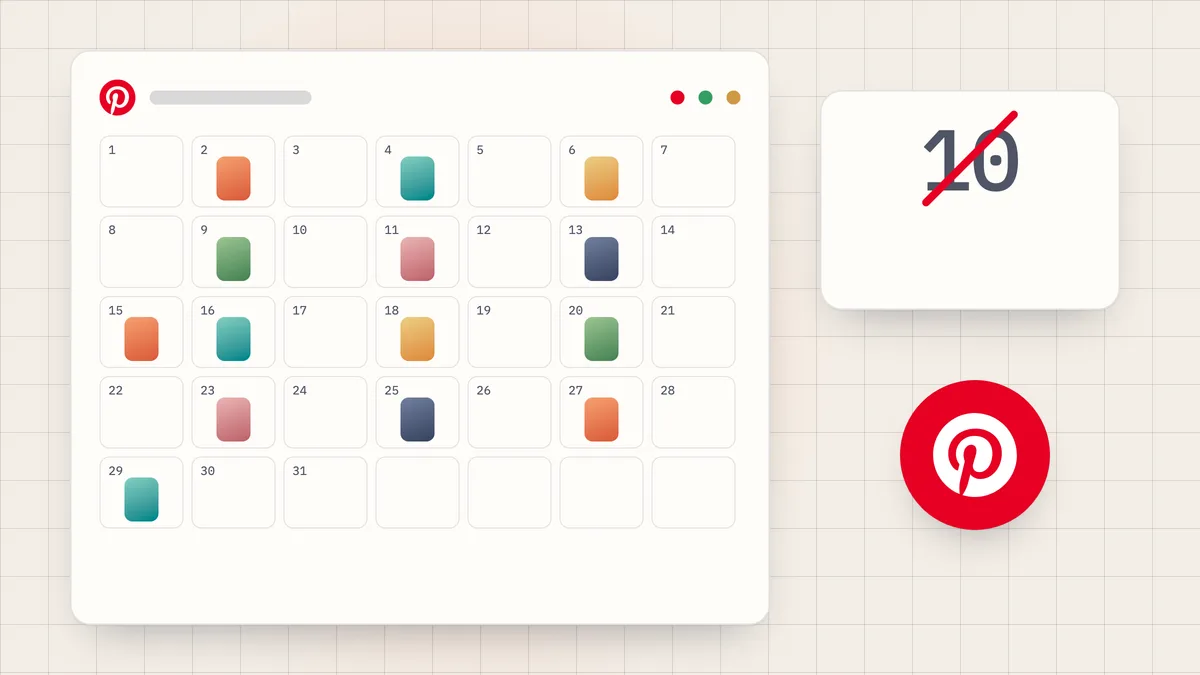
To schedule Pinterest pins, you need a business account (free to switch). Create the Pin on desktop or in the app, fill in the title, description, link and board, choose Publish at a later date, and pick a day and time. Pinterest lets you schedule up to 30 days ahead, but only 10 Pins can be waiting at once, one board per Pin. If you plan a month of Pins, run several boards, or post the same images to Instagram and TikTok too, you’ll want a Pinterest scheduler that does all of that from one calendar.
Here’s who usually hits the wall first. Picture a small ceramics shop with an online store and four boards: mugs, planters, gift ideas and "kitchen shelf styling". Every new glaze gets photographed once and deserves a Pin on two or three of those boards, spread over a few weeks, each one linking to the product page. With the built-in scheduler, that’s ten Pins and then you’re stuck until some of them go live.
Can you schedule pins on Pinterest for free?
Yes. Pinterest has a native scheduler, and it costs nothing. According to Pinterest’s help page on scheduling Pins, the rules are:
- Business accounts only. Switching a personal account is free, under Settings, Account management, Convert to a business account (Pinterest’s steps).
- Up to 30 days ahead.
- Up to 10 scheduled Pins at a time.
- One Pin at a time. You can change the date, title, board, description and link later, but not the image or video.
Scheduled Pins show above your published ones on your profile, and that’s where you edit or delete them.
There’s a second free option people forget: if you’ve claimed your website on Pinterest, you can auto-publish Pins from your RSS feed, each feed to a board you pick. That suits a blog that publishes often. It doesn’t help a shop that wants to choose which photo goes where, and when.
How many pins can you schedule on Pinterest?
Ten at a time with Pinterest’s own tool. That ceiling is the usual reason people go looking for a separate Pinterest pin scheduler. Ten Pins covers about two weeks on one board if you pin every other day. Spread over four boards, it’s gone in a few days.
The other limits are about the Pin itself, and any scheduler has to respect them:
| Field | Limit |
|---|---|
| Title | Up to 100 characters (feeds show roughly the first 40) |
| Description | Up to 800 characters |
| Media | One image, a carousel of 2 to 5 images, or one video of 4 seconds to 15 minutes |
| Link | A full https address |
| Board | One per Pin |
How to schedule Pinterest pins to many boards in Shager
In Shager you write the Pin once, pick the accounts, and choose a board for each Pinterest account. Pinterest is live: any business account can connect. You sign in on Pinterest’s own screen, so Shager never sees your password.
- Connect your Pinterest business account, plus any others you post to: YouTube, TikTok, X, LinkedIn, Bluesky, Tumblr and more. A personal account won’t show its boards to apps, so Shager asks you to switch it first.
- Upload the image, the carousel or the video, and write the description.
- Open the Pinterest options and add the Pin title and the link the Pin should lead to.
- Pick the board. If the board doesn’t exist yet, type a name and create it right there, without leaving the post.
- Pick a day and time and schedule. Shager creates the Pin at that moment through Pinterest’s official API.
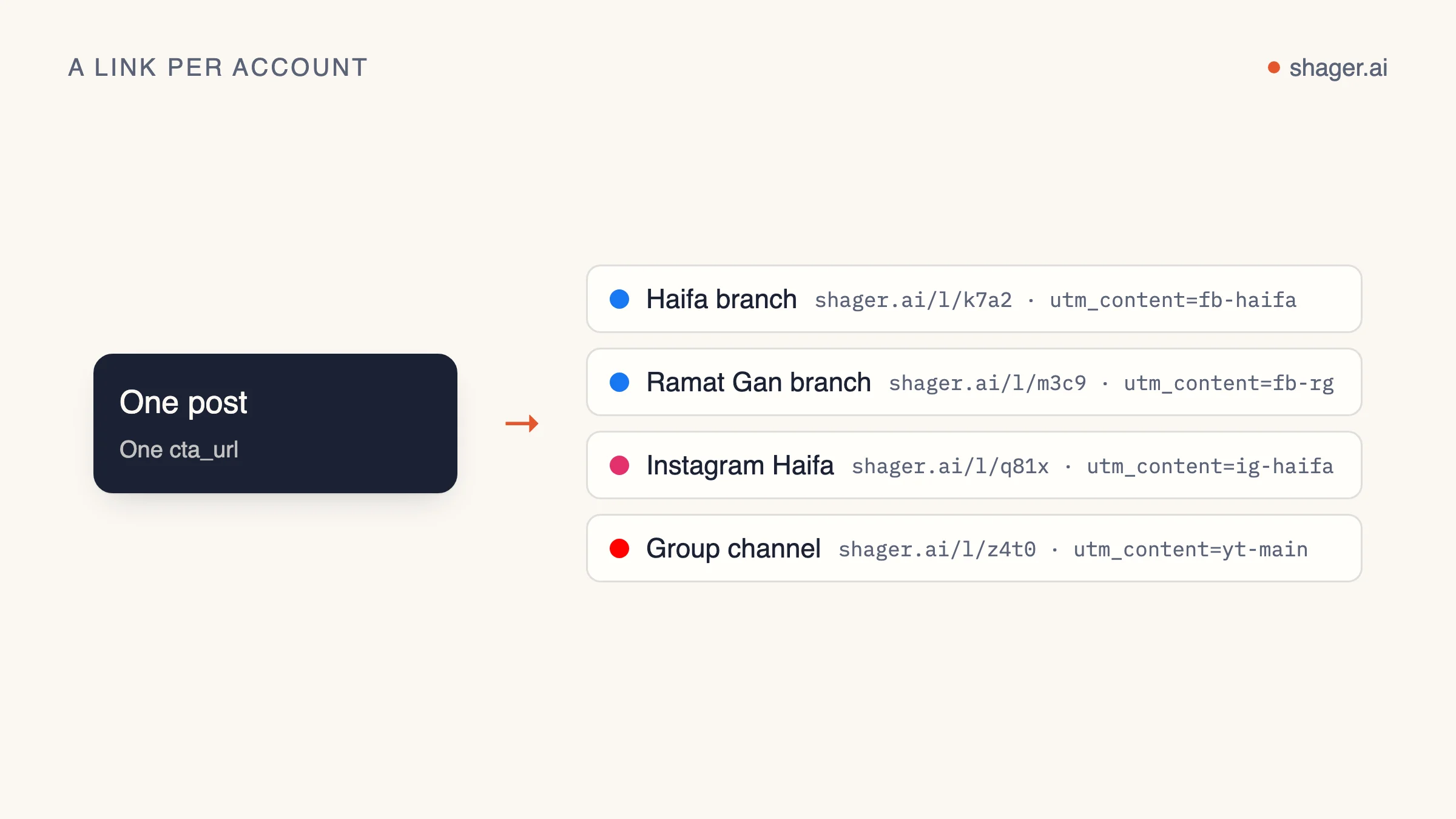
To put the same photo on a second board, schedule a second Pin to that board, on another day. That’s how the ceramics shop works: the new glaze goes to "mugs" on Tuesday, to "gift ideas" the following week, and to "kitchen shelf styling" the week after. Three Pins, three boards, all planned in one sitting, no ten-Pin ceiling.
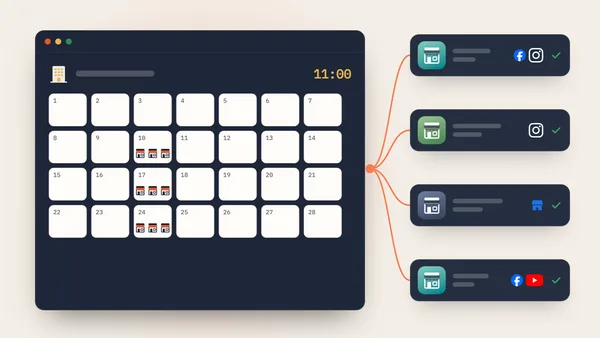
If you manage several Pinterest accounts (a shop and a recipe blog, or a few clients), one post can go to all of them, and each account gets its own board. Accounts on the same network go out one after another with a short random gap, not in the same second. Want to try it on your own boards? Sign up. It’s free during the launch, for up to 31 accounts, with no card.
What Shager won’t let you do on Pinterest, and why
Pinterest’s developer guidelines say the person must choose each Pin an app publishes, and apps must not be used to spread spam. An app that bulk-pins the same image everywhere is asking to be cut off, and your accounts pay for it too. So Shager has two guards of its own, checked when you schedule and again right before each Pin goes out:
- No repeats on the same board. The same image or video can’t go to the same board twice within 30 days. A different board is fine.
- Up to 25 Pins a day per account. Plenty for a real shop or blog, and far from what looks like a spam bot.
You’ll see the warning while scheduling, not after Pinterest has already complained.
There’s also no first comment on Pinterest (its API has no comments), and you can’t read Pin comments from Shager.
Which pin brought the sale? A tracked link on every Pin
Pinterest is a traffic network. People save a Pin today and click it next month. So the useful number is clicks, per Pin and per account.
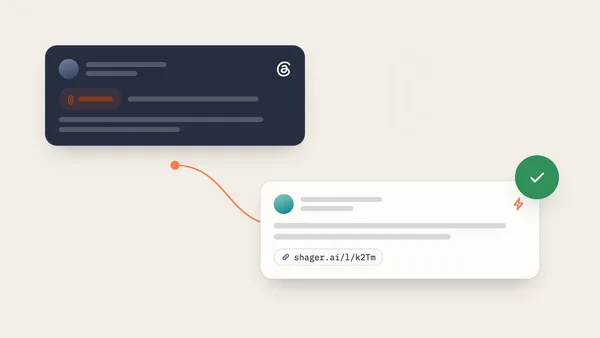
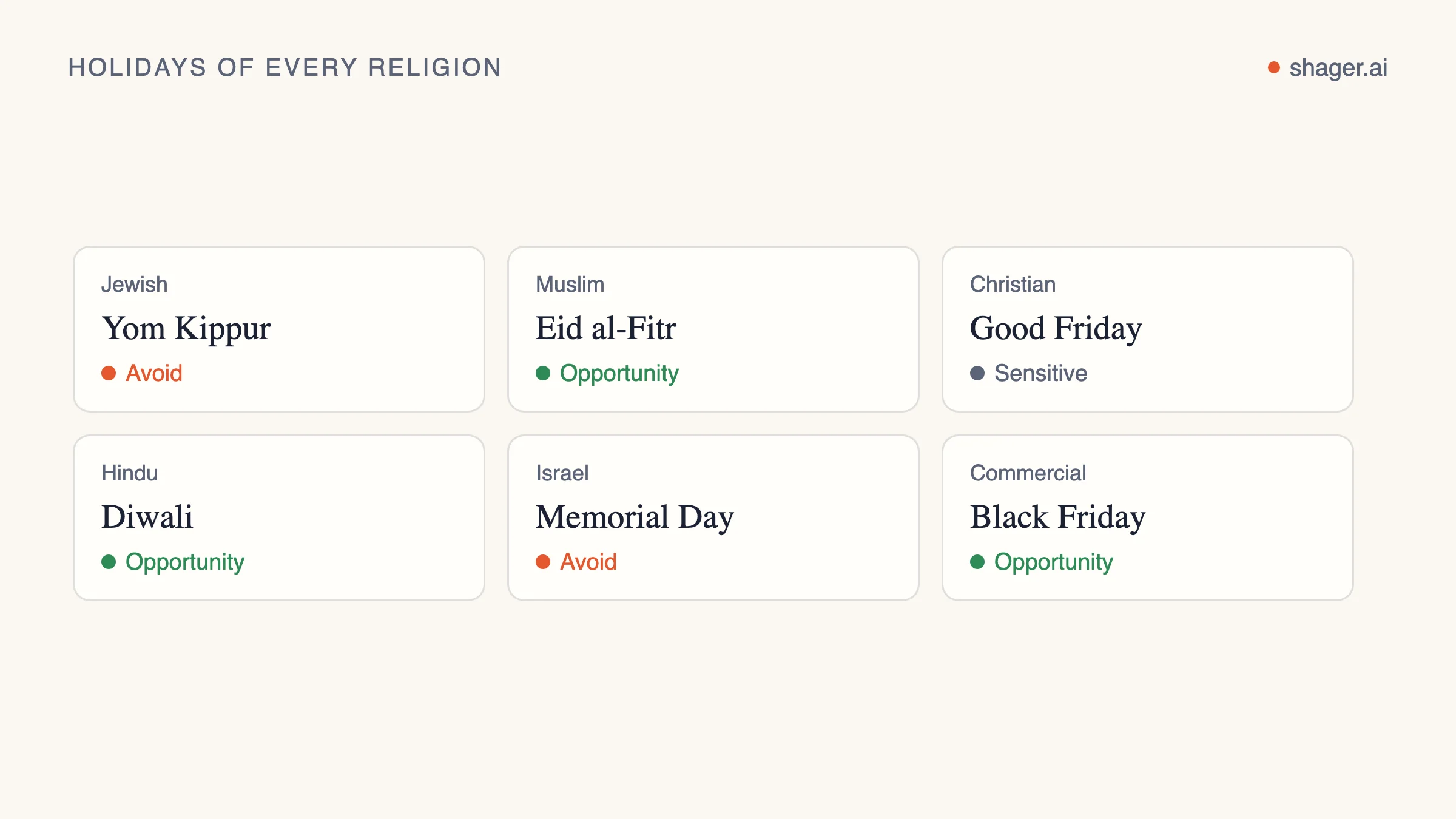
The link you add to a Pin becomes a Shager tracked link. Each Pinterest account gets its own, so if the shop and the recipe blog both pin the same product, you’ll see which one sent the visits. Next to it, Shager shows each Pin’s impressions, saves and comments. Sales and leads still need your shop’s analytics or CRM; the tracked link tells you which Pin started the visit. More on that in our guide to tracked links per account.
When to schedule pins
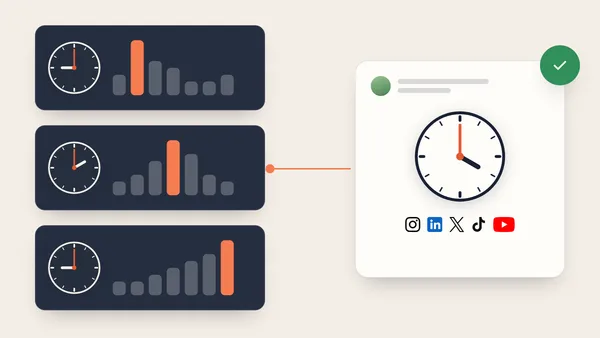
Pins have a long life, so timing matters less than on X. Consistency matters more: a few fresh Pins a week beat twenty on a Sunday night. For a starting point by network, see our guide to the best time to post on each network, then let your own click numbers decide.
Pin once, post everywhere
The same product photo often belongs on Instagram, TikTok and YouTube Shorts too. In Shager that’s the same post: tick the extra accounts and adapt the text for each network where it needs to differ (a Pin description reads differently from a TikTok caption). The wider version of this is in our guide to posting to all your social media at once. Facebook, Instagram and Threads are still waiting for Meta’s approval, so until then only early-access users can connect them.
For developers and AI agents, the same is available through the API and MCP: list an account’s boards, create a board with create_pinterest_board, and pass the board for each account. Details on the agents page.
What it costs
Free during the launch, up to 31 accounts, no card. Each Pinterest account counts as one account. After the launch: $15 a month for 6 accounts, $19 for 11, $39 for 31, $79 for 101 and $199 for 301, with unlimited users on every plan. The pricing page has the details.
FAQ
Is there a free Pinterest scheduler?
Pinterest’s own scheduler is free, with 10 scheduled Pins at a time and up to 30 days ahead. Shager is free during the launch for up to 31 accounts and doesn’t cap you at 10 waiting Pins; its own limit is 25 Pins a day per account.
Can I schedule one Pin to several boards at once?
Not as one Pin. On Pinterest, every Pin lives on one board. You schedule one Pin per board, ideally on different days. Shager blocks the same image on the same board within 30 days, so you can’t spam a board by accident.
Do I need a Pinterest business account?
Yes. Pinterest only lets apps post to business accounts, and its own scheduler is business-only too. Switching is free and keeps your boards and Pins.
Can I schedule video Pins and carousels?
Yes. A Pin can be one image, a carousel of 2 to 5 images, or one video between 4 seconds and 15 minutes. Shager checks the format before you schedule. Everything else is on the Pinterest network page.
If ten scheduled Pins on one account is enough, Pinterest’s scheduler will do. If you plan by the month, pin to several boards or several accounts, and want to know which Pin actually sent visitors, sign up for Shager, connect your business account, and schedule the next few weeks of Pins in one go.
Want your agent to work with Shager?
An agent can draft in a sandbox. Publishing requires a human to claim the organization and separately grant the API key publish permission. Per-post approval is required only in workspaces where client approval is enabled.