How to Schedule Posts on a Telegram Channel (and Send the Same Post Everywhere Else)
How to schedule posts on a Telegram channel with the built-in scheduler, where it stops, and how to send one post to several channels and your other networks.
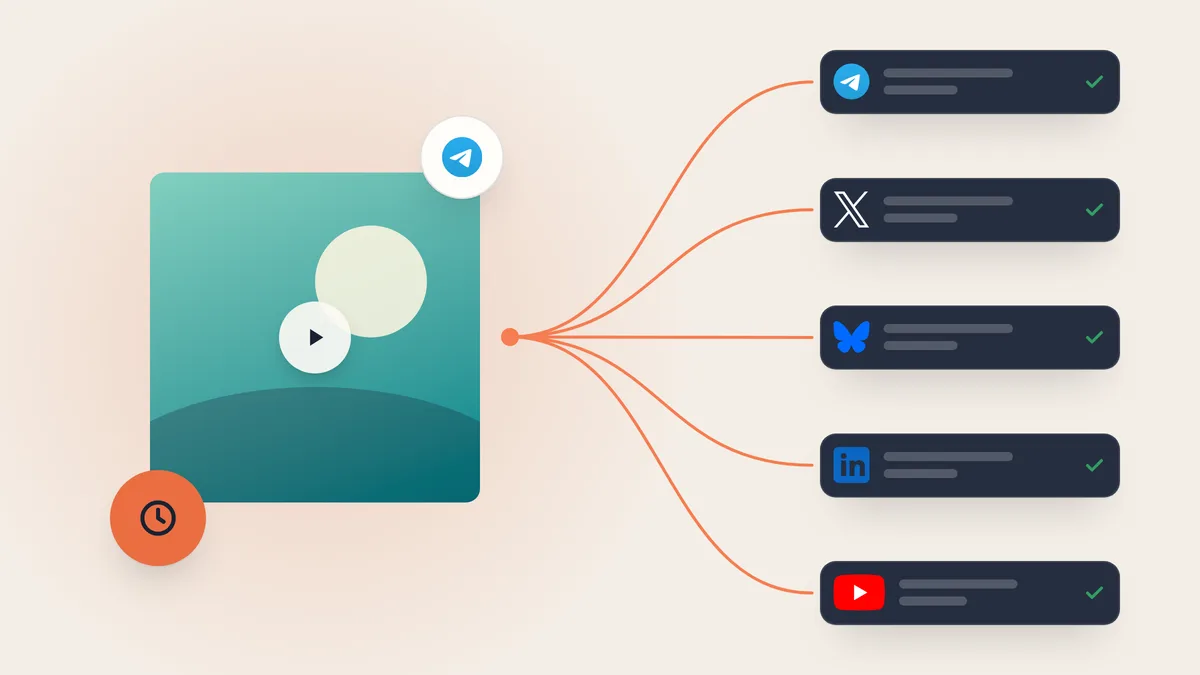
To schedule a post on a Telegram channel, write the message in the channel, long-press the send button (right-click it on desktop), choose Schedule message, and pick a date and time. That’s built into every Telegram app and costs nothing. It works one channel at a time, though, and only on Telegram. If you run more than one channel, or the same post should also go to X, LinkedIn or YouTube, you need a scheduler that covers all of them.
Here’s the situation that usually sends people looking. Say you run a remote-jobs digest: a public Telegram channel with a few thousand subscribers, a short version of the same list on X and Bluesky, and a LinkedIn post for recruiters. The digest goes out every Monday at 8 a.m. Telegram can hold the channel post for you. Everything else, you’re doing by hand on Monday morning, with coffee, while also fixing the one link that broke.
Three ways to schedule Telegram posts
There are really only three options, and they fit different setups.
| Option | Several channels | Other networks | Click tracking | Cost |
|---|---|---|---|---|
| Telegram’s built-in scheduler | One at a time | No | No | Free |
| A posting bot inside Telegram | Yes | No | Varies | Varies |
| A social media scheduler that supports Telegram | Yes | Yes | Depends on the tool | Free to paid |
If you only have one channel and post nowhere else, stop at the first option. The rest of this guide is for everyone else.
Option 1: Telegram’s own scheduler
You need to be the channel’s owner, or an admin with the right to post.
- Open the channel and write the post as usual. Photos, a video or a file are fine.
- On your phone, long-press the send button. On desktop, right-click it.
- Choose Schedule message, set the date and time, and confirm.
Scheduled posts wait in the channel’s scheduled list, behind a small calendar icon next to the message box. From there you can edit one, send it right away or delete it. The same menu has Send without sound, which posts without pinging anyone.
What you don’t get: one place for several channels, any link to your other networks, or a way to see who clicked. Telegram shows a view count under each post, and that’s it.
Option 2: a posting bot
Some channel owners use a bot that posts on their behalf to several channels from one chat. It fixes the "same post, three channels" problem. It doesn’t help with anything outside Telegram, and you’re trusting a bot you probably know little about with admin rights on your channels. Check who runs it before you hand it the keys.
Option 3: schedule Telegram with your other networks in Shager
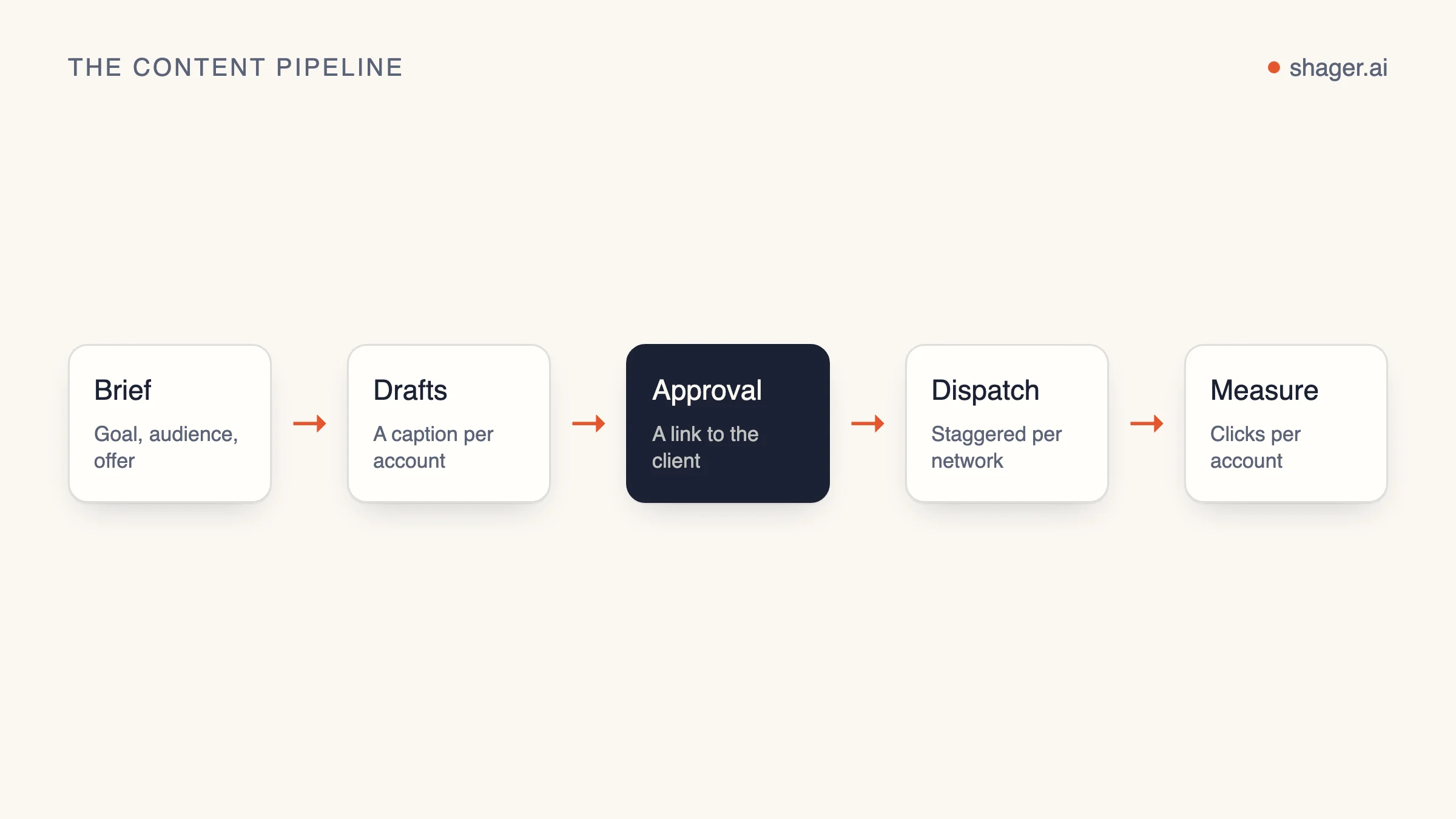
This is the one that solves Monday morning. In Shager you write the post once and pick where it goes:
- Connect your Telegram channels (the next section shows how) and your other accounts: YouTube, X, LinkedIn, TikTok, Bluesky, Mastodon, Pinterest or Tumblr.
- Write the post and attach photos, a video or a PDF.
- Tick the channels and accounts. If it’s always the same set, save it as a group and pick it with one click next time.
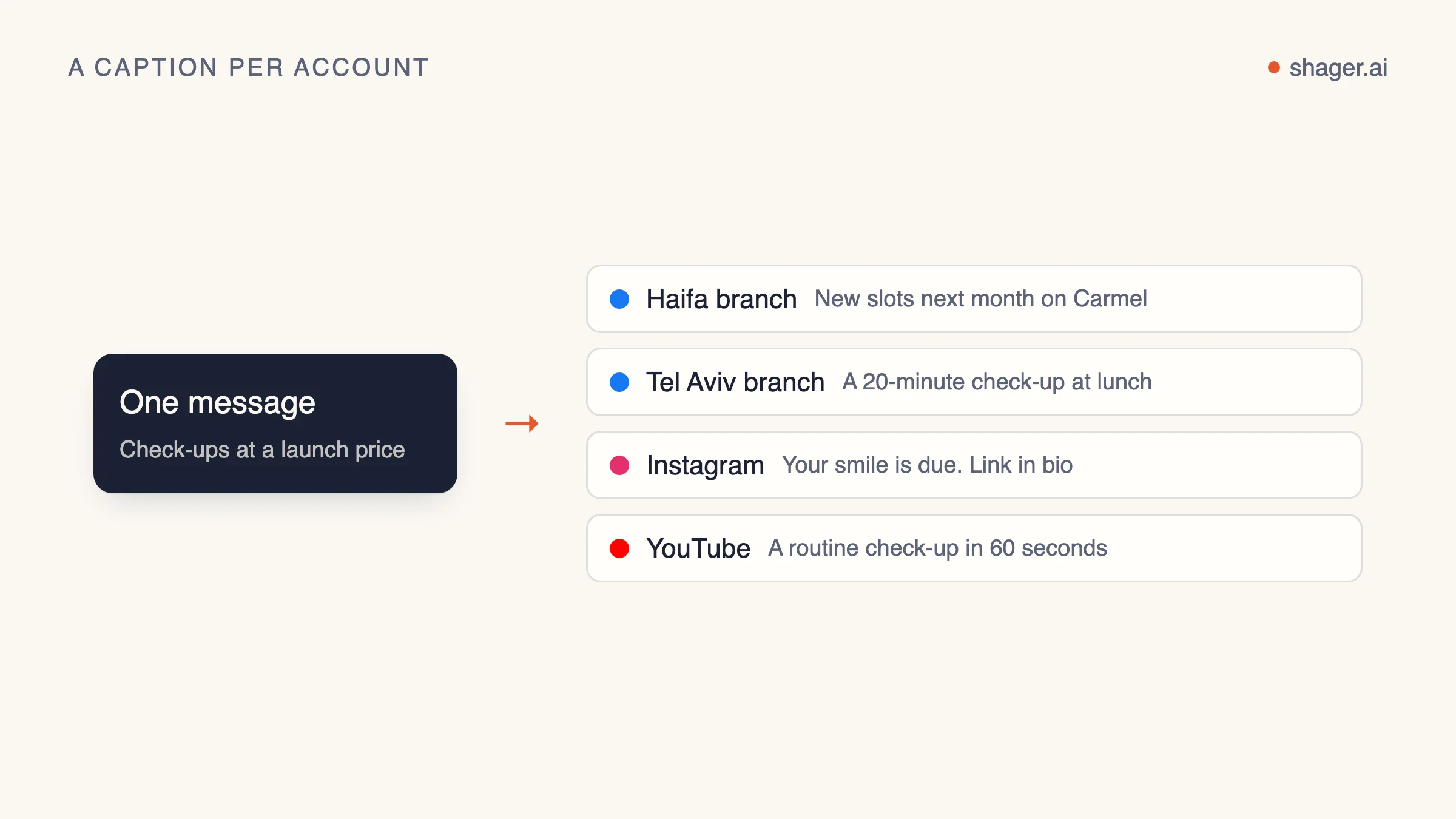
- Adapt the text for each network where it needs to differ. The Telegram version can be the full list with links; X gets 280 characters, Bluesky 300.
- Pick the day and time. For Telegram channels you can also tick Post silently, without notifying subscribers.
- Schedule it. At that time it goes out everywhere, spread over a few minutes rather than all in the same second.
For the jobs digest, that means the whole Monday batch is ready on Friday afternoon. If you’re working out how to publish to ten networks rather than four, our guide to posting to all your social media at once covers the wider version.
You can try this on your own channels right now: sign up, and it’s free during the launch, for up to 31 accounts, with no card.
How a Telegram channel connects (no password, no phone number)
Telegram doesn’t have a "sign in with Telegram" screen for channels the way Google or LinkedIn do for their accounts, so the connection goes through a bot:
- In Shager, click Connect Telegram. Shager’s bot opens in Telegram.
- The bot tells you which business in Shager the channel will join and asks you to confirm. Only confirm if you clicked Connect Telegram yourself; if someone sent you the link, don’t.
- Tap Add me to my channel, pick the channel, and approve the bot as an admin. It asks for three rights only: post, edit and delete messages.
- The bot confirms the channel is connected, and you go back to Shager. Repeat for each channel.
If the bot is already an admin in the channel, just forward it any post from that channel. On a computer without the Telegram app, Shager gives you a link that opens in Telegram Web.
Before a channel connects, Shager asks Telegram whether the person connecting it owns the channel or is an admin who can post. If not, it doesn’t connect, and that check runs again before every post. Private channels connect exactly like public ones. To disconnect, remove the bot from the channel’s admins, or remove the account in Shager.
What you can post, and the limit that trips people up
| Post type | What Telegram allows |
|---|---|
| Text | Up to 4,096 characters, with a link preview |
| Album | Up to 10 photos and videos, with a caption of up to 1,024 characters |
| File | One PDF, up to 50 MB |
| Silent | Goes out without notifying subscribers |
The one that catches people: a long text post is fine at 4,096 characters, but the moment you add a photo, a video or a file, the text becomes a caption and the limit drops to 1,024. That’s Telegram’s rule (the Bot API docs list it), not ours. Shager checks the length before anything is sent, so you find out while scheduling, not at 8 a.m. on Monday.
Two things Shager doesn’t do on Telegram, so you know up front. There’s no first comment, because a channel’s comments live in its linked discussion group and the bot isn’t part of it. And there are no view counts, because Telegram doesn’t give them to bots. You still see views under each post in Telegram itself. In Shager you see how many people clicked your links, per channel and per post. If clicks are what you care about, read how tracked links per account work.
When to post silently
A silent post is a normal post that arrives without a sound or a buzz. A few places it earns its keep:
- Anything scheduled late at night, like an end-of-day roundup.
- Small corrections or updates nobody needs to be woken for.
- A run of posts in a row, where only the first one should ping.
Channels that buzz for every small thing get muted. Channels that only buzz when it matters stay in people’s notifications. For the bigger question of which hours to aim for on each network, see our guide to the best time to post by network.
What it costs
Shager is free during the launch, for up to 31 accounts, with no card. Each Telegram channel counts as one account. After the launch, plans start at $15 a month for 6 accounts, then $19 for 11, $39 for 31, $79 for 101 and $199 for 301. Users are unlimited on every plan. Posts to X come from a monthly allowance in your plan, because X charges per post, and a lot more for a post with a link. The pricing page has the details.
FAQ
Can you schedule a post in a Telegram group?
Telegram’s built-in scheduler works in groups as well as channels. Shager connects channels only, public and private, because channels are where you publish to an audience.
Do I need to give Shager my Telegram password or phone number?
No. You add Shager’s bot to your channel as an admin, and it only gets the rights to post, edit and delete messages. Your login stays with you.
What happens if someone removes the bot from my channel?
Shager marks the channel as needing to reconnect, and nothing is posted there until the bot is back as an admin who can post. If the person who connected the channel still runs it, the channel starts working again on its own as soon as the bot returns.
Can I connect my clients’ Telegram channels?
Yes. Each client gets its own space in Shager, and the bot always shows which client a channel is joining before anyone confirms. Everything else Shager supports on Telegram is on the Telegram network page.
If you have one Telegram channel and post nowhere else, Telegram’s scheduler is all you need. Once there’s a second channel, or the same post belongs on YouTube, X and LinkedIn too, sign up for Shager, connect one channel through the bot, and schedule your next post to all of them in one go.
Want your agent to work with Shager?
An agent can draft in a sandbox. Publishing requires a human to claim the organization and separately grant the API key publish permission. Per-post approval is required only in workspaces where client approval is enabled.