How to Auto Reply to YouTube Comments (and Stay Inside YouTube’s Rules)
How to auto reply to YouTube comments: keyword rules, an AI that reads your captions, why YouTube has no DMs, and the API quota that caps daily replies.
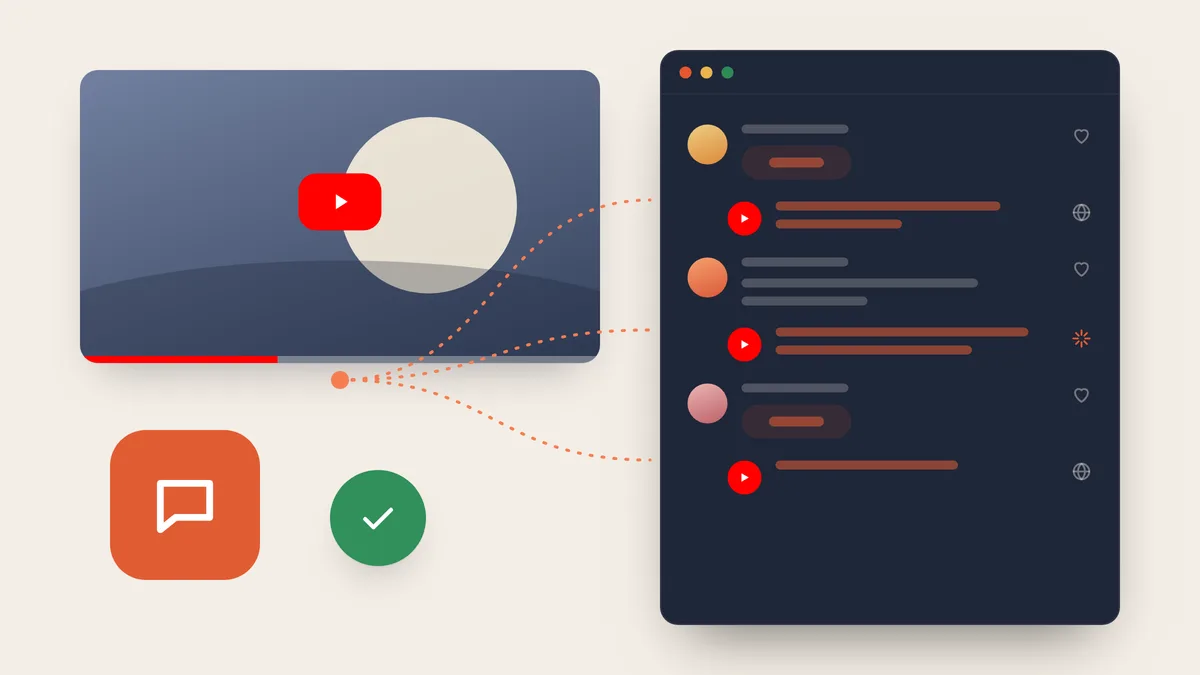
Yes, you can auto reply to YouTube comments, and it’s allowed, as long as the replies go through YouTube’s official API and only answer people who commented on your own videos. There are two ways to do it. A keyword rule answers comments that contain a word you choose ("recipe", "link", "chords") with a reply you wrote ahead of time. An AI assistant answers the open questions, after reading what your video is actually about. What you can’t do is send a private message, because YouTube doesn’t have one.
Picture a home-cooking channel with two uploads a week. Every video brings the same forty comments: "recipe?", "what pan is that?", "can I use butter instead of oil?". The first is easy and repetitive. The second is in the description, again. The third is a real question that deserves a real answer. Auto replies are for the first two, so you have time for the third.
What YouTube gives you for free
Before you add any tool, look at what YouTube Studio already does. Under Community in Studio, and in the YouTube Studio app, YouTube shows suggested replies under some comments. Google’s help page on comment reply suggestions says the upgraded ones use AI to match your tone, based on your recent replies, and you can edit before posting.
That helps, but you still open every comment and press Reply yourself. Nothing goes out while you sleep, nothing knows your price list, and there’s no rule like "anyone who writes LINK gets the course page". That’s the gap a tool fills.
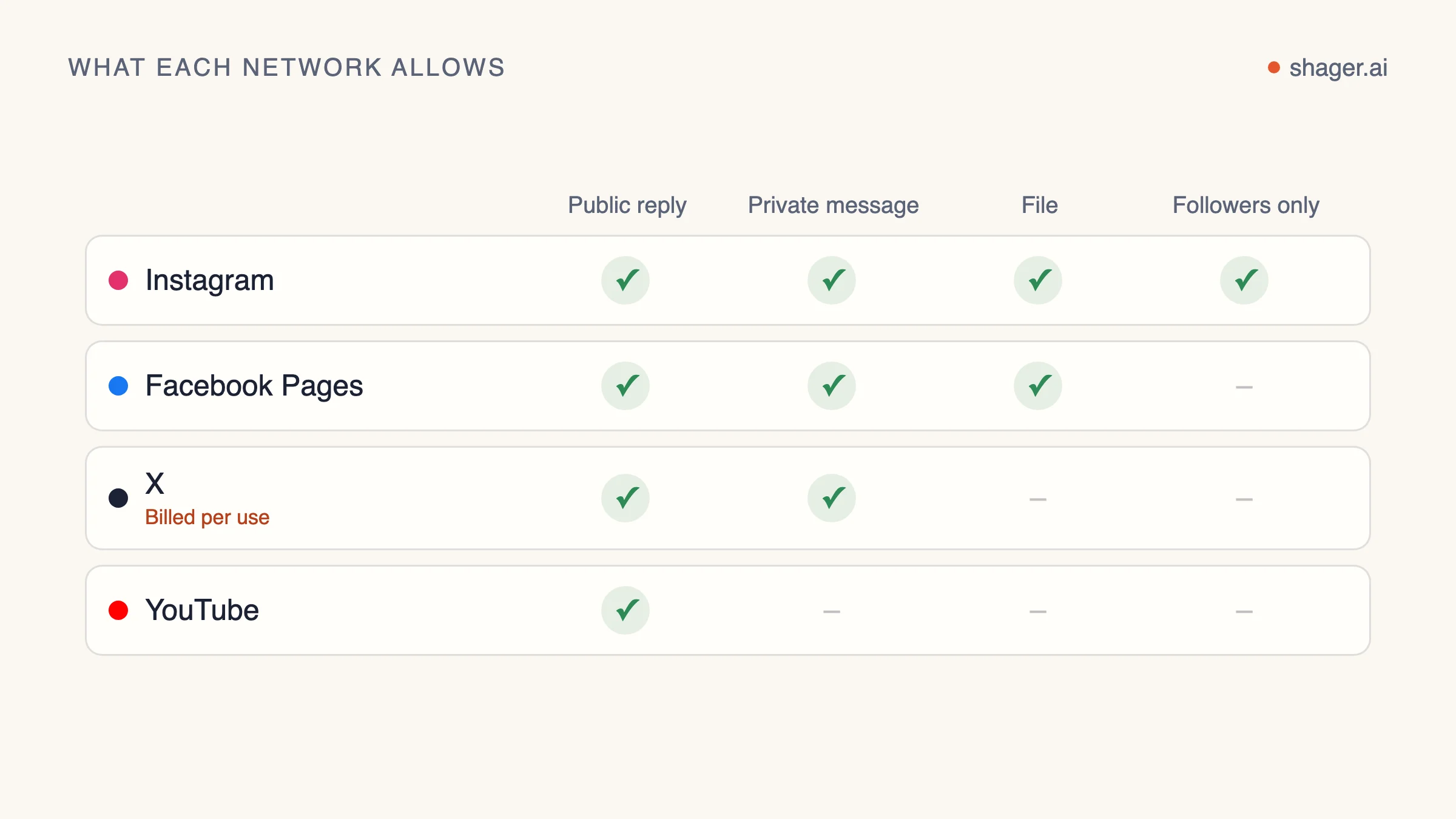
Can you DM someone who comments on YouTube?
No. YouTube has no private messages between a channel and its viewers, and the Data API has no messaging method at all. So the "comment a word, get it in your DMs" trick from Instagram doesn’t exist on YouTube. Every automatic answer is a public reply under the comment, visible to everyone who reads the thread.
That changes how you write them. Nothing in a YouTube reply is private, so never send a coupon you only meant for one person, and write every reply as if the whole comment section will read it, because it will. If you want the private version on Instagram or Facebook too, our guide to comment-to-DM auto replies shows how the same idea works there.
One more YouTube rule worth knowing: links in Shorts comments aren’t clickable, and on long videos clickable external links need the channel’s advanced features. A reply that says "the full recipe is linked in the description" works everywhere. A bare URL under a Short doesn’t.
Keyword rules: the reliable part
A keyword rule is the simplest kind of YouTube comment bot. In Shager it works like this:
- Open Auto-replies and create a rule that starts when someone comments.
- Pick the YouTube channel, and choose whether it covers every video (old ones included, even those you didn’t publish through Shager) or only posts you published with Shager.
- Type the words. Matching is by whole word and ignores capitals and accents, so "Recipe?" and "RECIPE" both match "recipe", but "recipes" doesn’t unless you add it too. Leave the words empty and the rule answers every comment.
- Write four or five public replies in your own voice. Shager picks one at random each time, so the thread doesn’t look like a machine talking to itself.
- Save and turn it on.
A few guardrails are built in, and they’re there on purpose. A rule only answers comments written after you created it, so switching it on doesn’t flood your back catalogue. It answers top-level comments, not replies inside a thread, and never your own channel’s comments. By default each person gets one answer per rule in 30 days. And no account sends more than 120 automatic replies an hour; the rest wait for the next hour. Shager checks YouTube for new comments every 15 minutes, so a reply usually lands within a quarter of an hour, which also reads more like a person than an instant answer would.
You can set this up on your own channel today: sign up, connect YouTube, and it’s free during the launch for up to 31 accounts, with no card.
The AI assistant: answering questions that aren’t keywords
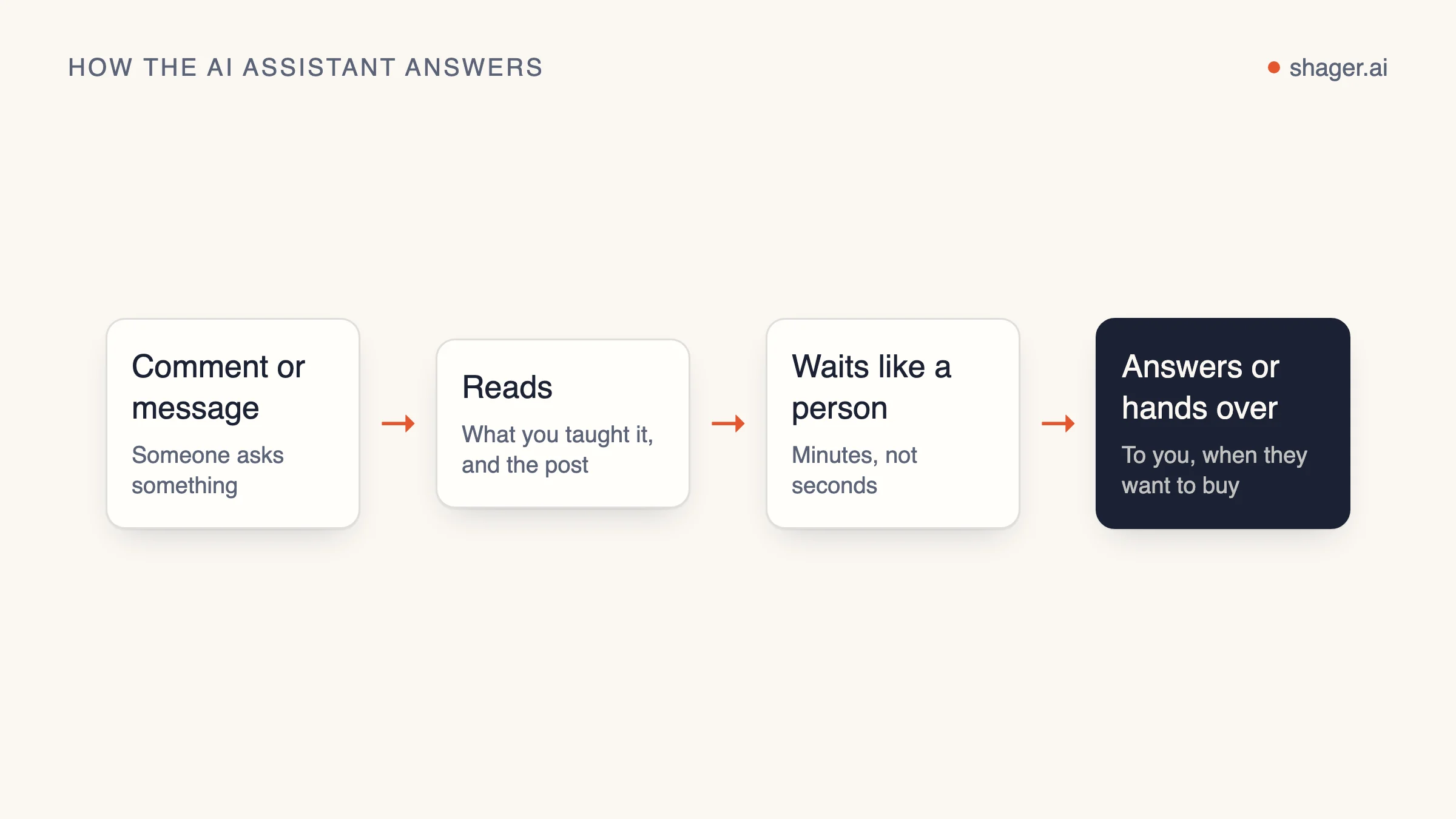
Keywords catch the predictable comments. "Can I use butter instead of oil?" isn’t predictable. That’s what Shager’s AI assistant is for.
You teach it once: a few lines about you or your business, your prices, a link to your website (it reads up to 25 pages and rereads them every week), pasted text like an FAQ, and a hand-over message for anything it shouldn’t handle ("email me at …"). On a YouTube comment it also reads the video itself: the title, the description and the captions. If you uploaded your own caption track it uses that, otherwise YouTube’s automatic one. So "how long did you bake it?" gets answered from what you actually said in the video, not a guess.
It answers only from what you taught it and what the video says. It doesn’t invent prices or promises, and if someone asks whether they’re talking to a bot, it tells the truth. When it doesn’t know, it posts your hand-over message instead of making something up. We wrote more about that in AI replies that don’t make up prices.
Two settings matter most at the start:
- Approval mode. Each answer waits as a draft until someone on your team approves, edits or drops it. On comments, a draft can wait up to 7 days. Start here.
- Speed. The assistant never answers instantly. On comments, Fast replies in 1 to 3 minutes, Natural (recommended) in 3 to 12, Relaxed in 15 to 45.
Keyword rules still go first. If a comment matches a rule with fixed text, the rule answers; the assistant takes the rest. Keyword rules are part of every plan. AI answers take tokens, which are sold apart, and during the launch they’re free up to a monthly number of tokens. When the tokens run out, the assistant stops until next month and nothing is charged automatically; the comments simply wait for you.
The YouTube API quota: why there’s a daily ceiling
Every YouTube tool, including any script you write yourself, runs on Google’s API quota. A Google Cloud project gets 10,000 units a day by default, reset at midnight Pacific Time. According to Google’s quota cost table (checked November 2026), the calls that matter here cost:
| Action | API method | Units |
|---|---|---|
| Read a page of comments | commentThreads.list |
1 |
| Post one reply | comments.insert |
50 |
| Hide or show a comment | comments.setModerationStatus |
50 |
| List a video’s caption tracks | captions.list |
50 |
| Download one caption track | captions.download |
200 |
Do the math on a fresh project: 10,000 divided by 50 is 200 replies a day, before you read a single comment or caption. Reading captions so an AI knows the video costs another 250 units per video. That’s why a weekend Python script with its own key works fine for one channel and falls over the moment a video takes off. The comments.insert reference also lists cases where a reply simply fails: you can’t reply to a private comment, and some threads don’t accept replies at all.
Shager runs its own verified Google app, so you don’t create a project, fill in a consent screen or watch a quota meter. Keeping that quota large enough as people join is our job. The same quota covers uploads too, which we explain in the YouTube upload API quota guide.
Mistakes that make YouTube auto replies look bad
One reply for everything. Twenty identical "Thanks for watching" replies in a row look like spam, to viewers and to YouTube. Write several versions.
Keywords that are too common. "Yes", "link" or "what" will fire on comments that weren’t asking for anything. Pick a word you say in the video: "comment CHORDS and I’ll point you to the sheet".
Promising something private. "Check your DMs" on YouTube sends people looking for a message that will never come.
Letting AI answer before you’ve watched it work. Keep approval mode on for the first week, read the drafts, and add what it got wrong to its sources.
What it costs
Shager is free during the launch, for up to 31 accounts, with no card. After that, plans start at $15 a month for 6 accounts, then $19 for 11, $39 for 31, $79 for 101 and $199 for 301, with unlimited users. AI answers are separate from the plans and run on tokens, from $15 a month for 30,000. The pricing page has the details, and the YouTube network page lists everything else Shager does on YouTube, from Shorts to custom thumbnails.
FAQ
Is a YouTube comment reply bot allowed?
Replying to comments on your own videos through YouTube’s official API is allowed; that’s what comments.insert exists for. What gets channels in trouble is spam: identical replies everywhere, commenting on other people’s videos, or tools that ask for your Google password. Shager connects through Google’s sign-in screen and never sees your password.
Can AI reply to YouTube comments in my voice?
YouTube Studio’s suggestions learn from your recent replies, but you still post each one by hand. Shager’s AI assistant takes tone instructions ("short, friendly, no emojis") and answers from what you taught it plus the video’s captions. With approval mode on, you see every reply before it’s public.
How many YouTube comments can a tool answer per day?
It depends on the tool’s quota, not on YouTube’s limits for you as a person. On Google’s default 10,000 units, a reply costs 50, so a single project tops out around 200 replies a day if it does nothing else. Shager also caps each account at 120 automatic replies an hour, so a viral video doesn’t turn into a wall of answers.
Does it work on Shorts?
Yes. Comments on Shorts are comments on the channel, and rules answer them the same way. Just remember that links in Shorts comments aren’t clickable, so point people to your channel or description instead.
If you answer the same five questions under every video, a keyword rule will give you that hour back this week, and the AI assistant can take the harder ones once you trust it. Sign up for Shager, connect your YouTube channel, and set up your first rule before your next upload.
Want your agent to work with Shager?
An agent can draft in a sandbox. Publishing requires a human to claim the organization and separately grant the API key publish permission. Per-post approval is required only in workspaces where client approval is enabled.