Can ChatGPT Post Through Shager? What Works Today, What Waits for OAuth, and the Three Routes That Ship Now
ChatGPT's MCP connectors need OAuth or no auth, so Shager's API-key server can't plug in yet. Here are the routes that work today and what OAuth will change.
7 min read
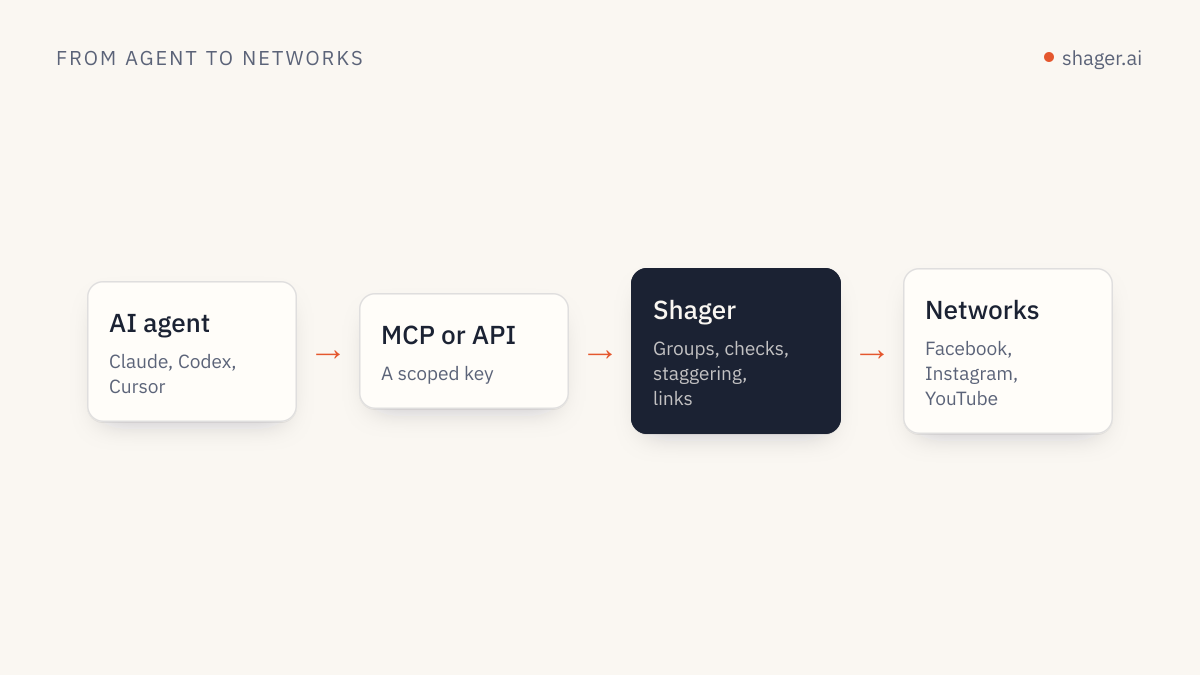
Not as a ChatGPT connector, not yet. ChatGPT's custom MCP connectors authenticate with OAuth or no authentication at all, and Shager's MCP server currently uses an API key in the Authorization header, so the two don't meet inside the ChatGPT app today. Shager's OAuth for MCP is coming and will close that gap. Until then, you can still put OpenAI models to work on Shager through Codex, through the OpenAI API, or by using ChatGPT for writing and a short script for delivery.
This piece explains why the gap exists, and gives working code for each route so you aren't stuck waiting.
Why can't you add Shager as a ChatGPT connector right now?
OpenAI's guide to authentication for apps in ChatGPT describes the supported model: servers that need authentication implement an OAuth 2.1 flow that follows the MCP authorization spec, with Client ID Metadata Documents preferred and dynamic client registration also supported. Servers can also run without authentication. The same guide states that ChatGPT cannot present custom API keys.
Shager's server at https://app.shager.ai/api/mcp expects Authorization: Bearer shgr_live_.... That header is exactly the thing ChatGPT's connector flow doesn't send. So the honest answer is that the ChatGPT app can't call Shager directly until Shager offers OAuth sign-in, which is on the way.
Why not put a no-auth proxy in front?
People suggest this, and it's a bad idea. A proxy that accepts unauthenticated requests and injects your Shager key turns your agency's publishing access into a public endpoint. Anyone who finds the URL can draft posts into client workspaces, and with a publish key, schedule them. Don't do it.
Route 1: Codex, OpenAI's coding agent
If what you want is "an OpenAI model operating Shager," Codex already does that cleanly. It supports bearer tokens from an environment variable for streamable HTTP MCP servers, so the setup is a few lines in ~/.codex/config.toml:
[mcp_servers.shager]
url = "https://app.shager.ai/api/mcp"
bearer_token_env_var = "SHAGER_API_KEY"
OpenAI's MCP docs note that the ChatGPT desktop app, Codex CLI and IDE extension share this configuration file. The full walkthrough, including a tool allowlist, is in connecting Shager to Codex.
Route 2: the OpenAI Responses API with a remote MCP tool
If you're building your own agent on OpenAI's API, the Responses API can call remote MCP servers itself. The connectors and MCP guide documents an mcp tool with server_url, an authorization field for the access token, allowed_tools and require_approval. The docs also note the API does not store the authorization value, so you send it on every request.
import os
from openai import OpenAI

client = OpenAI()

response = client.responses.create(
    model=os.environ["OPENAI_MODEL"],
    input=(
        "In the Shager workspace 'Cedar Clinics', list the channels, then create a "
        "DRAFT post to all active channels announcing Saturday walk-in hours. "
        "Use a different caption per channel that names the clinic's town. "
        "cta_url https://cedarclinics.example/walk-in, campaign 'walk-in-sat'. "
        "Do not pass schedule_at."
    ),
    tools=[{
        "type": "mcp",
        "server_label": "shager",
        "server_url": "https://app.shager.ai/api/mcp",
        "authorization": os.environ["SHAGER_API_KEY"],
        "allowed_tools": [
            "whoami", "list_workspaces", "list_channels",
            "list_groups", "create_post", "get_post",
        ],
        "require_approval": {
            "never": {"tool_names": ["whoami", "list_workspaces", "list_channels", "list_groups", "get_post"]}
        },
    }],
)

print(response.output_text)
Three notes from running this kind of setup.
First, test the auth with whoami before anything else. The OpenAI docs present authorization as an OAuth access token field; Shager's key is a bearer token, so the first call tells you immediately whether the header arrives the way Shager expects. If you get a 401 back in the tool output, fall back to Route 3.
Second, create_post is deliberately left out of the never list, so the API returns an approval request before it runs. Your code inspects the arguments and answers with an approval response. That's a cheap human or rule-based checkpoint before a draft is written.
Third, keep publish off this key. Then even an approved call can only create drafts.
Route 3: ChatGPT writes, your script delivers
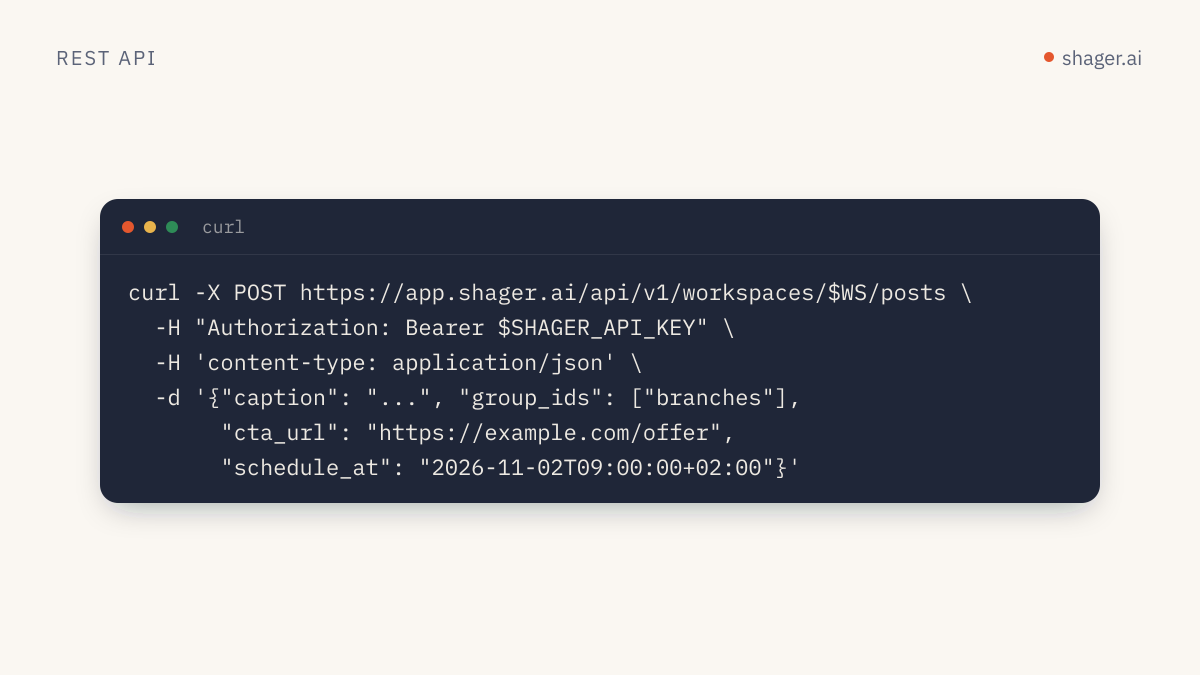
This is the most common pattern among agencies that live in ChatGPT. The model does what it's good at, which is writing forty variations of a caption. A twenty-line script does the delivery through Shager's REST API at https://app.shager.ai/api/v1, which the OpenAPI document describes in full.
Ask ChatGPT for structured output you can paste into a file:
For each account below, write a caption for our Saturday walk-in hours post.
Vary the opening line and mention the town. Keep facts identical.
Return only JSON: [{"channel_id": "...", "caption": "..."}]
Accounts: <paste the id and name list from list_channels>
Then push it as a draft:
import json, os, requests

API = "https://app.shager.ai/api/v1"
H = {"Authorization": f"Bearer {os.environ['SHAGER_API_KEY']}"}
WS = os.environ["SHAGER_WORKSPACE_ID"]

captions = json.load(open("captions.json"))

r = requests.post(f"{API}/workspaces/{WS}/posts", headers=H, json={
    "caption": captions[0]["caption"],
    "channel_ids": [c["channel_id"] for c in captions],
    "per_channel": captions,
    "cta_url": "https://cedarclinics.example/walk-in",
    "campaign": "walk-in-sat",
    "first_comment": "Hours and directions: https://cedarclinics.example/walk-in",
}, timeout=60)

body = r.json()
if not r.ok:
    raise SystemExit(f"{body['error']['code']}: {body['error']['message']}")
print("draft", body["data"]["id"], body["data"]["status"])
The per_channel array accepts objects with channel_id and caption (plus optional first_comment and format), so ChatGPT's JSON drops straight in. The cta_url gets a separate short link and UTM per account, with utm_content naming the account, which is what makes the results attributable later.
Which route fits which team?
| Situation | Route |
|---|---|
| You want an agent with tools in a terminal or IDE today | Codex with bearer_token_env_var |
| You're building your own product or agent on OpenAI models | Responses API with the mcp tool, or plain REST |
| Your team writes in ChatGPT and won't leave it | ChatGPT for captions, script for delivery |
| You want Shager inside the ChatGPT app itself | Wait for Shager's OAuth for MCP |
What changes when Shager's OAuth ships?
You'll be able to add https://app.shager.ai/api/mcp as a custom MCP server in ChatGPT and sign in with your Shager account, the way OpenAI's guide to connecting from ChatGPT describes for authenticated servers. Each person connects with their own account rather than sharing a key. Scopes and the audit log stay the same, and so do the tools, which match the REST operations one to one.
FAQ
Is there any way to use an API key in ChatGPT's connector settings?
Not according to OpenAI's authentication guide for apps in ChatGPT, which lists OAuth and no-auth modes and says ChatGPT cannot present custom API keys. Treat any workaround that exposes your key behind an open endpoint as a security problem, not a fix.
Will Shager work in ChatGPT on mobile once OAuth is live?
That depends on where ChatGPT allows custom MCP servers at the time, which is OpenAI's decision and has changed during rollout. Check OpenAI's current documentation when Shager's OAuth ships rather than relying on today's behavior.
Do I need a paid Shager plan to try any of these routes?
No. API and MCP access are included on every plan, including Free with three accounts, and there's a 14-day trial with no card. The pricing page has the account limits per plan.
Next step
If you're going the code route, the fastest way to get oriented is the REST API quickstart, which goes from a fresh key to a tracked multi-account draft in six calls.