From Client Brief to Published Posts: A Full Week Run by an Agent, Call by Call
A worked example of one client week through Shager: brief, media upload, per-account drafts, review, client approval, scheduling, delivery checks and reporting.
8 min read
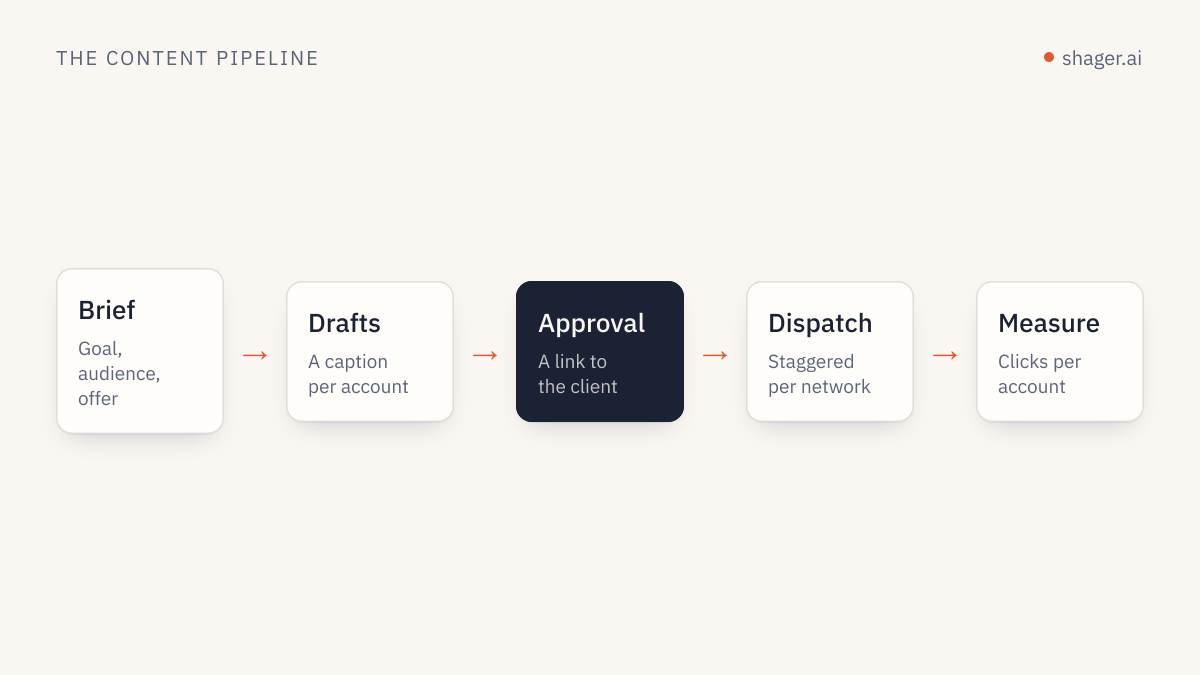
Getting from a client brief to published posts with an agent takes eight stages: confirm access and the workspace, check the connected accounts, upload media, plan, draft with per-account captions, review, get client approval, then schedule and verify. The agent does the volume work in every stage. A human makes three decisions: approving the plan, granting the right to publish, and, where the client wants it, the client's own sign-off through an approval link.
What follows is one realistic week for a fictional client, with every Shager call the agent makes, in order. The client, Harbor Coffee, has 14 cafes, each with a Facebook Page and an Instagram professional account, plus one YouTube channel for the brand.
Monday morning: the brief arrives
The account manager drops a brief into the client's context folder: a new autumn drink, a launch on Thursday, a 20 percent discount for the first weekend, a 25 second vertical video and two photos hosted on the client's CDN. Nothing else. The agent's standing instructions forbid it from inventing anything the brief does not say, so the discount, the date and the product name are the only facts it will use.
The session starts inside the client's folder, so the agent has the agency rules and Harbor Coffee's voice file loaded, and nothing about other clients. Why that matters is covered in one agent, many clients.
Stage 1: confirm who and where
whoami            -> organization, claimed or sandbox, key scopes
list_workspaces   -> "Harbor Coffee" (ws_harbor), timezone Europe/London
whoami answers two questions before any work: is this organization claimed, and does the key have publish? If it is an unclaimed sandbox, the agent can still upload and draft, but scheduling and approval requests will fail with a clear error until a human claims it. The claim process is described in /auth.md.
Stage 2: check the accounts
list_channels ws_harbor  -> 29 channels: 14 Facebook, 14 Instagram, 1 YouTube
list_groups   ws_harbor  -> "All cafes FB", "All cafes IG", "Brand YouTube"
The agent looks at each channel's status. One Instagram account shows as disconnected. Rather than drafting around it silently, the agent creates a connect link for that cafe's manager:
{
  "tool": "create_connect_link",
  "arguments": { "workspace_id": "ws_harbor", "label": "Harbor Quayside, Instagram reconnect" }
}
The account manager forwards the link. The cafe manager signs in to Instagram through it, without a Shager account, and the account returns to list_channels later that day.
Stage 3: upload media
Three calls, one per asset. The video carries its dimensions and duration so Reels and Shorts validation can run now rather than at publish time.
{
  "tool": "upload_media_from_url",
  "arguments": {
    "workspace_id": "ws_harbor",
    "url": "https://cdn.harbor-coffee.example/autumn/launch.mp4",
    "file_name": "autumn-launch.mp4",
    "width": 1080, "height": 1920, "duration_ms": 25000
  }
}
The two photos go up the same way, without the video fields.
Stage 4: plan, then wait
The agent proposes a plan instead of drafting immediately:
| Day | Post | Format | Target |
|---|---|---|---|
| Tue | Teaser photo | FEED | All cafes FB, All cafes IG |
| Thu | Launch video | REEL / SHORT | All cafes FB, All cafes IG, Brand YouTube |
| Sat | Discount reminder photo | FEED | All cafes FB, All cafes IG |
The account manager replies "go", moving the Saturday post to Friday afternoon. One message, and a weak plan never turns into 85 per-account captions.
Stage 5: draft with per-account captions
Each planned post becomes one create_post call without schedule_at, which saves a draft. The launch post shows the full shape:
{
  "tool": "create_post",
  "arguments": {
    "workspace_id": "ws_harbor",
    "group_ids": ["grp_all_fb", "grp_all_ig", "grp_brand_yt"],
    "media_ids": ["med_launch"],
    "caption": "The autumn drink is here. 20% off this weekend.",
    "youtube_title": "Harbor Coffee autumn drink, first pour",
    "youtube_privacy": "public",
    "cta_url": "https://harbor-coffee.example/autumn",
    "campaign": "autumn-launch",
    "label": "Harbor autumn launch video",
    "first_comment": "Find your nearest Harbor and the weekend offer: https://harbor-coffee.example/autumn",
    "per_channel": [
      { "channel_id": "ch_fb_quayside", "format": "REEL",
        "caption": "Quayside regulars, it's here. Autumn's first pour, 20% off this weekend." },
      { "channel_id": "ch_ig_quayside", "format": "REEL",
        "caption": "First pour at Quayside. 20% off all weekend, details in bio." },
      { "channel_id": "ch_yt_brand", "format": "SHORT",
        "caption": "The new Harbor autumn drink, poured for the first time." }
    ]
  }
}
In the real call per_channel has 29 entries, each caption anchored in that cafe. Every URL in the captions and comments becomes a short link unique to that account at publish time, with utm_content identifying the account, so the agent writes plain URLs. The craft of varying captions is in caption variation per account with AI.
Stage 6: review in a separate pass
A second session, running a reviewer prompt with read-only tools, calls list_posts with status set to DRAFT and get_post on each. It checks for duplicate captions, facts not in the brief, links placed where they will not be clickable, and video formats on non-vertical media. This time it flags two Instagram captions that say "link below" when the link is in the bio. The drafting agent fixes them by creating corrected drafts, and the old ones are left out of scheduling.
Stage 7: client approval
Harbor Coffee's workspace has approval_required set, so nothing can be scheduled until the client approves. The agent sends each draft for approval:
{
  "tool": "request_approval",
  "arguments": {
    "workspace_id": "ws_harbor",
    "post_id": "pst_launch",
    "reviewer_name": "Dana, Harbor Coffee marketing",
    "reviewer_email": "dana@harbor-coffee.example",
    "send_email": true
  }
}
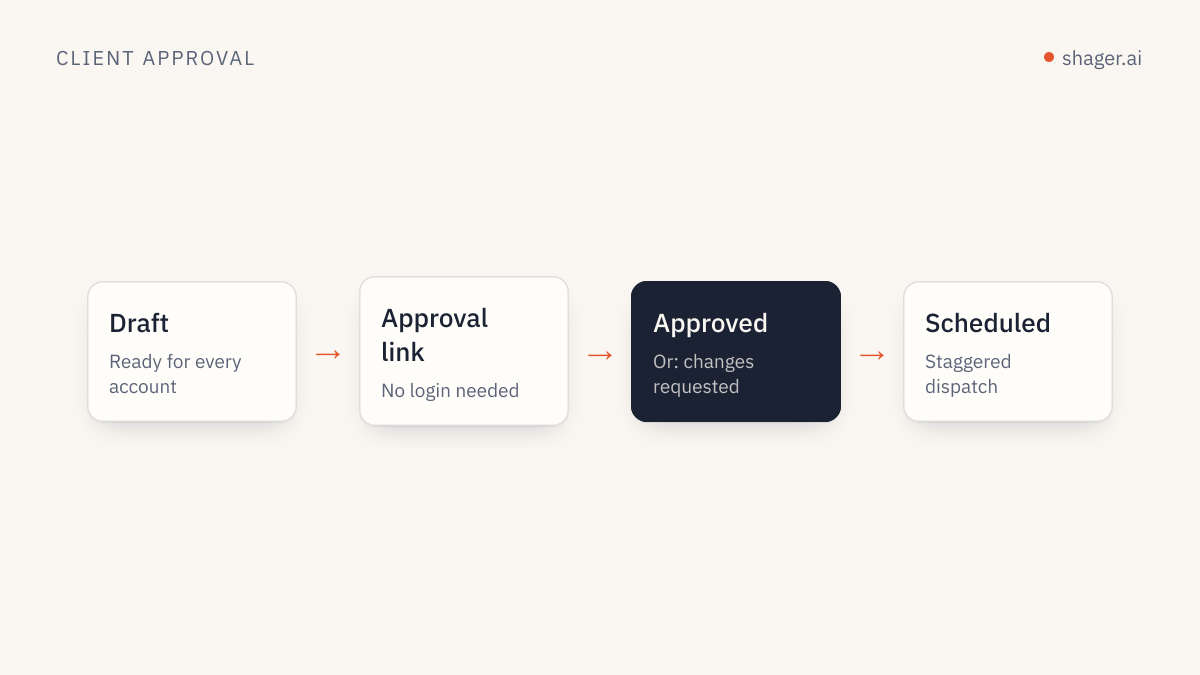
The client opens the link, reviews the post, and approves without logging in. The post's status moves through IN_REVIEW to APPROVED, or to CHANGES_REQUESTED, in which case the agent revises and resubmits. The design of good approval rules is covered in human approval for agent posts.
Stage 8: schedule and verify
Once approved, the scheduling step runs with a key that has the publish scope. The agent computes each time in the workspace zone, with the offset for that date:
{
  "tool": "schedule_post",
  "arguments": {
    "workspace_id": "ws_harbor",
    "post_id": "pst_launch",
    "schedule_at": "2026-10-15T08:30:00+01:00"
  }
}
With 14 accounts on each of Facebook and Instagram and the default stagger of 30 to 90 seconds, each network's run takes roughly 13 minutes, and the two networks run in parallel. On Thursday at 9:15 the agent calls get_post. Twenty-eight accounts show as published with live URLs. One shows a permission error. The agent reports the account by name and suggests a fresh connect link; it does not retry blindly.
The following Monday: the report
The same week closes with the report: list_posts for what went out, get_post for per-account outcomes, and get_analytics for clicks per account and per post across the week, joined to CRM leads on utm_content when the client shares them. The full setup, including running it unattended, is in the weekly client report by agent.
Who did what
| Stage | Agent | Human |
|---|---|---|
| Access and workspace | Checks and states it | |
| Accounts | Finds the broken one, creates the link | Forwards the link |
| Media and plan | Uploads, proposes | Says "go" |
| Drafts and review | Writes 85 captions, reviews them | |
| Approval | Sends the links | Client approves |
| Scheduling | Computes times, schedules | Granted publish once |
| Delivery and report | Verifies, reports | Reads the report |
FAQ
How long does a week like this take a human?
The human decisions in this example are a few messages and one approval. The exact time depends on the client and how much back and forth the plan needs. What changes is the kind of work: reviewing and deciding instead of typing captions and building links.
Can the agent skip client approval for routine posts?
Only if the workspace does not require it. approval_required is set per workspace, so a client who signs off on a monthly plan can have it off, while a cautious client keeps it on. The agent cannot change that setting for an existing workspace on its own.
What if the client requests changes after approval?
If the post has not started publishing, the agent calls cancel_post, which returns it to an approved draft, then creates a corrected version and sends it for approval again. Once publishing has started, changes on the networks themselves are a manual job.
Where to go next
Run this sequence on one client with a small group of accounts before you point it at everything. If your agent is not connected yet, the agent entry point covers the MCP server, the REST API and self-signup.