Build a Claude Skill for Shager: SKILL.md, Folder Layout and the Rules That Make Multi-Account Posting Repeatable
Package Shager distribution as a Claude Agent Skill: frontmatter that triggers well, reference files, a REST helper script, and where the skill should live.
8 min read
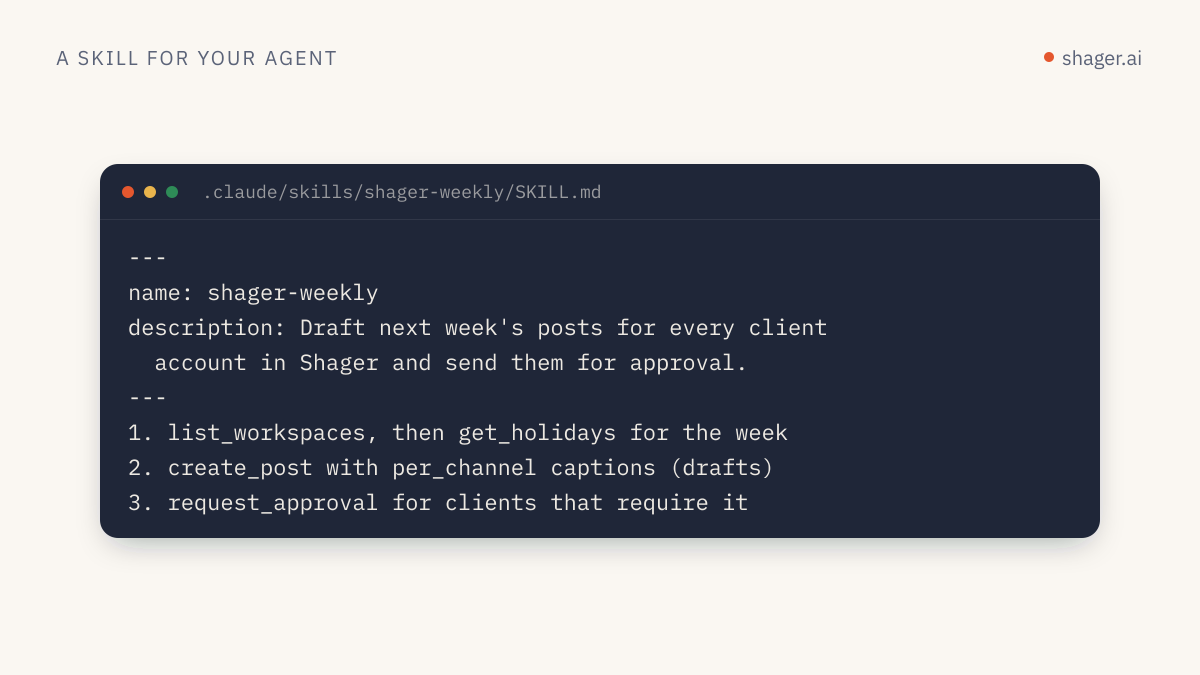
A Claude skill for Shager is a folder with a SKILL.md file whose YAML frontmatter has a name and a description, followed by instructions that tell Claude how to run distribution through Shager's tools: which calls to make, in what order, and which rules never bend. Put it in ~/.claude/skills/shager-distribution/ for yourself or .claude/skills/shager-distribution/ in a repo for your team, and Claude Code loads it when a request matches, or when you type /shager-distribution.
The connection to Shager is the easy part. The skill is where you encode the judgment: caption variation, tracked links, drafts by default, and what to do when the API says no.
Why write a skill instead of a long prompt?
Because the prompt you perfect on Tuesday is gone by Thursday, and the teammate who didn't see it writes a worse one. Anthropic's Agent Skills overview describes skills as filesystem resources that load on demand. Only the name and description sit in context until the skill triggers. Then SKILL.md is read, and any extra files it points to are read only when needed. So you can afford detailed instructions without paying for them in every conversation.
For Shager specifically, the procedure is stable while the content changes every week. That's the profile of a good skill.
What are the rules for SKILL.md frontmatter?
From the same overview page, name and description are required. name is at most 64 characters, lowercase letters, numbers and hyphens only, and can't contain the reserved words "anthropic" or "claude". description is non-empty, at most 1,024 characters, and must say both what the skill does and when to use it, because that's what Claude matches requests against.
Claude Code adds optional fields, documented in Use Skills in Claude Code: allowed-tools for tools Claude may use without asking while the skill is active, disable-model-invocation to make it manual only, argument-hint for autocomplete, and others. The directory name, or name when set, becomes the slash command.
What should the folder look like?
shager-distribution/
  SKILL.md
  reference/
    tools.md
    errors.md
  scripts/
    shager.py
SKILL.md holds the procedure. reference/tools.md holds the field-level detail for create_post and upload_media_from_url, read only when Claude needs it. scripts/shager.py is an optional REST fallback for environments without the MCP server. The Claude Code docs recommend keeping SKILL.md under 500 lines and moving detail into separate files, which is exactly this split.
Shager also publishes a maintained skill file at https://shager.ai/skills/shager/SKILL.md. It's a good starting point to read before writing your own; the version below adds agency-specific rules.
The SKILL.md
---
name: shager-distribution
description: Distribute a post or video to many social accounts through Shager (Facebook Pages, Instagram professional accounts, YouTube channels). Use when the user asks to post, schedule, draft or distribute content to client accounts, account groups or "all locations", or asks which account drove clicks.
argument-hint: "[workspace] [brief or media URL]"
allowed-tools: mcp__shager__whoami mcp__shager__list_workspaces mcp__shager__list_channels mcp__shager__list_groups mcp__shager__get_post mcp__shager__list_posts mcp__shager__get_analytics
---

# Shager distribution

## Before anything
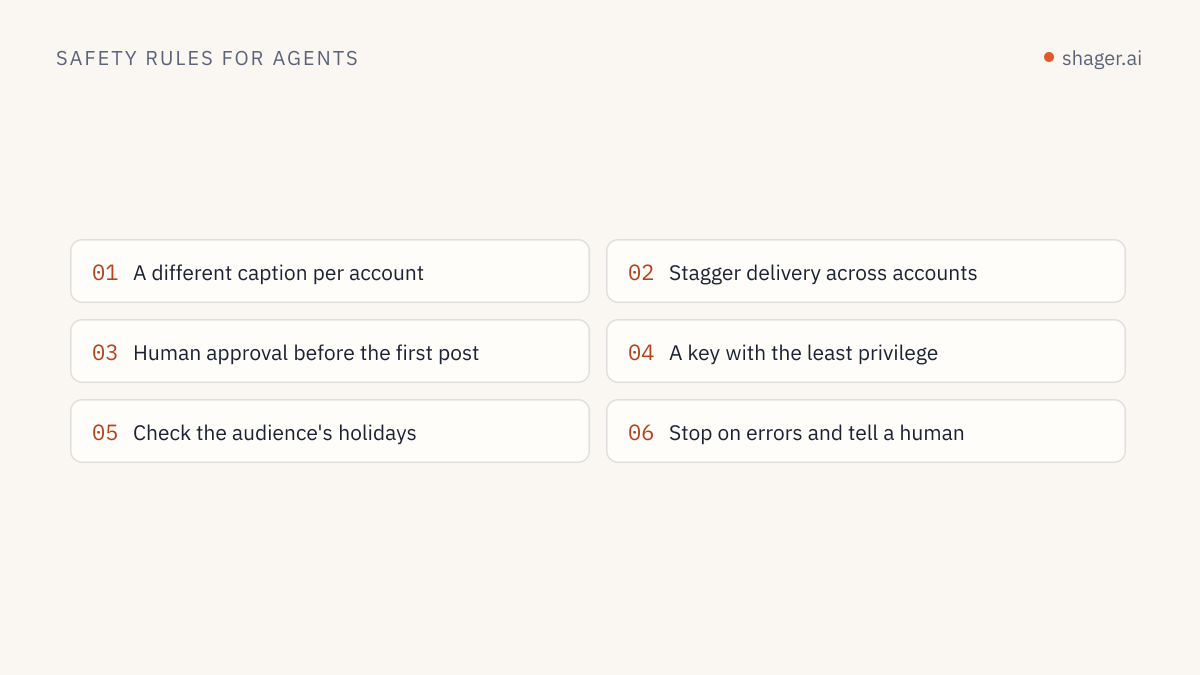
1. Call whoami. Note the scopes and whether this is a sandbox.
2. Resolve the workspace by name with list_workspaces. If two match, ask.
3. Call list_channels and list_groups. Only target channels with status ACTIVE.

## Building the post
1. Media: call upload_media_from_url. For vertical video pass width,
   height and duration_ms so Shager can validate Reels, Shorts and Stories.
2. Captions: write one caption per channel in per_channel. Keep facts,
   prices and dates identical; vary the opening line, structure and the
   local detail (city, branch, presenter) taken from the channel name.
3. Links: never paste a raw URL into captions. Pass it as cta_url so each
   account gets its own short link and UTM tags. Put the call to action
   in first_comment for Facebook and YouTube. Instagram does not make
   comment links clickable, so for Instagram channels mention "link in bio".
4. Set campaign to a lowercase slug, e.g. "spring-open-day-2026".
5. Set label to something a human will recognize in the calendar.

## Drafts by default
Create the post WITHOUT schedule_at unless the user gave an explicit date
and time in this conversation. Show a table of channel, network, format and
the first line of each caption, and wait for confirmation.

## Scheduling
Only when confirmed: call schedule_post with schedule_at in ISO 8601 with
the workspace's UTC offset. If the workspace requires approval, call
request_approval instead and return the approval_url to the user.

## When Shager says no
Read error.code, do not retry blindly. See reference/errors.md.

## Reporting
For "how did it do", call get_analytics for the date range and present
clicks by account, highest first, plus the top posts.

Field details for create_post: reference/tools.md
A few decisions in there are worth defending.
The allowed-tools list contains only read operations. create_post, schedule_post, request_approval and cancel_post still prompt for permission in Claude Code, so a human sees each write. MCP tools are named mcp__<server>__<tool>, which assumes you registered the server as shager as in connecting Shager to Claude Code.
The Instagram line reflects how the network behaves: links in captions and comments aren't clickable there. The first comment with the tracked link earns its keep on Facebook Pages and YouTube.
"Drafts by default" is enforced twice. Once in the instructions, and again by giving the skill's environment a key without the publish scope. Instructions guide; scopes enforce.
reference/errors.md
# Shager error codes

401 unauthorized: key missing or malformed. Stop and tell the user.
403 forbidden: key lacks a scope. If scheduling, say a human must schedule
    or grant publish at app.shager.ai/dashboard/agents.
403 sandbox_unclaimed: show the claim link from signup; nothing else to do.
404 not_found: re-list channels or posts; ids are per workspace.
409 not_scheduled: the post is not scheduled; get_post and report status.
422 rejected: a network rule failed. Quote the message, fix the input
    (length, format, media), and try once more.
429 rate_limited: wait 60 seconds, then continue. Never loop per account.
scripts/shager.py: the REST fallback
When MCP isn't configured, the skill can still work through the REST API, described in the OpenAPI document. A small helper keeps Claude from improvising HTTP code each time:
#!/usr/bin/env python3
"""Usage: shager.py METHOD PATH [JSON_BODY]
Example: shager.py GET /workspaces
         shager.py POST /workspaces/WS_ID/posts '{"caption": "..."}'"""
import json, os, sys, requests

API = "https://app.shager.ai/api/v1"

def main():
    method, path = sys.argv[1].upper(), sys.argv[2]
    body = json.loads(sys.argv[3]) if len(sys.argv) > 3 else None
    r = requests.request(
        method, f"{API}{path}",
        headers={"Authorization": f"Bearer {os.environ['SHAGER_API_KEY']}"},
        json=body, timeout=90,
    )
    payload = r.json()
    if not r.ok:
        e = payload["error"]
        print(json.dumps({"status": r.status_code, "code": e["code"], "message": e["message"]}))
        sys.exit(1)
    print(json.dumps(payload["data"], indent=2))

if __name__ == "__main__":
    main()
Add one line to SKILL.md such as "If the shager MCP tools are unavailable, run scripts/shager.py with the same operation paths", and list the paths in reference/tools.md. The overview page notes that when Claude runs a bundled script, only its output enters context, not the code.
Where should the skill live?
| Surface | Location | Can it reach Shager? |
|---|---|---|
| Claude Code, personal | ~/.claude/skills/shager-distribution/ |
Yes, via MCP or the script. Skills there have the same network access as any program on your machine |
| Claude Code, team | .claude/skills/shager-distribution/ committed to a repo |
Yes, same as above |
| claude.ai | Uploaded as a zip in Settings, Features | Network access varies by user and admin settings |
| Claude API | Uploaded through the Skills API | No: skills on the API run without network access |
That last row comes straight from the overview's runtime constraints, and it surprises people. On the API, use Shager's MCP server or your own tool calls for the network side, and keep the skill to instructions. Also note that custom skills don't sync between surfaces; a skill uploaded to claude.ai isn't in Claude Code.
How do you test it?
- Ask something that should trigger it without naming it: "Draft this week's open-day post for all Harbor Fitness locations." Check that Claude reads the skill.
- Ask something that shouldn't: "What's a good caption length for Reels?" The skill should stay out.
- Run
/shager-distribution Harbor Fitness https://example.com/clip.mp4and check that it stops at the draft table. - Use a key without
publishand ask it to schedule. It should explain the 403 instead of looping.
FAQ
Can the skill's name include "claude"?
No. Anthropic's skill rules reserve the words "anthropic" and "claude" in the name field. Use something like shager-distribution; the title of your docs can still say it's a Claude skill.
Should the skill store the API key?
No. Keep the key in the MCP client config or an environment variable such as SHAGER_API_KEY. A skill is a shareable folder and often ends up in git; a key inside it ends up leaked.
Does the same skill work in Cursor or Codex?
The SKILL.md format is Anthropic's, but the instructions inside are plain text. Teams often paste the body into Cursor rules or a Codex prompt file. The tool names are the same in every client because they come from Shager's MCP server.
Next step
A skill that drafts on request is the foundation. The next article turns it into a weekly distribution routine that plans the week, drafts every client's posts, routes approvals and reports clicks, with the human checkpoints in the right places.