Scheduling Strategy for Agents: Time Zones, Staggering and Not Flooding Forty Pages at 9:00
How an AI agent should schedule posts across many accounts: ISO 8601 offsets, time zones and DST, stagger math, splitting groups across days, and safe cancels.
7 min read
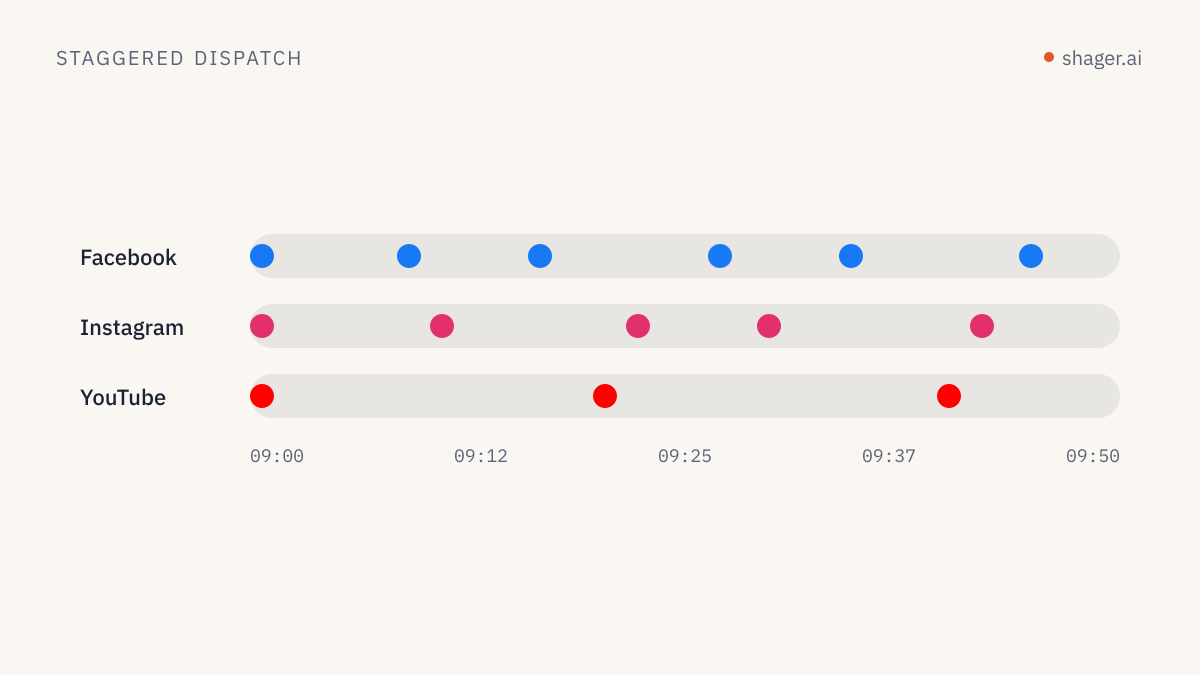
A good scheduling strategy for an agent comes down to three rules: always send times as ISO 8601 with an explicit offset computed from the client's time zone, let the platform stagger dispatch per account instead of firing everything at once, and split large account lists across separate posts and times rather than one giant run. Draft first, schedule as a separate step, and keep cancellation cheap.
Everything below is about making those rules concrete, with the exact fields Shager expects.
Why do agents get time wrong?
Language models are bad at clocks. They do not know what time it is unless you tell them, they happily write 2026-11-02T09:00:00 with no offset, and they convert between zones in their head. Each of those is a source of posts going out at 7:00 instead of 9:00.
Shager closes one door by refusing ambiguity: schedule_at must be ISO 8601 with an offset, for example 2026-10-20T09:00:00+03:00. A timestamp without Z or an offset fails validation. That format is the profile defined in RFC 3339, and it is worth telling your agent so by name in its instructions.
The other door is the offset itself. +03:00 is correct for Israel in October and wrong in December. Offsets change with daylight saving time, and the change dates differ between Israel, the EU and the US. The agent should never hardcode an offset. It should resolve the client's zone name through the IANA time zone database, which every mainstream language ships, and compute the offset for the specific date.
from datetime import datetime
from zoneinfo import ZoneInfo

local = datetime(2026, 11, 2, 9, 0, tzinfo=ZoneInfo("Europe/Berlin"))
print(local.isoformat())   # 2026-11-02T09:00:00+01:00
Each Shager workspace also has a timezone, an IANA zone name set when the workspace is created (the default is Asia/Jerusalem). Make the agent read it and use it. When you run one agent across many clients, the clients will not all share a zone, and the workspace is the one place that records which zone each client lives in.
Draft, then schedule
create_post can schedule immediately if you pass schedule_at. I rarely let agents do that on client work. The safer pattern is two calls:
create_postwithoutschedule_at, which saves a draft.schedule_postwith the post ID and the time, once a human or a rule has cleared it.
{
  "tool": "schedule_post",
  "arguments": {
    "workspace_id": "ws_example",
    "post_id": "pst_example",
    "schedule_at": "2026-10-20T09:00:00+03:00"
  }
}
There is a permission reason too. In Shager, scheduling needs the publish scope on the API key, while drafting needs only write. A human grants publish explicitly when claiming an agent's sandbox, and can create keys without it. That split lets you give a drafting agent wide freedom and keep the final step behind a person. The details are in API keys, scopes and audit.
schedule_post also does a useful thing on failure: if any account would reject the post, or client approval is required and missing, it fails with a clear reason instead of scheduling a run that will half fail.
How long does a staggered run actually take?
Shager publishes account by account with a random pause between accounts of the same network. The stagger_seconds field sets that range, default [30, 90]. Networks run in parallel, so the length of a run is driven by the network with the most accounts.
The arithmetic is simple enough for an agent to do before it picks a time:
| Accounts on the largest network | Stagger | Average gap | Approximate run length |
|---|---|---|---|
| 10 | [30, 90] | 60 s | about 9 minutes |
| 40 | [30, 90] | 60 s | about 39 minutes |
| 40 | [60, 180] | 120 s | about 78 minutes |
| 120 | [30, 90] | 60 s | about 2 hours |
That last row is the one that surprises people. If a client says "everything must be live by 10:00" and you have 120 Facebook Pages, a 9:00 schedule does not satisfy it. Either start earlier or split the run.
Do not respond to a deadline by shrinking the stagger to [0, 5]. The pause exists so that a mass run does not look like a burst from one source. Our article on avoiding spam blocks when posting at scale explains why pacing matters more than any single caption.
Split by group, not by hour
For large clients, the stronger pattern is one post per account group, each with its own time. A retail chain with 90 branch pages might be grouped by region. The agent creates three posts, one per region group, with schedules on different mornings or spread across a day.
{
  "tool": "create_post",
  "arguments": {
    "workspace_id": "ws_example",
    "group_ids": ["grp_north"],
    "caption": "Winter hours start Sunday at every northern branch.",
    "per_channel": [
      { "channel_id": "ch_fb_haifa", "caption": "Haifa branch: winter hours start Sunday. We open at 8:30." }
    ],
    "campaign": "winter-hours",
    "stagger_seconds": [60, 150]
  }
}
Groups are created with create_group, which takes a name and a list of channel_ids. Every active channel in a group is added when you target the group.
Network limits the agent should respect
The networks themselves cap how much an account can publish through their APIs. Meta documents a per-account limit on API-published Instagram posts within a rolling 24 hour window and exposes a content_publishing_limit endpoint to check current usage. YouTube allocates API quota per project, with a default of 10,000 units per day, and uploads are among the most expensive operations.
Shager handles the dispatch side, but the planning side belongs to the agent. An account that gets six posts in a day is a strategy problem before it is an API problem. I give agents a simple house rule: no more than one feed post per account per day unless a human says otherwise.
Calendars, holidays and quiet days
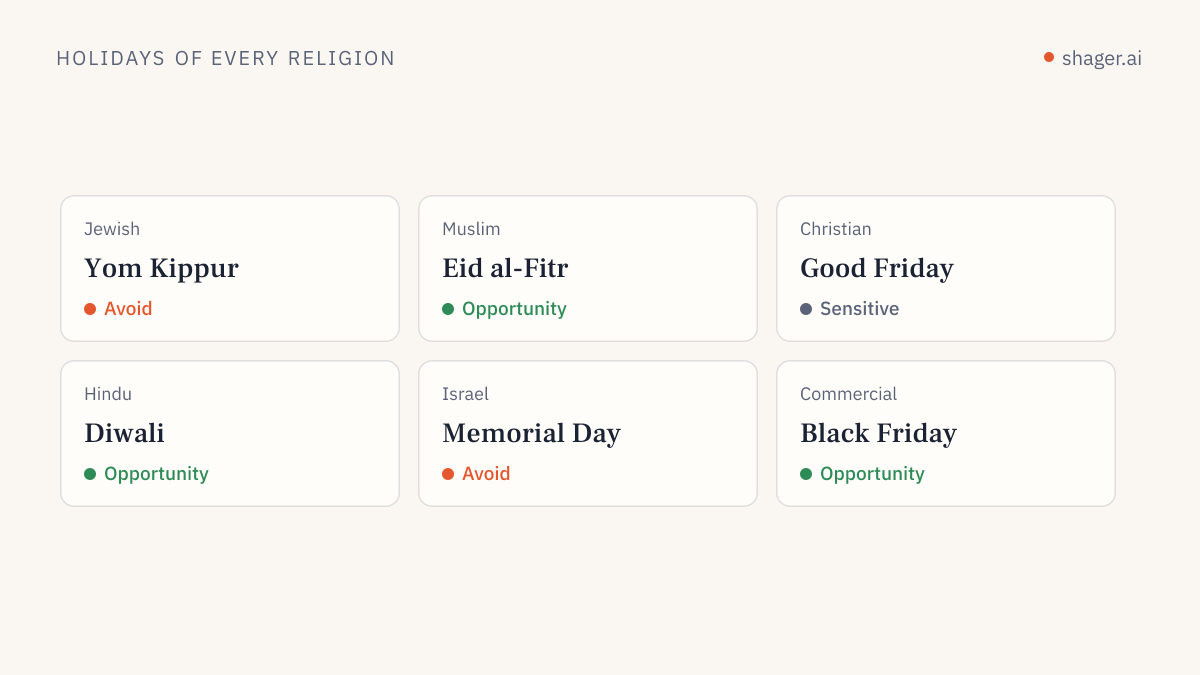
Shager's calendar includes Israeli holidays, which matters for Israeli clients where a post scheduled for the eve of a major holiday lands on an audience that is offline. For clients elsewhere, give the agent the client's own calendar of closures and events in its instructions. Models know roughly when public holidays fall; they do not know that this client's warehouse closes for inventory on the last Friday of the quarter.
Cancelling and moving
cancel_post unschedules a post that has not started publishing. It does not delete it: the post goes back to being an approved draft, so the agent can call schedule_post again with a new time. Cancellation is for posts still waiting; once publishing has started, cancel_post no longer applies.
Before moving anything, the agent should call list_posts with status set to SCHEDULED to see what is already in the queue for that workspace. Two scheduled runs landing on the same accounts in the same hour is the most common self-inflicted mistake I see.
FAQ
What time zone does Shager use if the agent sends UTC?
A timestamp with Z is unambiguous, so Shager schedules it at that exact instant. The workspace time zone matters for how people see the schedule in the calendar and for the agent's own reasoning. Sending local time with the correct offset keeps the agent's logs readable for the humans checking them.
Can the agent schedule different accounts at different times in one post?
One post has one schedule_at, and accounts then go out in the staggered sequence. For truly different times, create separate posts, usually one per group. That also keeps reporting cleaner, since each post can carry its own label.
What is a sensible default stagger?
The default [30, 90] is reasonable for most runs. For video and for runs over about 50 accounts on one network, I widen it to something like [60, 150] and start earlier. The cost is time, not reach.
Where to go next
Put these rules into your agent's standing instructions rather than repeating them per task. The content agent prompts article has a scheduling block you can paste as is.